14 15
5) LookinBody
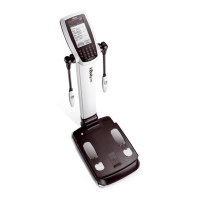
By connecting LookinBody to InBody970, you can manage your InBody data.
* If LookinBody is not recognized, please contact InBody Customer Service.
❶
Turn off InBody970.
* When InBody970 is already turned on, LookinBody might not properly connect.
❷
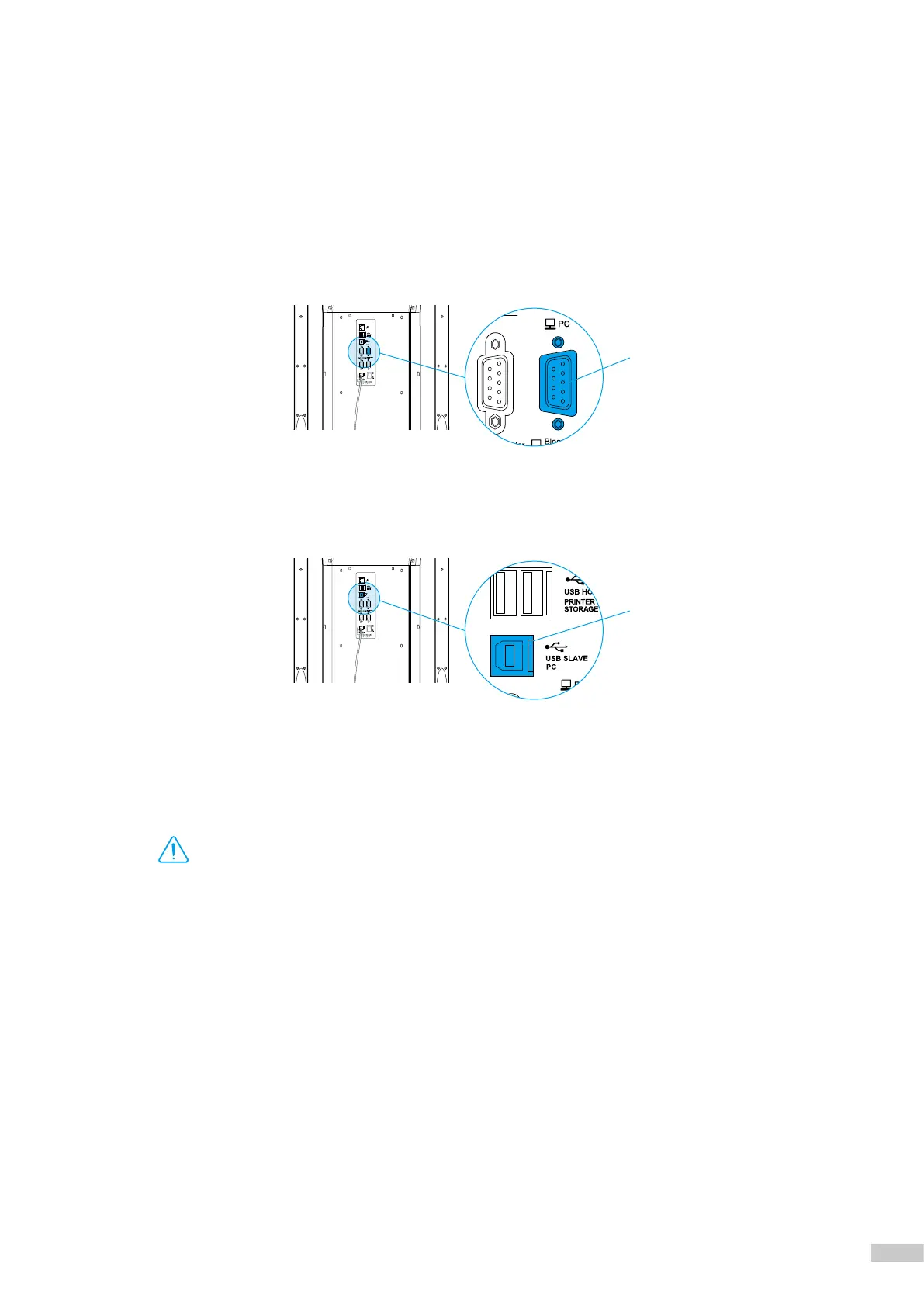
If the PC has a serial port, connect the serial cable provided with LookinBody to the PC 9-pin serial terminal on the
rear of the InBody970, and connect the other end of the serial cable to your PC.
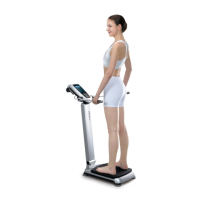
If there is no serial port on your PC, you can connect a normal USB-AB type cable to the USB SLAVE port
on the rear of InBody970 instead, and connect the other end of the USB cable to the USB port of the PC.
❸
Turn on InBody970. Then launch LookinBody installed on your PC and follow its instructions to connect to
InBody970.
USBSlavePCPort
PC9-pinSerialTerminal
• When you are connecting the cable to the device, be careful not to move or pull the device. It may cause a weight
measurement error.
• Avoid laying cables connecting to compatible devices where people frequently pass. This may cause individuals to trip
over or become injured.
• Do not connect compatible devices that are not specified from InBody to the InBody970. Otherwise, it may cause
malfunction.
Caution



 To Next Page