16 17
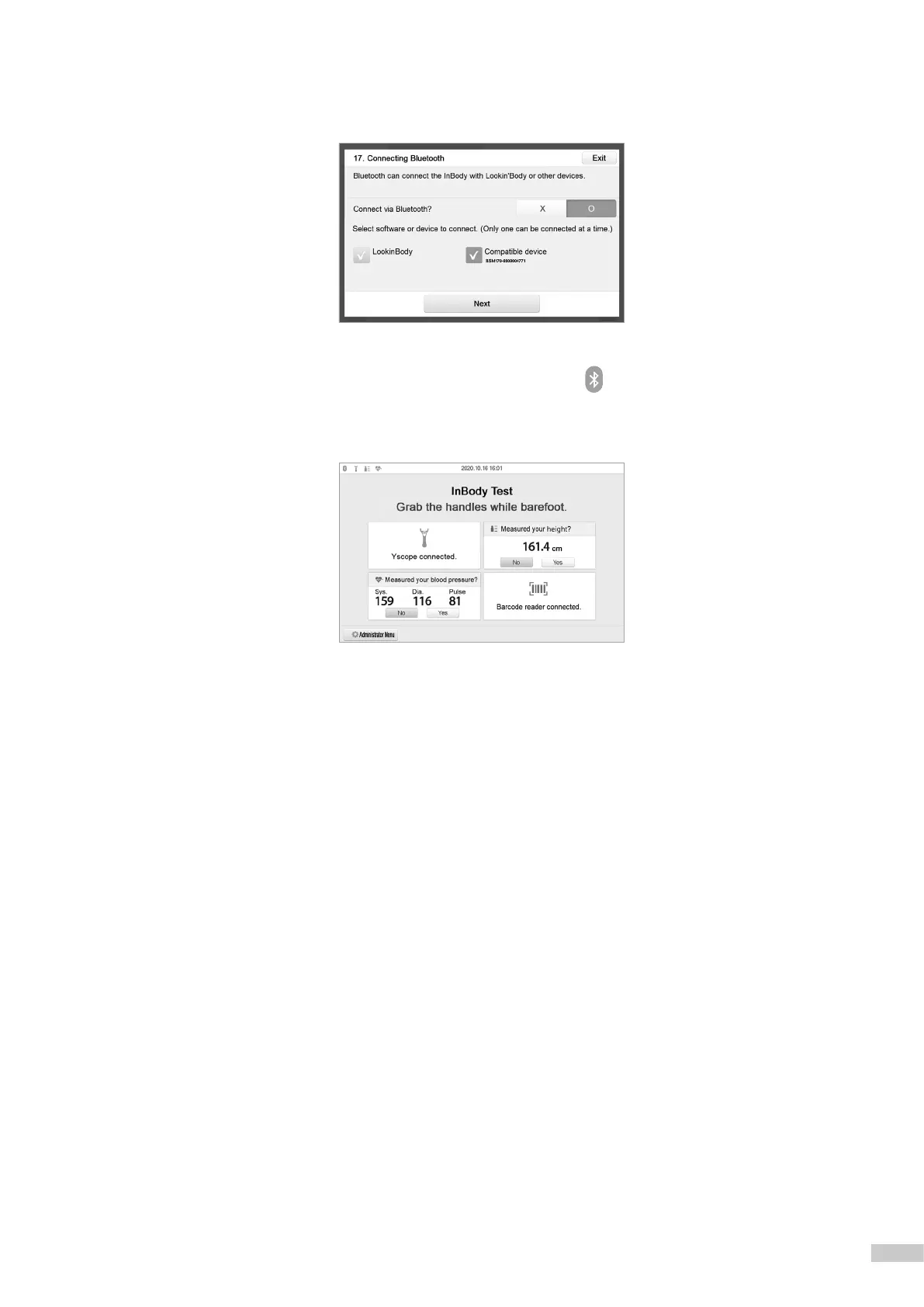
8) If the compatible device is paired properly, the Bluetooth ID of the device connected to the InBody970 will appear
as shown below.
9) Press [Exit] to return to the test standby screen, and the Bluetooth icon and the corresponding device icon will be
displayed on the upper left corner screen.
*
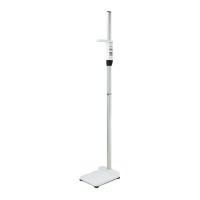
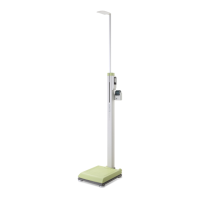
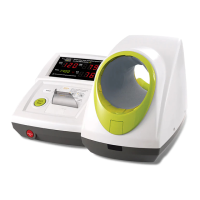
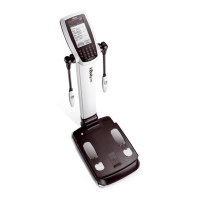
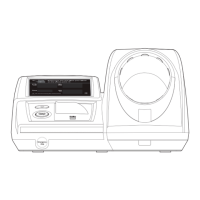
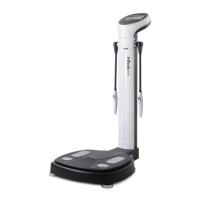
The screen below shows that InBody970 was connected with Yscope, stadiometer, blood pressure monitor, and barcode reader (USB).



 To Next Page