18 19
3. Connecting Internet
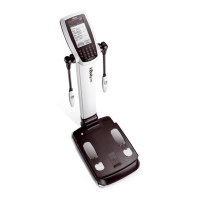
Once InBody970 is connected to the Internet, you can use it to connect the Cloud Services or LookinBody Web
* If the Cloud Service does not work or if LookinBody Web is not recognized, please contact InBody Customer Service.
1) Connecting LAN
❶
Press the [Administrator Menu] on the test standby screen.
❷
Enter the password to enter the Administrator Menu.
❸
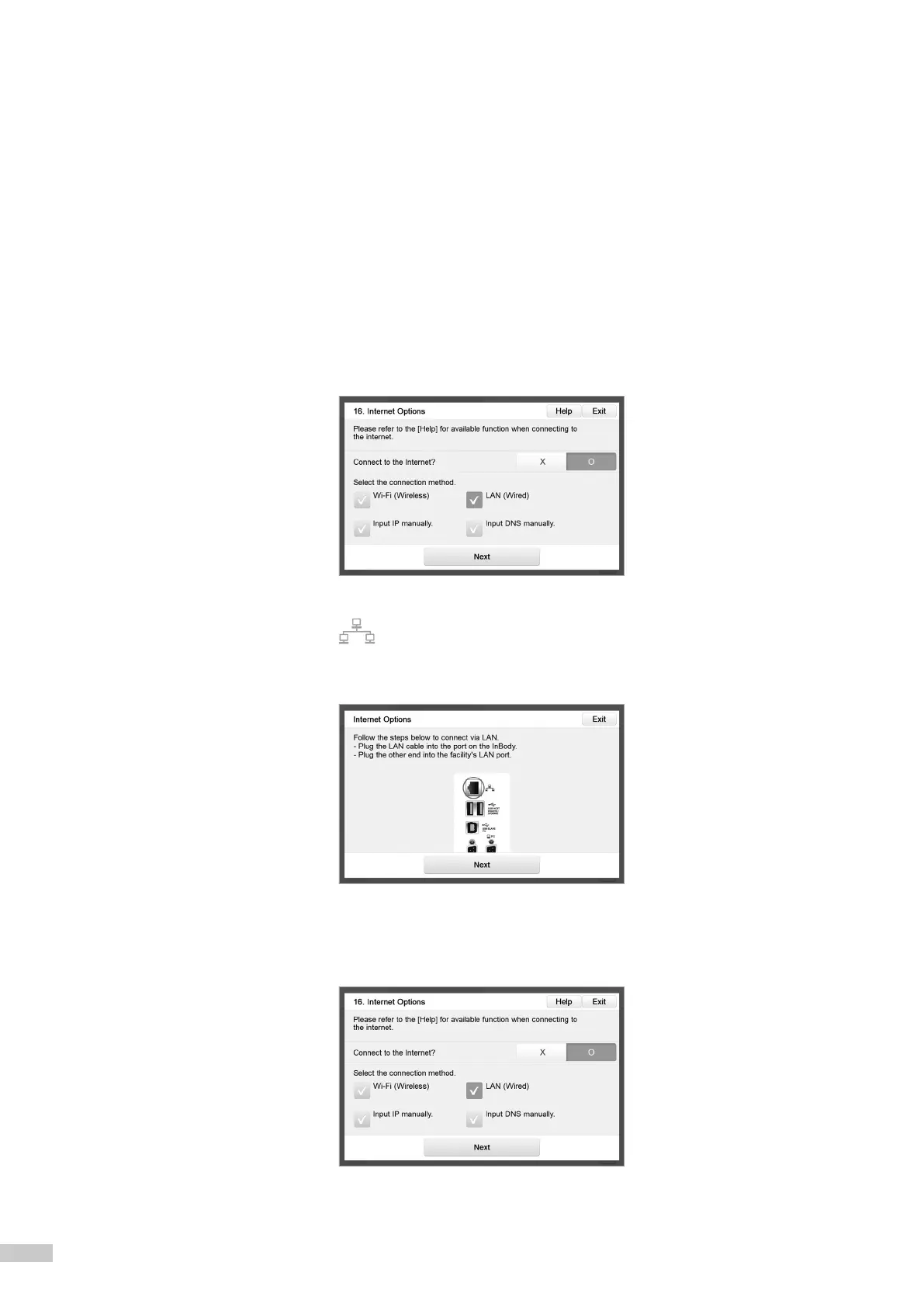
Go to "16. Internet Options" in Setup.
❹
Press LAN and then press [Next]
* You may need to enter the IP address or DNS address manually depending on the service area. In this case, press the corresponding
button to use.
❺
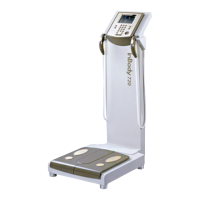
Connect the LAN cable to ( ) shape port on the rear of InBody970.
* LAN cable should be connected to a device terminal with internet service or to a connector on the wall.
❻
You can connect to LookinBody Web or use the Cloud Service through LAN after completing internet connection.



 To Next Page