11 QUICK START GUIDE INCOTEX 500F
2 – RAM test.
No
Description
Display Exit
2 RAM test is performed FrA rdY Automatic
3 – Keyboard test.
No Description Display Exit
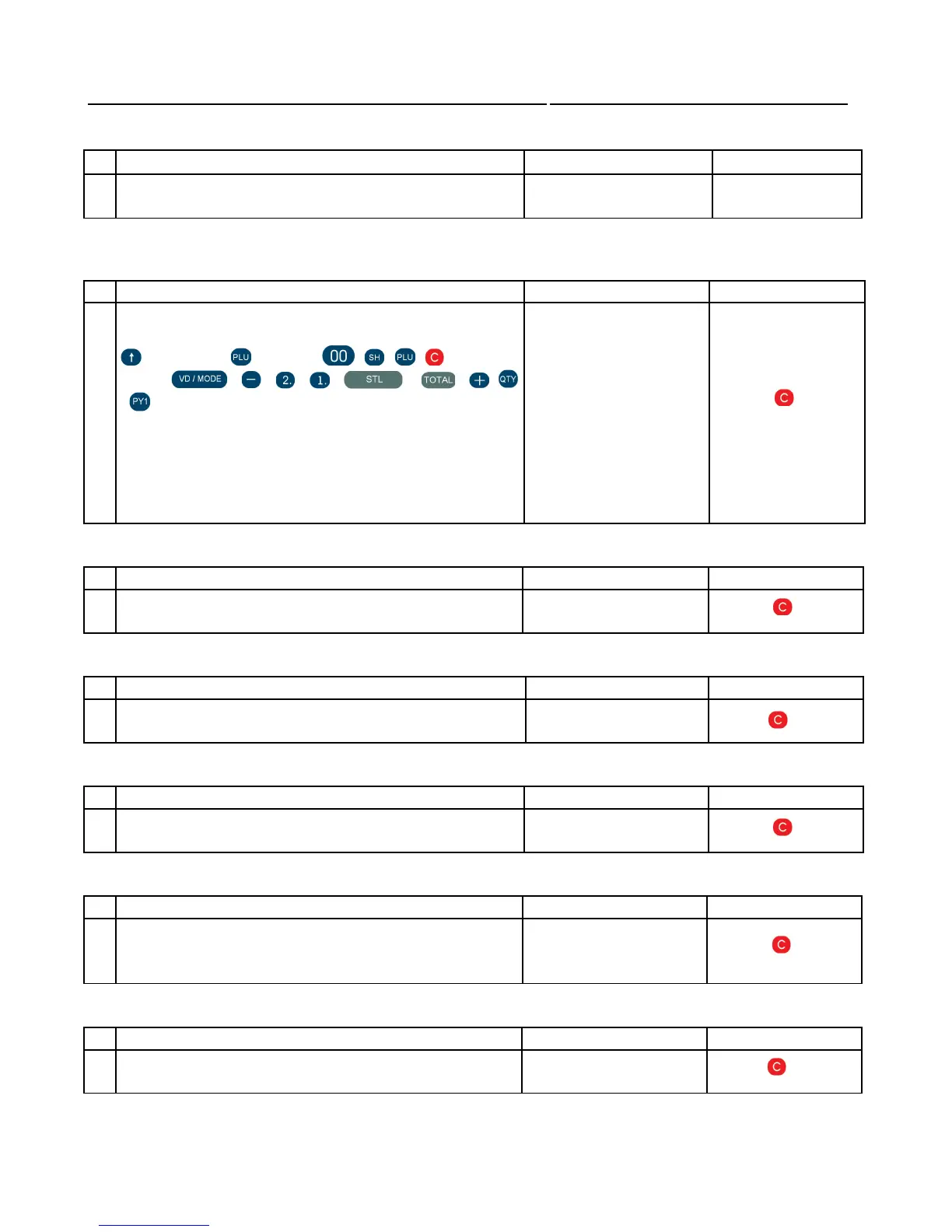
3 All the keys have to be pressed one by one in the
following sequence (by columns) :
, 7, 4 , 1, 0, , 8, 5 , 2, , + , , 9 , 6 ,
3 , . , , , , , , , ,
,
If the sequence is observed and no error is detected,
the display remains 't 3' until all the keys are
pressed. In case of an error, the test is automatically
canceled, regardless the fact if the sequence is
finished
t 3
4 – Printer error test
No Description Display Exit
4 The EFD tests the paper end sensor and the printing
head sensor
no Error
5 – Printer test
No Description Display Exit
5 The EFD prints a printout with characters and codes
every 3 seconds.
t 5
6 – FLASH test
No Description Display Exit
6 It is an overall FLASH test. If no error is detected,
*FLASH OK* is printed.
t 6
7 – Barcode scanner test.
No Description Display Exit
7 A barcode scanner is connected to the corresponding
interface input. When a barcode is scanned, the EFD
prints its numeric equivalent.
t 7
9 –FM test
No Description Display Exit
9 “FLASH OK” is printed if no error is encountered.



 To Next Page