53 QUICK START GUIDE INCOTEX 500F
6.3.4. Using batch files
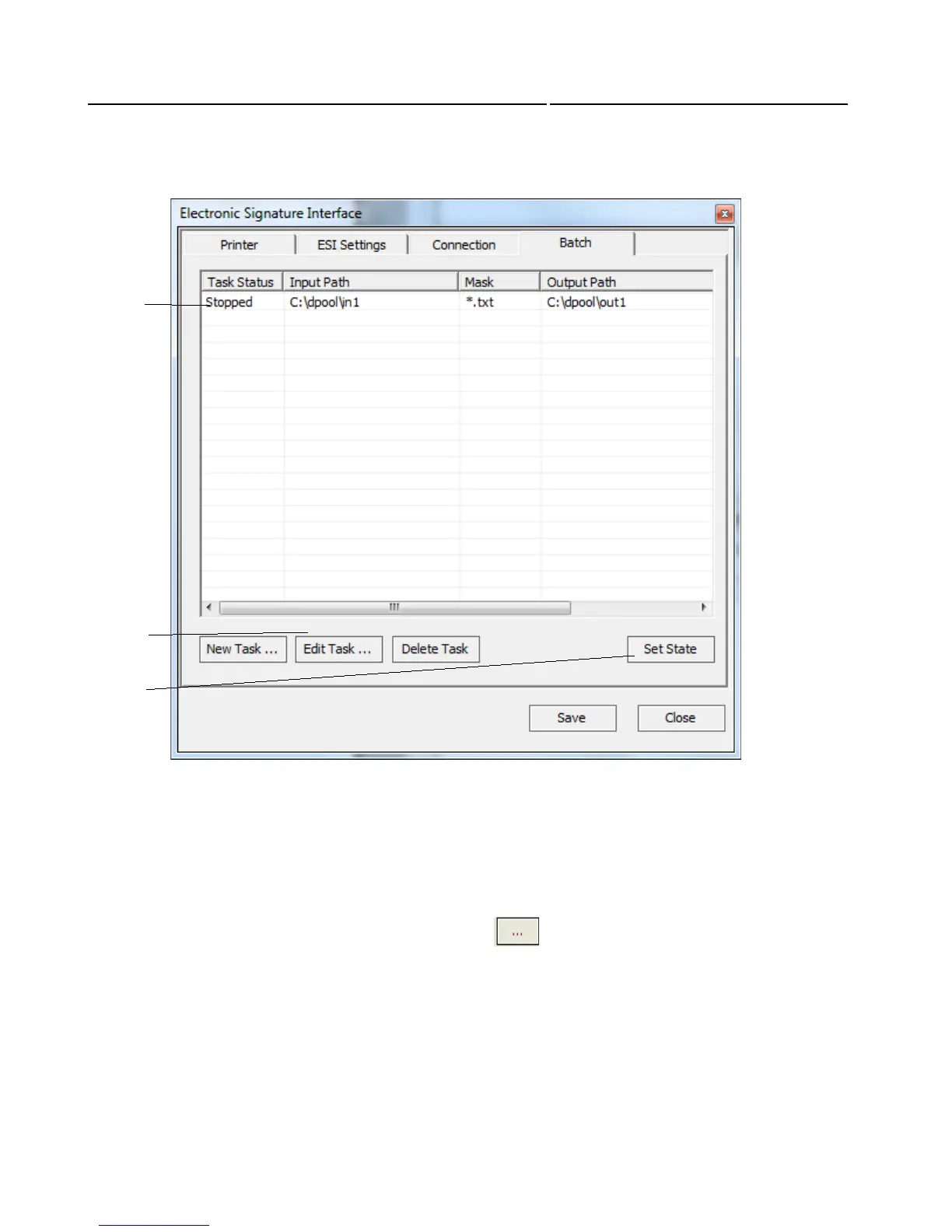
1. Task list
2. Task management areas
3. Set state- Set state button changes the task status: if it is stopped /as shown/ clicking it will change
status into start and respective it is started, clicking on button will change status into stopped.
Click on new task and the following window will appear. Input folder is the folder the files will be extracted
from. To select the input file click on browse button
1
2
3



 To Next Page