25 QUICK START GUIDE INCOTEX 500F
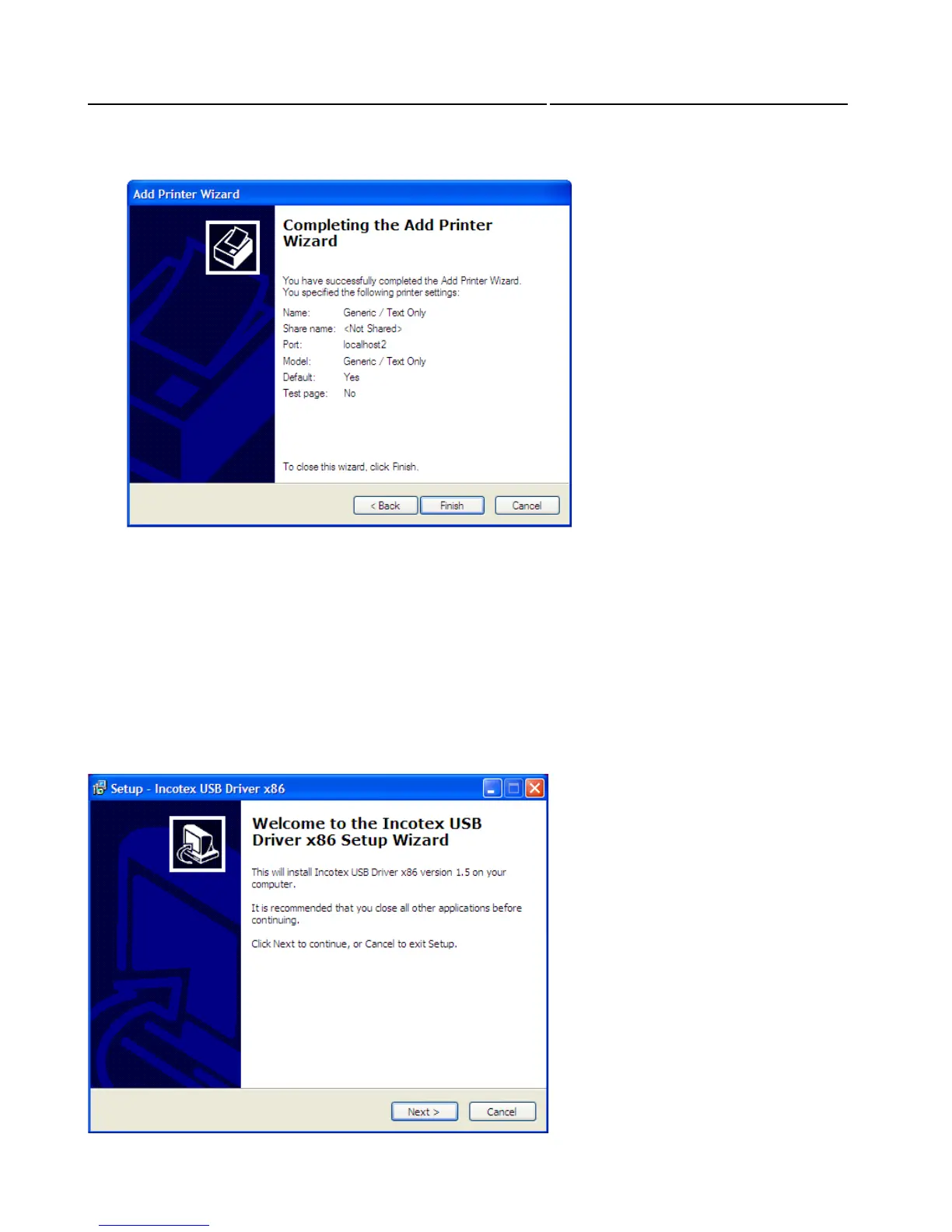
The Wizard now shows the settings you have specified for the newly installed printer. To complete the
installation select “Finish”.
Now you can continue with the ESD installation.
SECTION 5: INSTALLING THE ESD
5.1. Contents of the ESI Application
• Client
• Server
• USB Driver
5.2. Installing the program driver
Connect the ESD to the PC using the USB cable provided and switch the ESD on.
The welcome window of the Installation Wizard appears. Click Next to continue.



 To Next Page