23 QUICK START GUIDE INCOTEX 500F
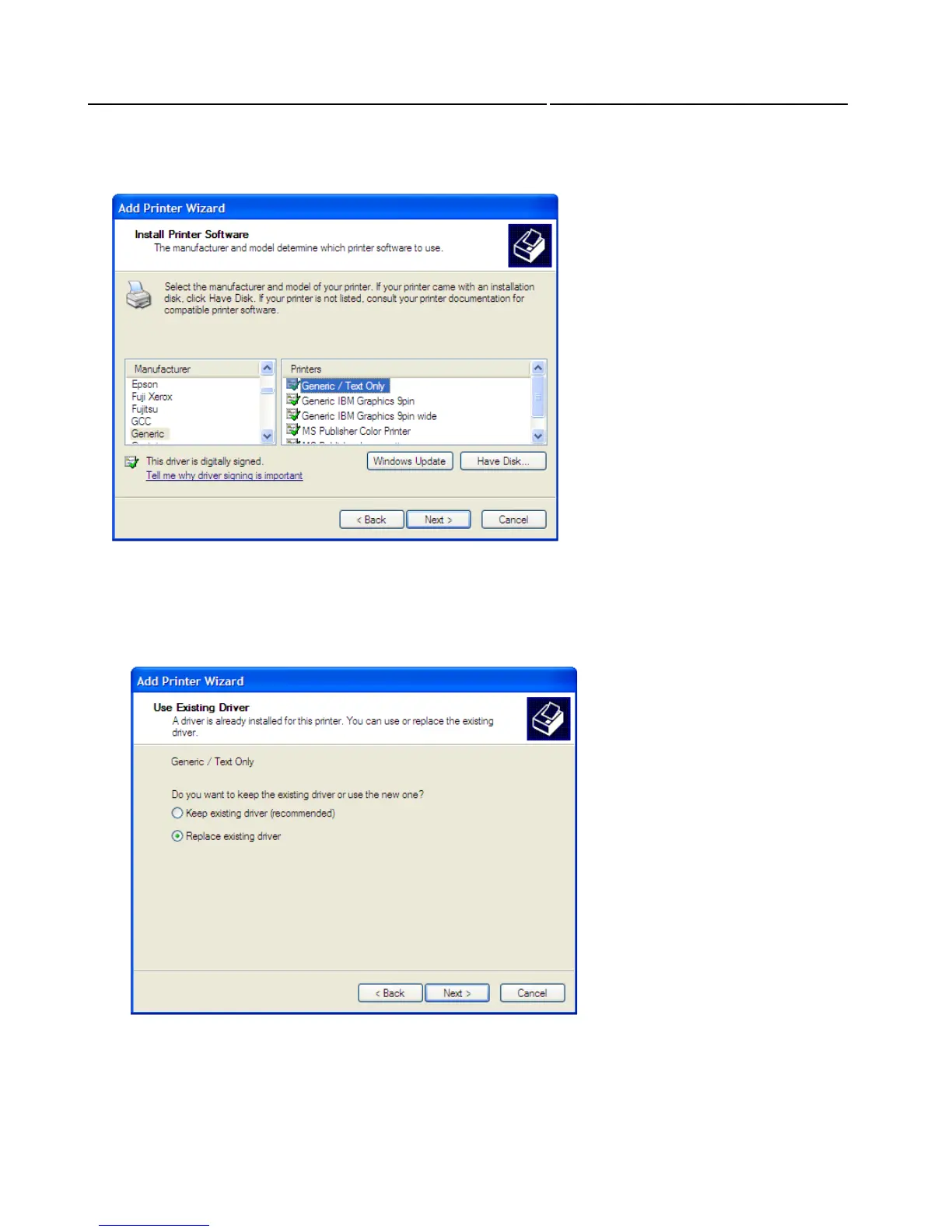
The Wizard will ask you for the manufacturer and model of our printer. Select “Generic” for
manufacturer and “Generic / Text Only” for the printer. Click “Next”.
Then the Wizard asks whether to use the existing driver with the new printer, or to replace it. Select
“Replace the existing driver” and click “Next”.



 To Next Page