27 QUICK START GUIDE INCOTEX 500F
Press any key to continue the setup of the ESD.
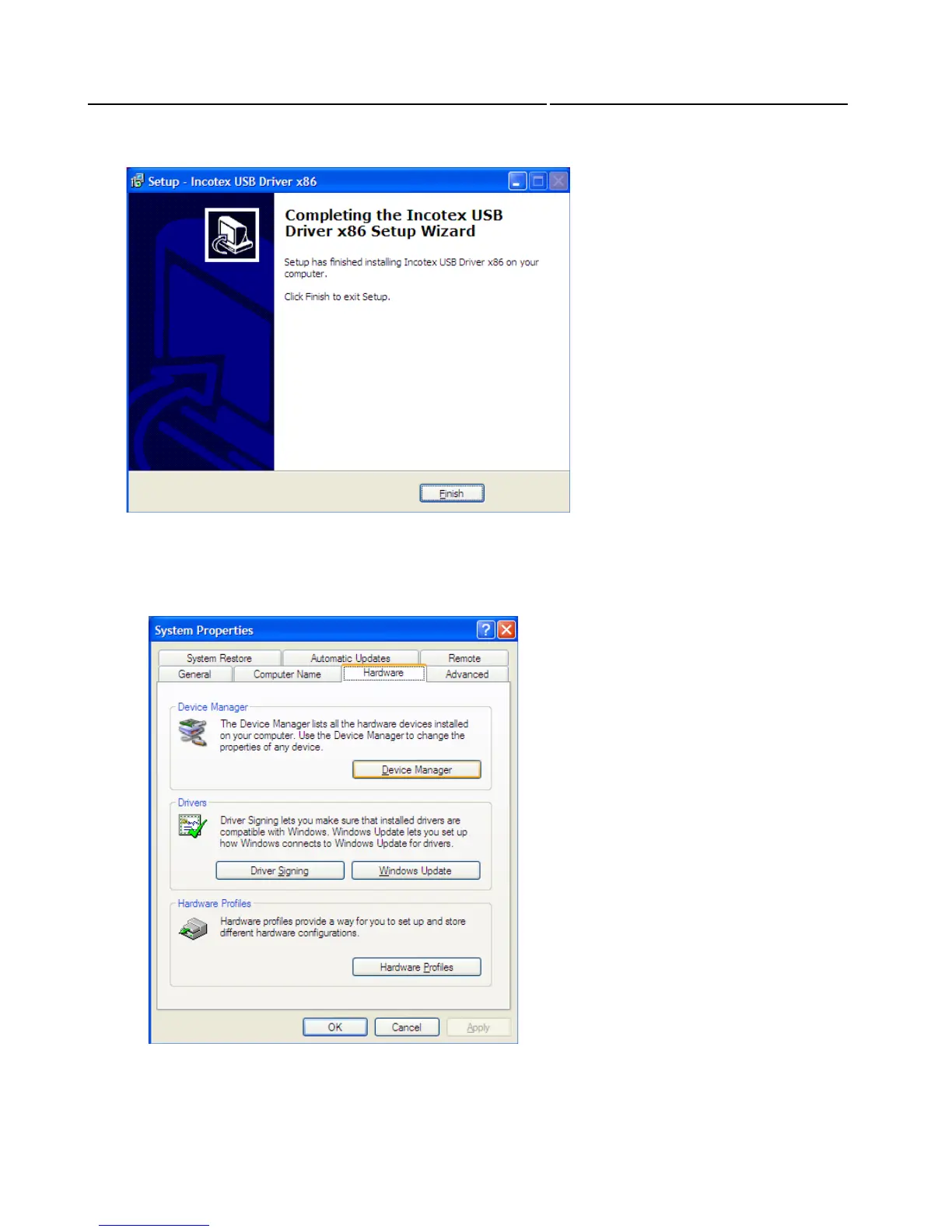
Click Finish to complete installation
To check if the driver is properly installed right-click on the icon “My Computer” and select
“Properties”. The System Properties window appears. Select “Hardware” and press “Device Manager”.
If the driver installation is successful a device called “Incotex” should have appeared with two objects
in it: “idrvUSB” and “ESDEVICE”.
If the device “Incotex” or any of the objects is missing make sure the ESD is connected to the PC and
switched on. Then run the “install.bat” file again.



 To Next Page