33 QUICK START GUIDE INCOTEX 500F
Program Files->Incotex->ESI Server, and run the 'uninstall.bat' file.
Installing the setup
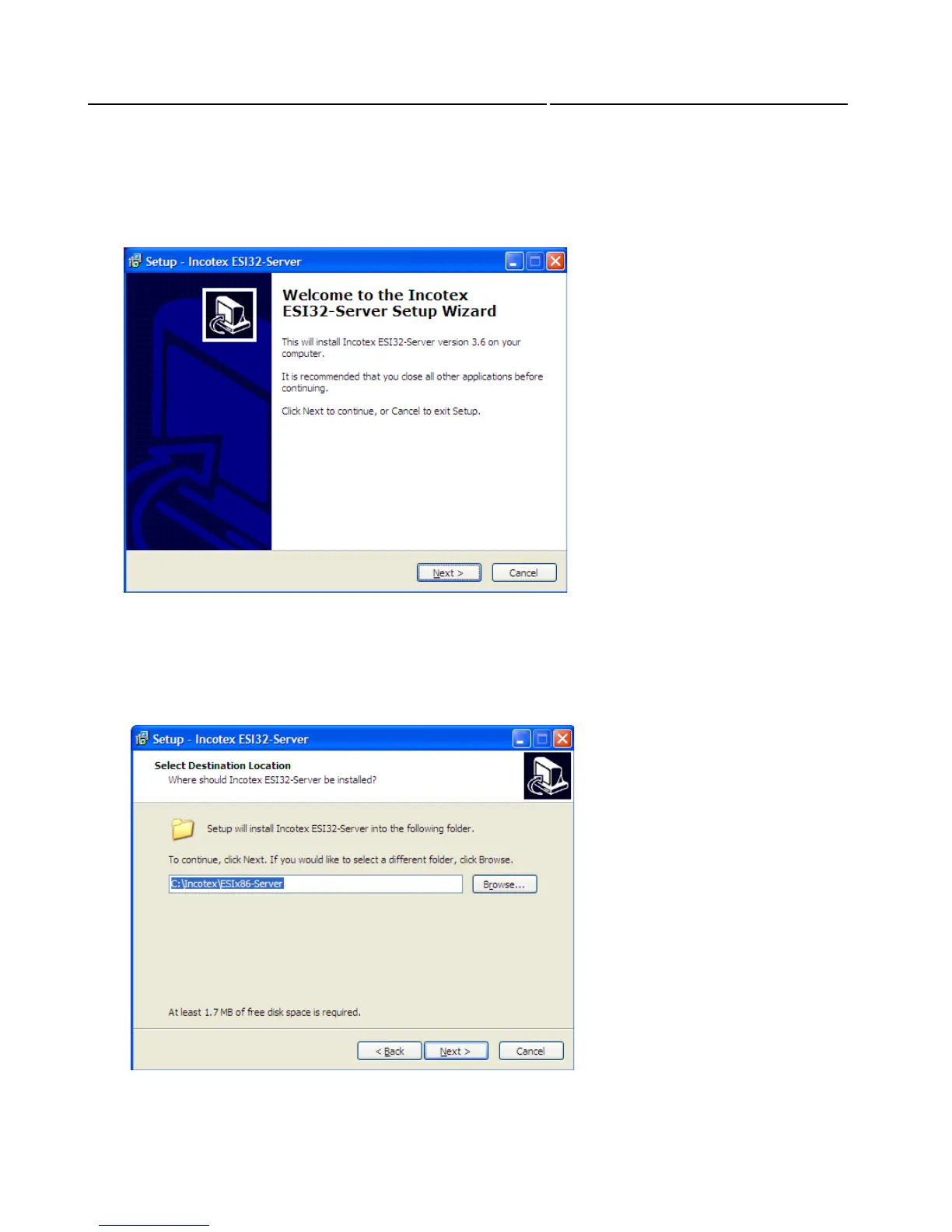
The welcome window of the Installation Wizard appears. Click Next to continue.
Then you will be asked to select a location where Incotex to be installed. By default it will be installed
in C:\Incotex\ESIx86-Client. To confirm the installation in this directory, click Next. If prefer another
directory, use the Browse button. Click Next to proceed with the Installation



 To Next Page