49 QUICK START GUIDE INCOTEX 500F
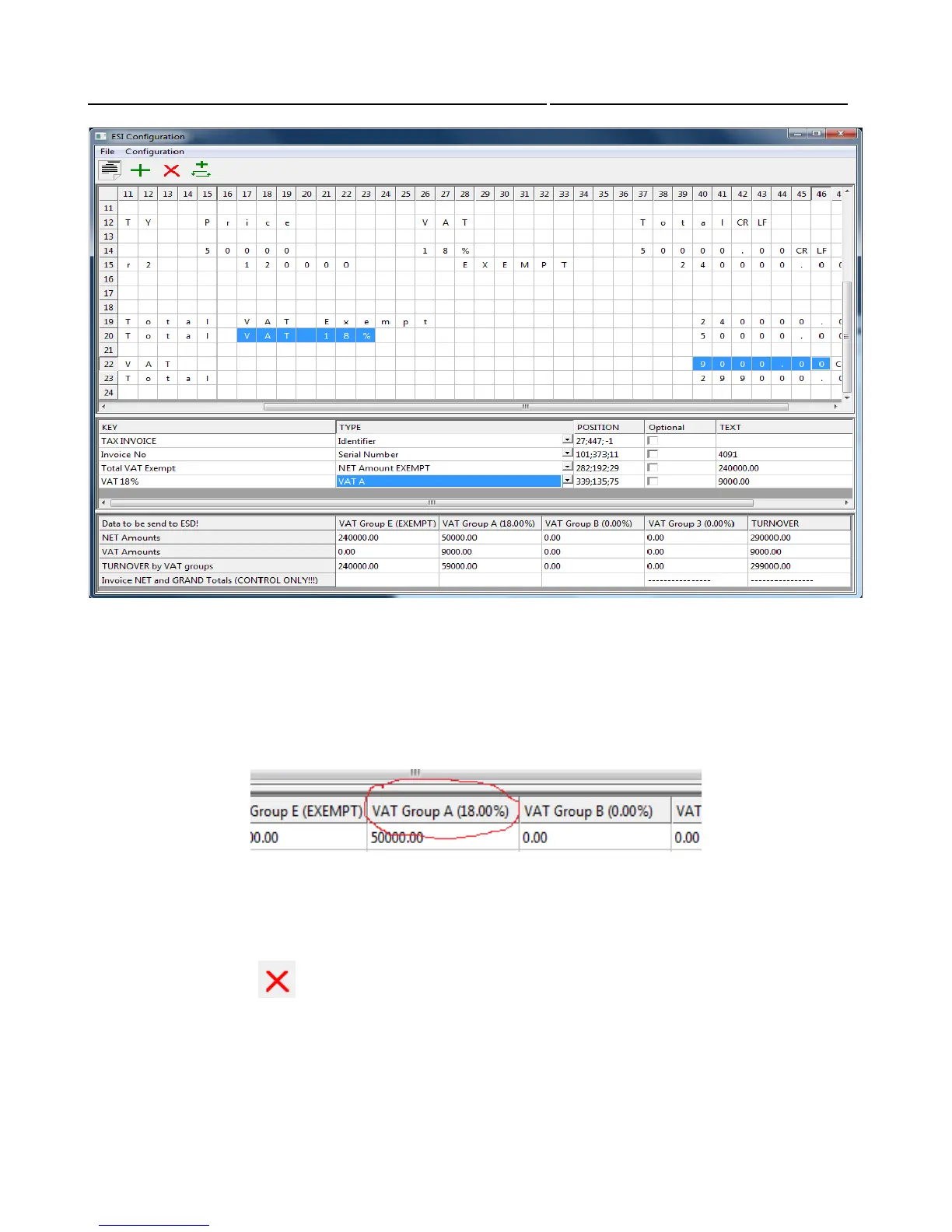
Note the last section of the third window template.
It changes with each modification of the template, which affects calculations of amounts.
Caution: To train the system properly, with the help of this section of the window template,
the system must be connected with at least one ESD device to enable the program to be
informed of available rates.
If for any reason, require disabling some of the templates, this is achieved by deleting all of its 'keys'
by clicking on button (one by one).
When you select the value of the date and time in the template make sure that the format they are in is
the same as the date and time format of your PC.
In this example the date and time are: 16/08/10, 11:34:50.



 To Next Page