iD-S9920-OPT: INSTALLATION & OPERATION MANUAL
PAGE 9
CONNECTING A USB
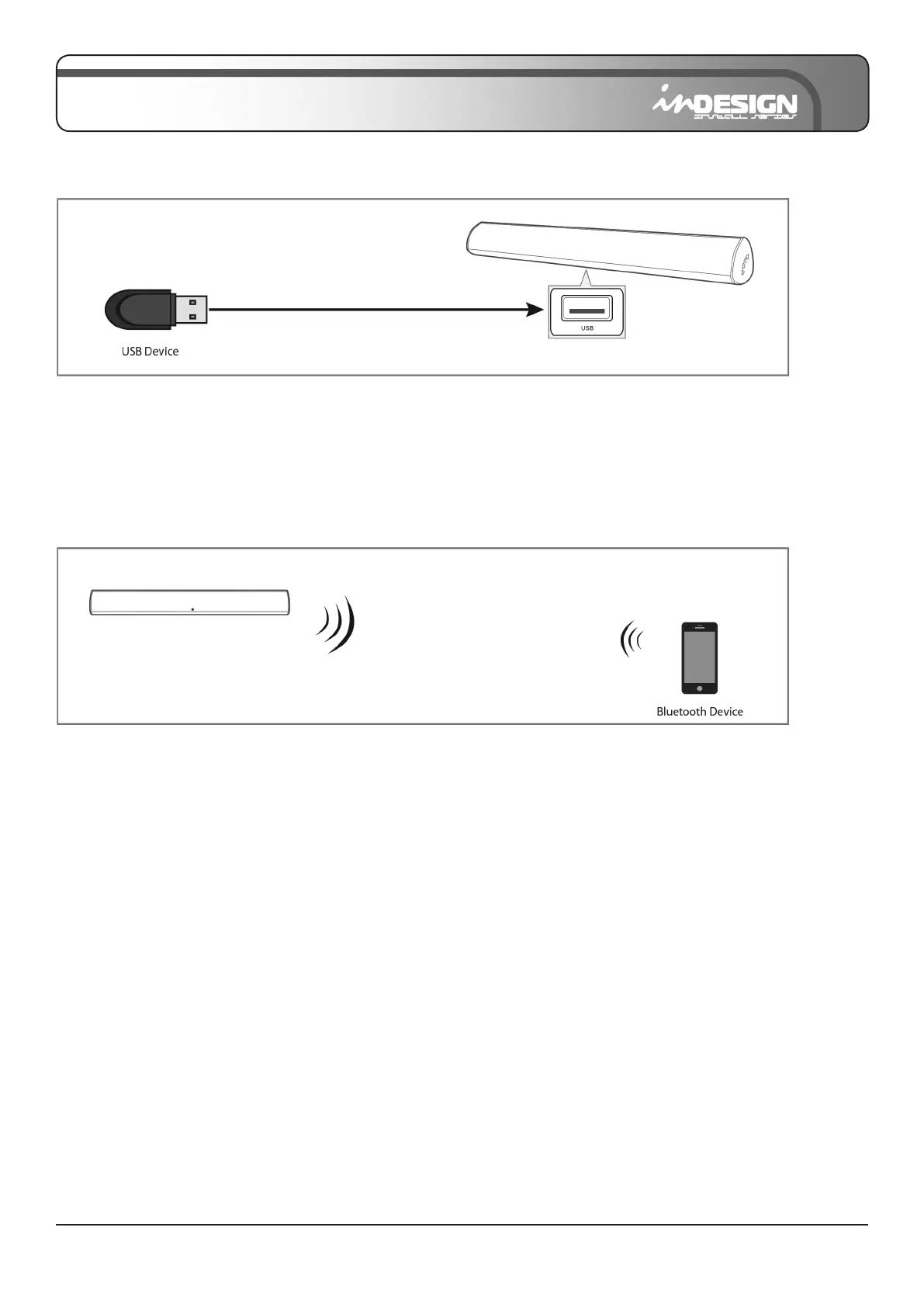
1. Connect your USB device to the USB jack on the Sound Bar.
2. Press the “USB” button on the remote. LED indicator will be PURPLE.
3. Play music les from the USB device through the Sound Bar.
CONNECTING A BLUETOOTH DEVICE
1. Press the “BT” button on the remote, the LED indicator blinks BLUE.
2. Turn on Bluetooth on the Bluetooth device (see the device’s manual for more information).
3. Select “S9920” from the list, connect it. When your Bluetooth device is connected, the LED indicator
blinks BLUE slowly.
4. Play music les from the device, connected via Bluetooth, throught the Sound Bar.
The initial connection
• You cannot connect more than one Bluetooth device at a time.


 To Next Page