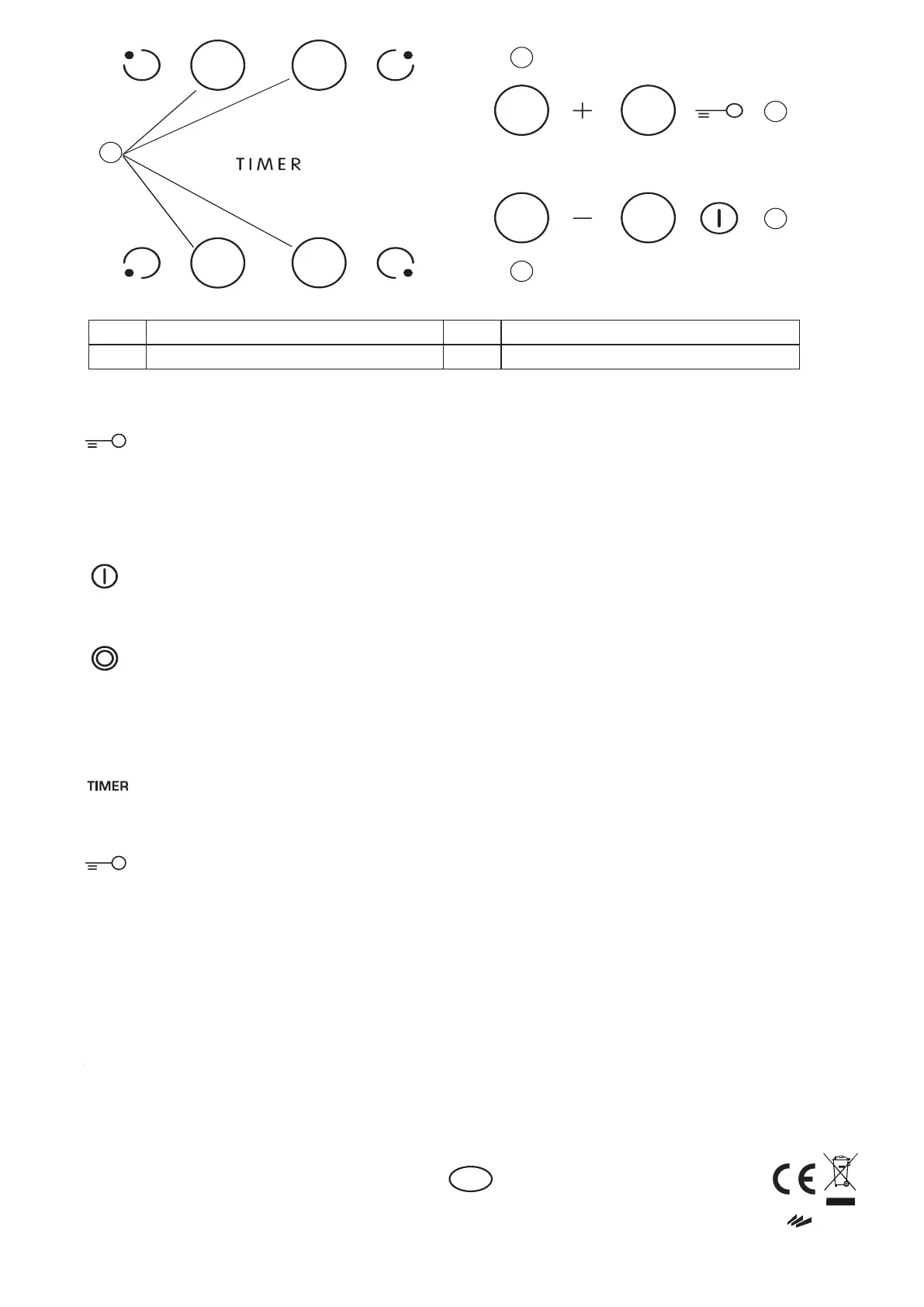
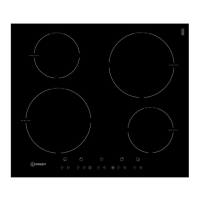
A On/Off
D
Key lock
B Cooking zone and timer selection Heat setting increase and decrease
H
Upon first installation, the control panel performs a functional test for about 1 second,
after which it automatically switches to the “Key lock” function.
To deactivate the function, press and hold button “D”; an acoustic signal will sound and
the corresponding led will turn off.
NOTE: If a reset occurs, repeat the procedure described above.
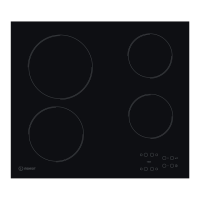
To switch the hob on, keep button “A” pressed for approx. 2 seconds. The 4 cooking zone
displays show “0”. If within 20 seconds none of the cooking zones is activated, the hob switches
off automatically as a safety precaution. Press one of the buttons “B” corresponding to the cooking
zone you intend to use. Select the heat setting required with buttons “E” or “C”. The other selectable
cooking settings go from 1 to 9. Press buttons +/- at the same time to cancel all settings.
Pressing button “+” when level 9 is reached, the “Booster” function is activated and the letter “A”
appears on the display.
IMPORTANT: the control is deactivated 10 seconds after the heat setting has been selected.
To change the heat setting, first press the selection button “B” again, then proceed to change
the setting, using buttons “E” or “C”.
MULTIPLE ZONE (if present): After selecting the desired zone and setting the level
(as described in the previous section) press “F”: an indicator above the button turns on,
activating the additional zone.
The multiple zone can only be used if:
1) The cooking zone is provided with multiple zone;
2) The power level selected is greater than 0.
To deactivate the multiple zone, press button “B” of the desired zone, then press “F” again.
To set the Timer function, select the desired cooking zone and power setting then press
the cooking zone key again and a luminous dot will appear on the display of the timer-controlled
cooking zone. The indication “00” blinks on the 2 displays. Press buttons “C” or “E” to set the time
from 1 to 99.
IMPORTANT: after 10 seconds the timer displays will show the power setting of the other cooking zones.
To view the remaining cooking time, press the timer-controlled cooking zone key twice.
The KEY LOCK function is switched on by holding down button “D” until a dot lights up above
the function button. The Key lock function locks all the hob’s other functions, with the exception of the
On/Off button “A”. The function remains on even after the hob is switched off and on again and
can be deactivated by pressing button “D” again until the dot above the function button goes off.
RESIDUAL HEAT INDICATOR
When the cooking zone is switched off, the residual heat indicator “H” remains on or flashes
alternating with “0” until the temperature of the hob returns within safety levels.
IMPORTANT: The hob’s safety features include an automatic switching off function. Prolonged use of the same heat
setting triggers automatic switch-off of the cooking zone (for example, after around 1 hour at maximum heat setting, the
cooking zone switches off).
BE CAREFUL: To avoid permanently damaging the glass-ceramic top, do not use:
- Pots with bottoms that are not perfectly flat.
- Metal pots with enamelled bottom.
Any aesthetic defects (scratches, surface marks, etc.) must be reported immediately upon installation.
C-E
E
C
D
A
B



 To Previous Page