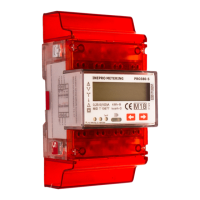
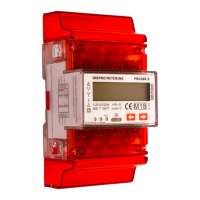
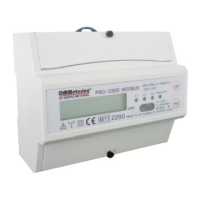
14 - Inepro Metering - 4PU & 4PS
7.1 Display part 1 (MID relevant)
Part 1 of the display shows the MID relevant software version number, the meter serial number, the CRC code, the
actual tari and an indication of the MID-relevant measurement units (kWh). Meter serial number and CRC code are
scrolling every 10 seoconds. When Bluetooth communication is activated, icon 1 will be shown. When Modbus or
M-bus communication is activated, icon 2 will be shown on the display.
7.2 Display part 2 (MID relevant)
Part 2 of the display shows the MID relevant measurement values.
OBIS codes are used to identify the corresponding measurement values:
1.8.1: Positive active energy in tari 1
1.8.2: Positive active energy in tari 2
1.8.3: Positive active energy in tari 3 (will be shown in the display when T3 and/or T4 are activated)
1.8.4: Positive active energy in tari 4 (will be shown in the display when T3 and/or T4 are activated)
2.8.1: Negative active energy in tari 1
2.8.2: Negative active energy in tari 2
2.8.3: Negative active energy in tari 3 (will be shown in the display when T3 and/or T4 are activated)
2.8.4: Negative active energy in tari 4 (will be shown in the display when T3 and/or T4 are activated)
The meter has a 6+3 digit display for kWh values. When reaching 999999,999 the kWh value goes back to
000000,000.
7.3 Display part 3 (non-relevant)
Part 3 of the display shows the non-relevant data like current direction, trip counter, reactive energy, power factor,
present quadrant, frequency, active power, apparent power, reactive power, voltage and current.
Scroll through the display pages (Total - L1 - L2 -L3) using the capacitive touch buttons on the frontside of the meter.
7 Operation
1 2


 To Next Page
 Loading...