3. PRINTER FUNCTIONS
KPM210/216
223-
n=CSEn=CSE
n=CSE
n=CSEn=CSE
[Name] Select peripheral device
[Format] ASCII ESC = n
Hex 1B 3D n
Decimal 27 61 n
[Range] 0 ≤ n ≤ 255
[Description] Select the device to which the host computer sends data,
using n as follows:
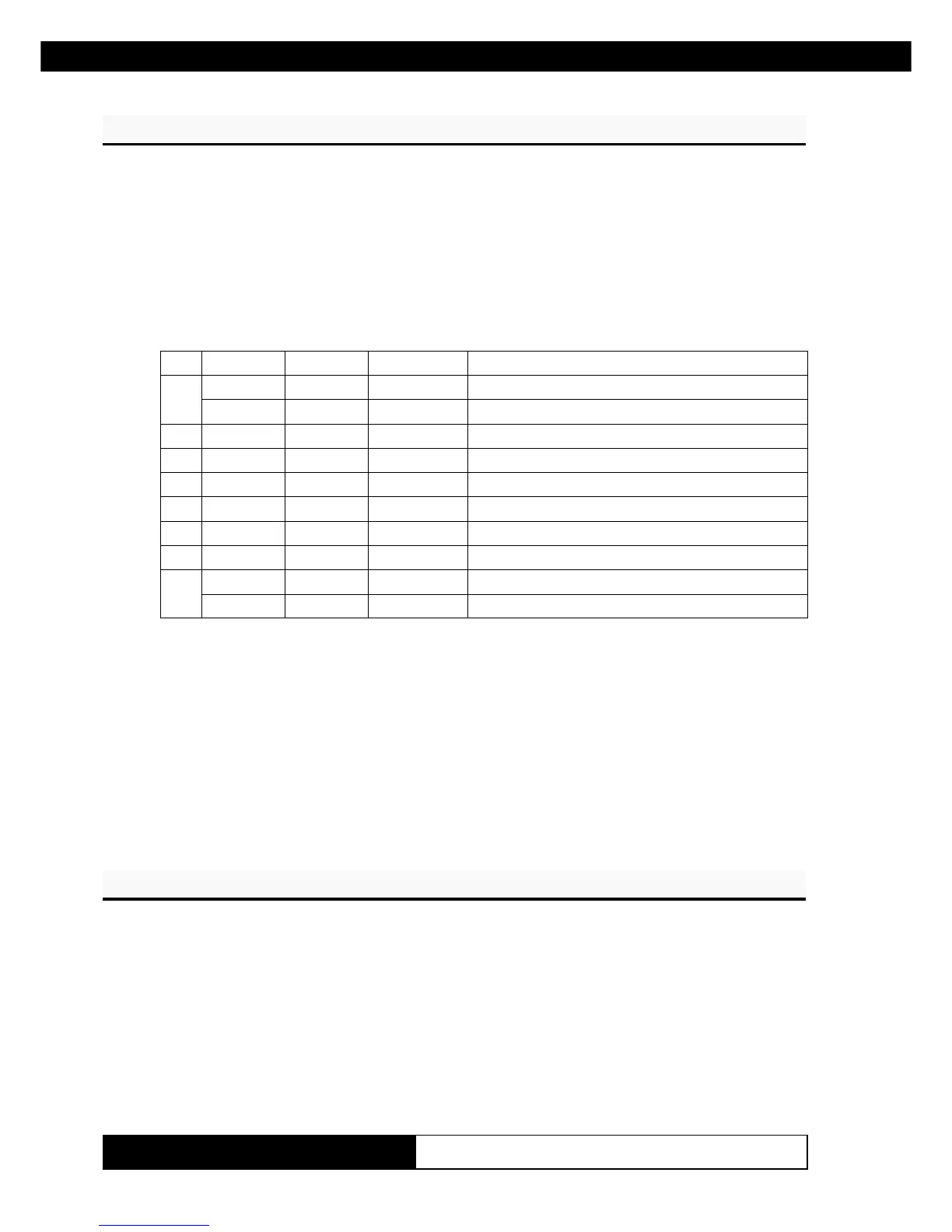
tiBnO/ffOxeHlamiceD
noitcnuF
0
ffO000
delbasidretnirP
nO01 1
delbaneretnirP
1- - -
denifednU
2- - -
denifednU
3- - -
denifednU
4- - -
denifednU
5- - -
denifednU
6- - -
denifednU
7
ffO000
dlebasidnoitcnufhguort-ssaP
nO08821
dlebanenoitcnufhguort-ssaP
[Notes] • When the printer is disabled, it ignores all transmitted data
until the printer is enabled through this command.
• When the Pass-trough function is enabled, all transmitted
data are sent on the 2
nd
serial.
[Default] n = 1
[Reference]
[Example]
n? CSEn? CSE
n? CSE
n? CSEn? CSE
[Name] Cancel user-defined characters
[Format] ASCII ESC ? n
Hex 1B 3F n
Decimal 27 63 n
[Range] 32 ≤ n ≤ 126
[Description] Cancels user-defined characters.
[Notes] • This command cancels the pattern defined for the character
code specified by n. After the user-defined character is can-
(Tab.A.3)
www.ipcprint.com



 To Next Page