3. PRINTER FUNCTIONS3. PRINTER FUNCTIONS
KPM210/216
373-
[Notes] • This command makes the flash copy of the graphic page in
use. If the graphic page has been cancelled by a printing
command, the stored logo will be white.
[Default]
[Reference] ESC ·, ESC ², ESC ³
[Example]
n! SGn! SG
n! SG
n! SGn! SG
[Name] Select character size
[Format] ASCII GS ! n
Hex 1D 21 n
Decimal 29 33 n
[Range] 0 ≤ n ≤ 255
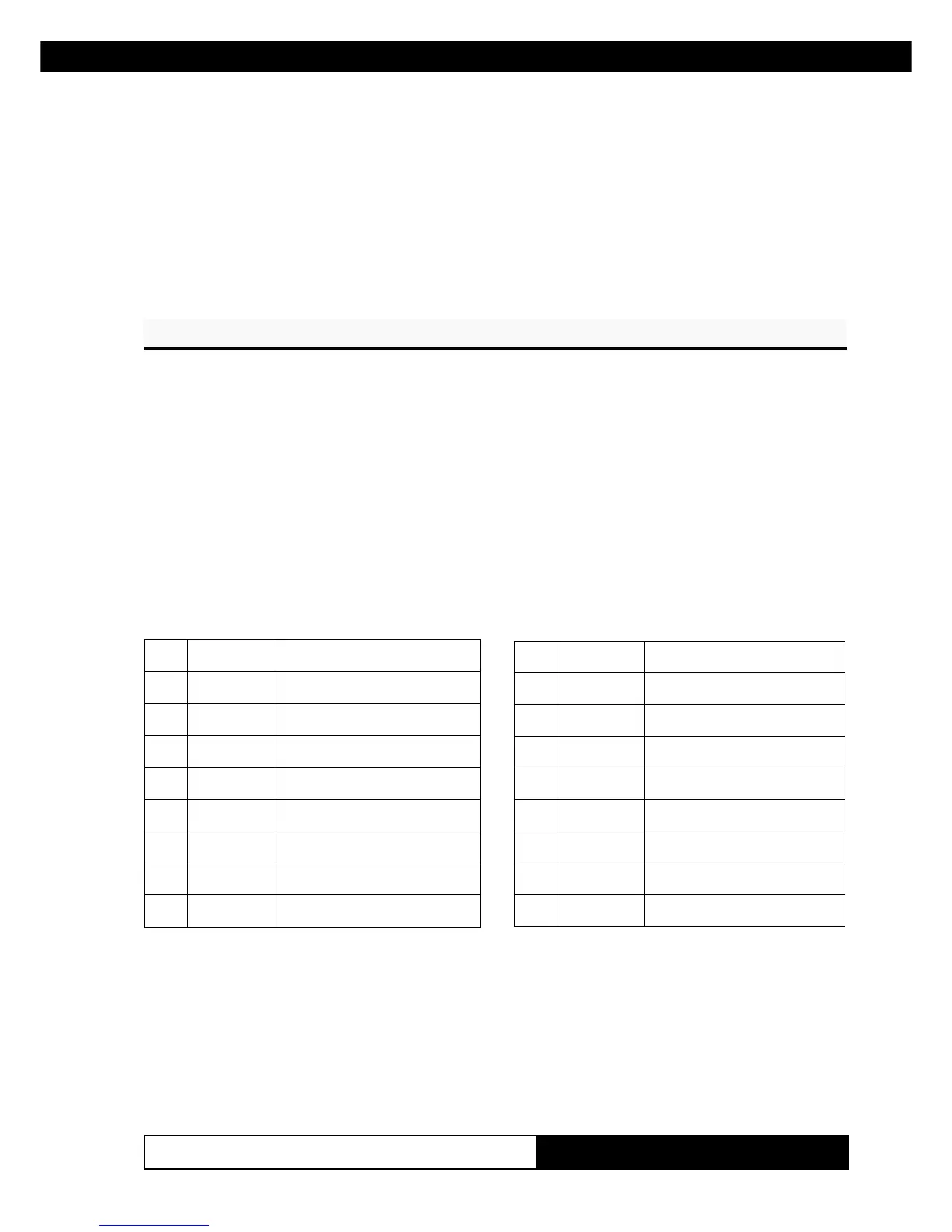
[Description] Selects character height and width, as follows:
• Bits 0 to 3: to select character height (see table 2).
• Bits 4 to 7: to select character width (see table 1).
1elbaThtdiWretcarahCtceleS
xeHlamiceDhtdiW
000 )lamron(1
01612 )x2=htdiw(
0223)x3=htdiw(3
0384)x4=htdiw(4
0446)x5=htdiw(5
0508)x6=htdiw(6
0669)x7=htdiw(7
07211)x8=htdiw(8
thgiehretcarahctceleS2elbaT
xeHlamiceDthgieH
000 )lamron(1
101 )x2=thgieh(2
202 )x3=thgieh(3
303 )x4=thgieh(4
404 )x5=thgieh(5
505 )x6=thgieh(6
606 )x7=thgieh(7
707 )x8=thgieh(8
[Notes] • This command is effective for all characters (except HRI
characters).
• If n falls outside the defined range, this command is ig-
nored.
• Characters enlarged to different heights on the same line
are aligned at the baseline or topline (see GS ~).
www.ipcprint.com



 To Next Page