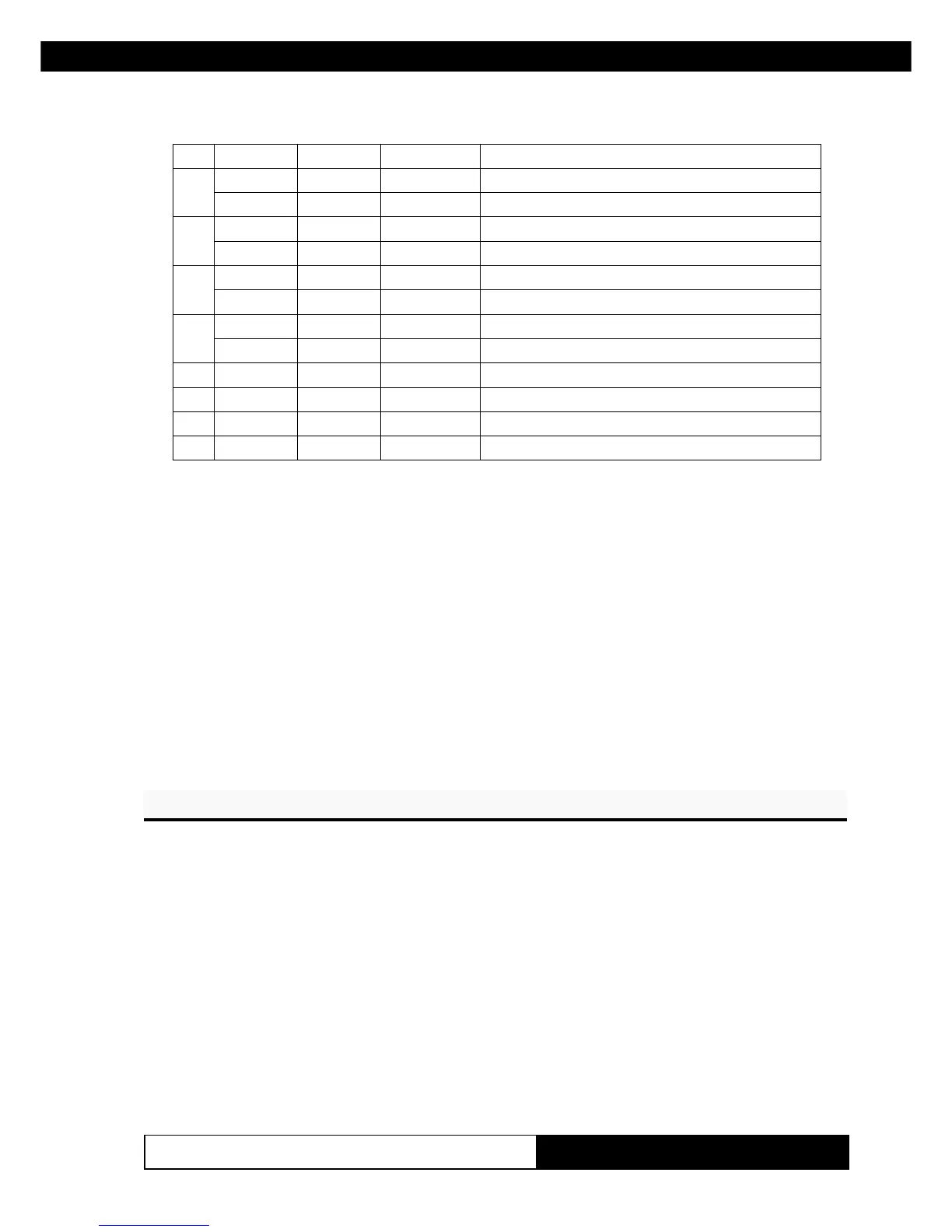
3. PRINTER FUNCTIONS3. PRINTER FUNCTIONS
KPM210/216
593-
tiBnO/ffOxeHlamiceD
noitcnuF
0
ffO000
.sutatsrepaPelbasiD
nO101
.sutatsrepaPelbanE
1
ffO000
.sutatsresUelbasiD
nO202
.sutatsresUelbanE
2
ffO000
.sutatSrorrEelbarevoceRelbasiD
nO404
.sutatSrorrEelbarevoceRelbanE
3
ffO000
.sutatSrorrEelbarevocernUelbasiD
nO808
.sutatSrorrEelbarevocernUelbanE
4- - -
.denifednU
5- - -
.denifednU
6- - -
.denifednU
7- - -
.denifednU
[Notes] • Once enable at least one byte of the FULL STATUS, for
each change of at least one of the bits which compose the
required status, the status sent in automatic from the printer
will be so composed as follows:
1° Byte = 0x10 (DLE)
2° Byte = n
Next byte (depends how many bits are active in n)
[Reference] DLE EOT n
[Example]
SGSG
SG
SGSG ββ
β
ββ
[Name] Reading of length paper (cm) available before virtual
paper-end
[Format] ASCII GS β
Hex 1D E1
Decimal 29 225
[Description] Reading of length (cm) paper available before virtual paper-
end.
The command return a string pointing out how much paper is
available, for example if there are 5.1 m before the paper
end, it will be:
‘510cm’
www.ipcprint.com



 To Next Page