Home page
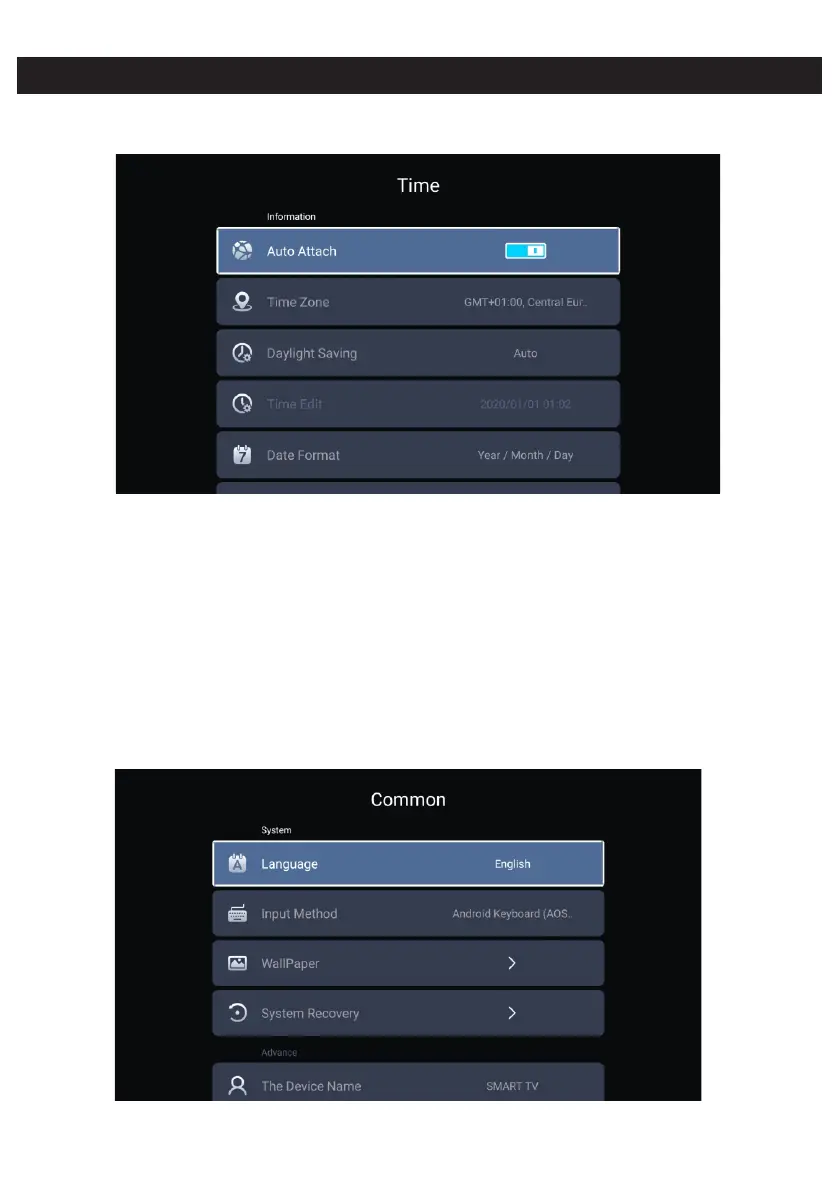
Time
Press ◄ / ► button to select Time.
Press / button to select Auto Attach/Time Zone/Daylight Saving/Time Edit/Date Format/▼ ▲
24 Hours/Screen saver time/Sleep Timer.
Auto Attach Get the current time and date automatically.
Time Zone Set the current time zone.
Daylight Saving Set the daylight saving Auto/On/Off.
Time Edit
Date Format
24 Hours Select the 12 hours or 24 hours.
Sleep Timer Set the sleep timer as Off/15min/30min/45min/60min/90min/120min/240min.
Screen saver time Set the screen saver time as Off/1min/2min/5min.
Common
Press ◄ / ► button to to select Common.
Set the current time .
Set the current date.



 To Next Page