TV Setting
Picture Mode
.Highlight the item and press OK button to enter the sub-menu, that shows the picture mode you can choose
Press button to select Standard/Dynamic/Vivid/Energy Saving/User. ◄ / ►
Contrast/Brightness/Color/Sharpness
These terms Picture Mode are available only when "User" is selected in .
Press ▼ / ▲ button to select Contrast/Brightness/Color/Sharpness.
Press ◄ / ► . button to adjust
Backlight
Press button to select Backlight. ▼ / ▲
Press button to adjust. ◄ / ►
Color Temp
Adjust the ov e r a ll color of the image.
Press ▼ ▲ button t o select Color Temp./
Press ◄ / ► button to select Cool/Normal/Warm.
More Settings
Press ▼ / ▲ button to select More Setting s.
OKPress bu tton to en ter th e su b-menu.
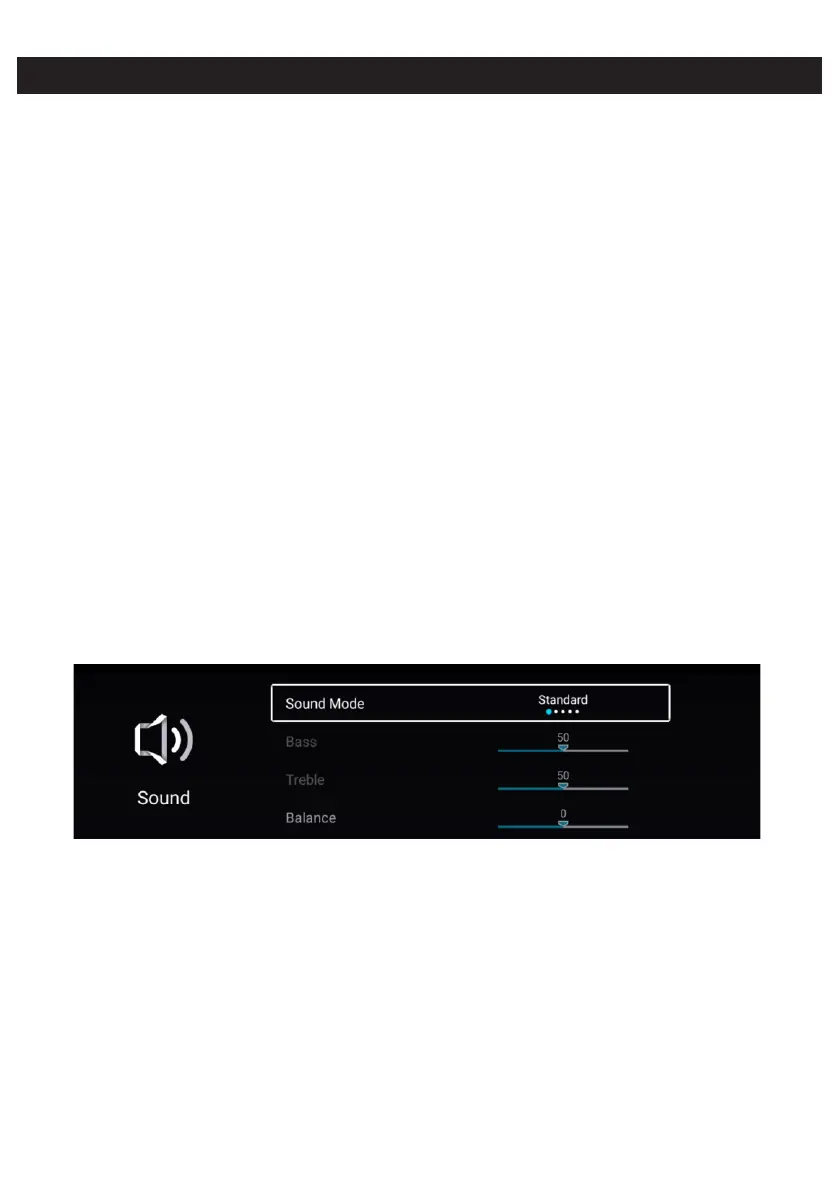
Sound
ressP MENU button to enter the main menu.
Press / button to select the Sound. ◄ ►
Press OK button to enter the sub-menu.


 To Next Page