TV Setting
Lock
P MENU button to enter the main menu.ress
Press / button to select Lock. ◄ ►
Press OK button to input password to enter the sub-menu.(Default password is 1234)
Press / button to select Key Lock/Parental Guidance.▼ ▲ Change Password/System Lock/
Change Password
▼ ▲ Change Password set PasswordPress / button to select .Press ENTER button to .
System Lock
▼ ▲ ◄ ► n Off.Press / button to select System Lock.Press / button to select O /
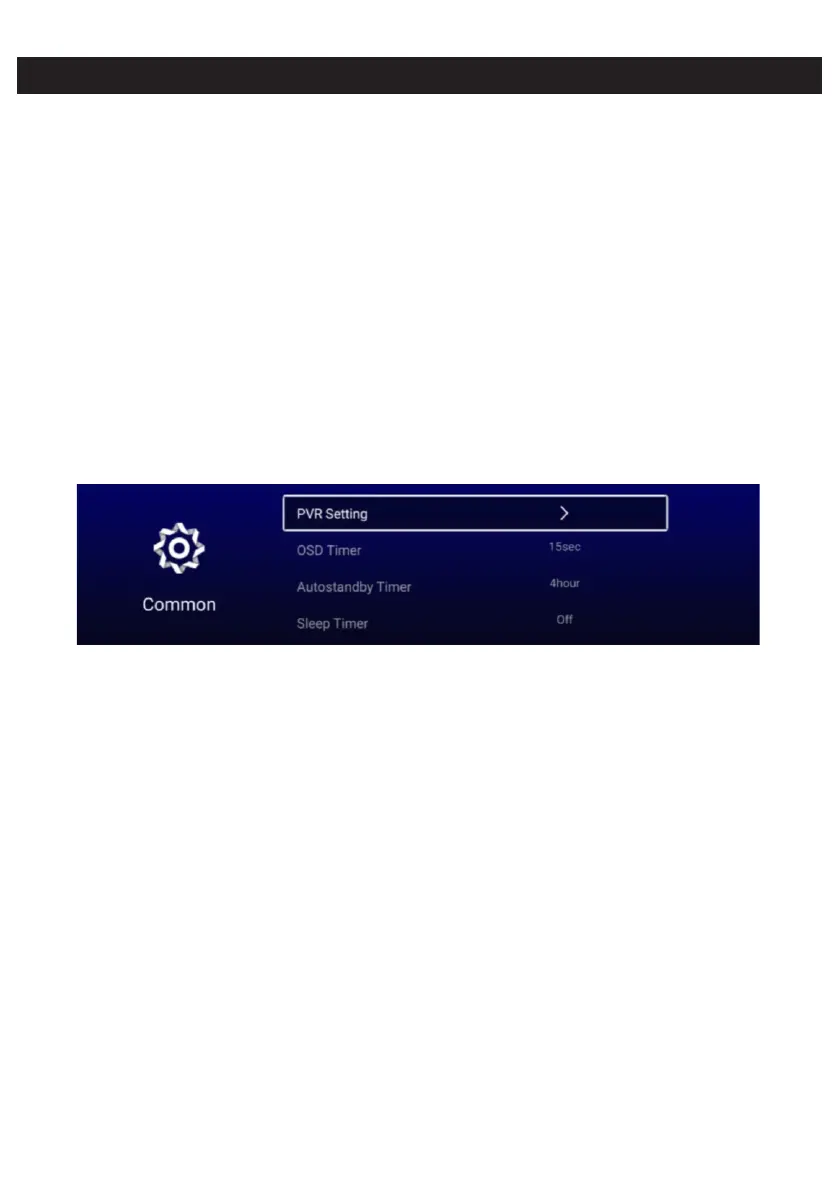
Common
P MENU button to enter the main menu.ress
Press / button to select Common. ◄ ►
Press OK button to enter the sub-menu.
Press / button to select▼ ▲ PVR Setting/OSD Timer/Autostandby Timer/Sleep Timer/
Blue Screen/Teletext/HDMI CEC Setup/ECO Mode/MenuReset.
PVR Setting
▼ ▲Press / button to select PVR Setting.
Press / button to select Select Disk/ /Speed/Record List/ .▼ ▲ Format Schedule List
Press ENTER button to enter sub-mune.
OSD Timer
▼ ▲Press / button to select OSD Timer.
Press / button to select Off/5sec/ sec/30sec/40sec.◄ ► 15
Autostandby Timer
▼ ▲Press / button to select Autostandby Timer.
Press / button to select Off/ /4hour/5hour.◄ ► 3hour
Sleep Timer
▼ ▲Press / button to select Sleep Timer.
Press / button to select Off/ / min/45min/60min/90min/120min/240min.◄ ► 15min 30



 To Next Page