Home page
Press / button to select Language/Input Method/Wallpaper/System Recovery/▼ ▲
The device name.
Language Set the current display language.The default language is English.
Input Method Set the remote controller input method.
WallPaper Set the Wallpaper.
System Recovery Recovery system to original state.
Blue Screen Set the Blue Screen On/Off.
The device name Set the device name.
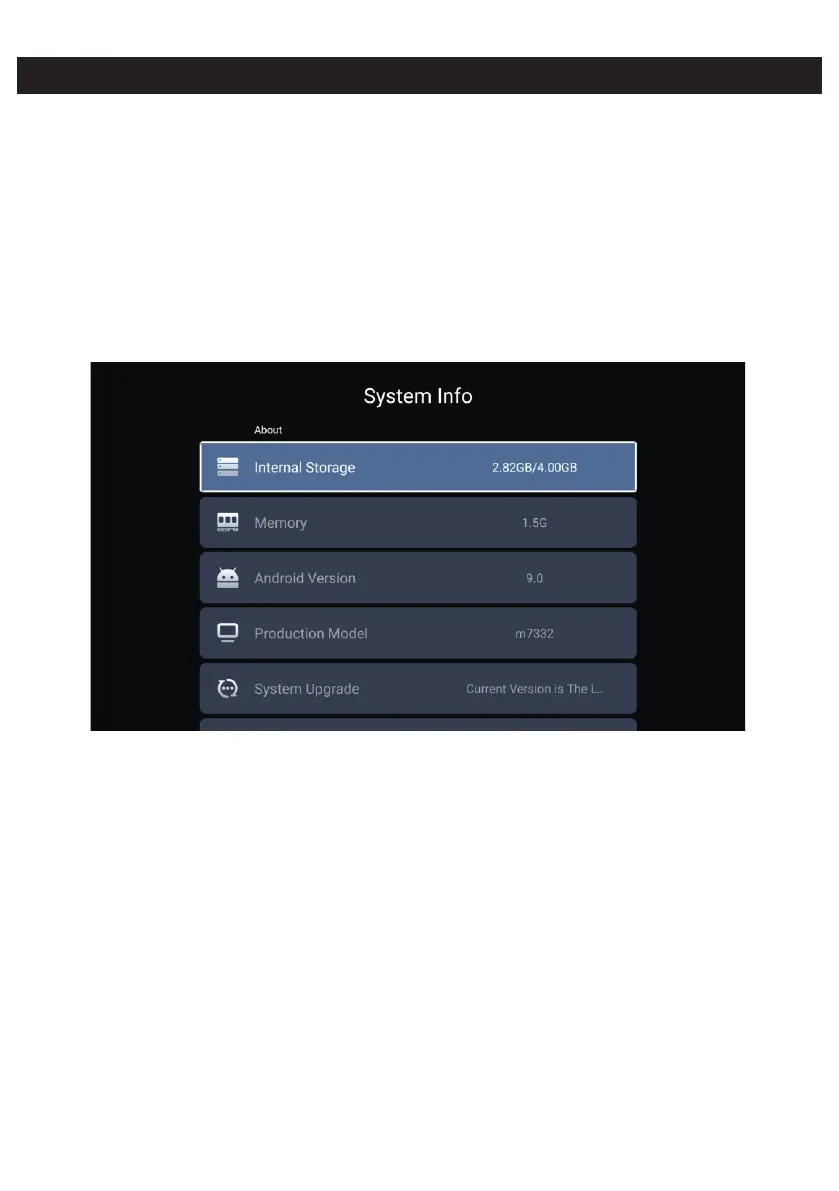
System Info
Press ◄ / ► button to to select System Info.


 To Next Page