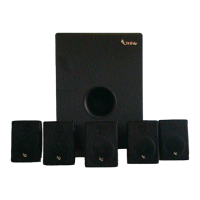
TSS1100 sub Test Set Up and Procedure
SYSTEM AURAL SWEEP TEST
Equipment needed:
• Function/signal generator/sweep generator
• Multimeter
• RCA cables
General Unit Function (UUT = Unit Under Test)
Switches/knobs on the amplifier faceplate:
Crossover Frequency Adjust full CW (150Hz)
Phase switch – either position
Normal/LFE switch - Normal
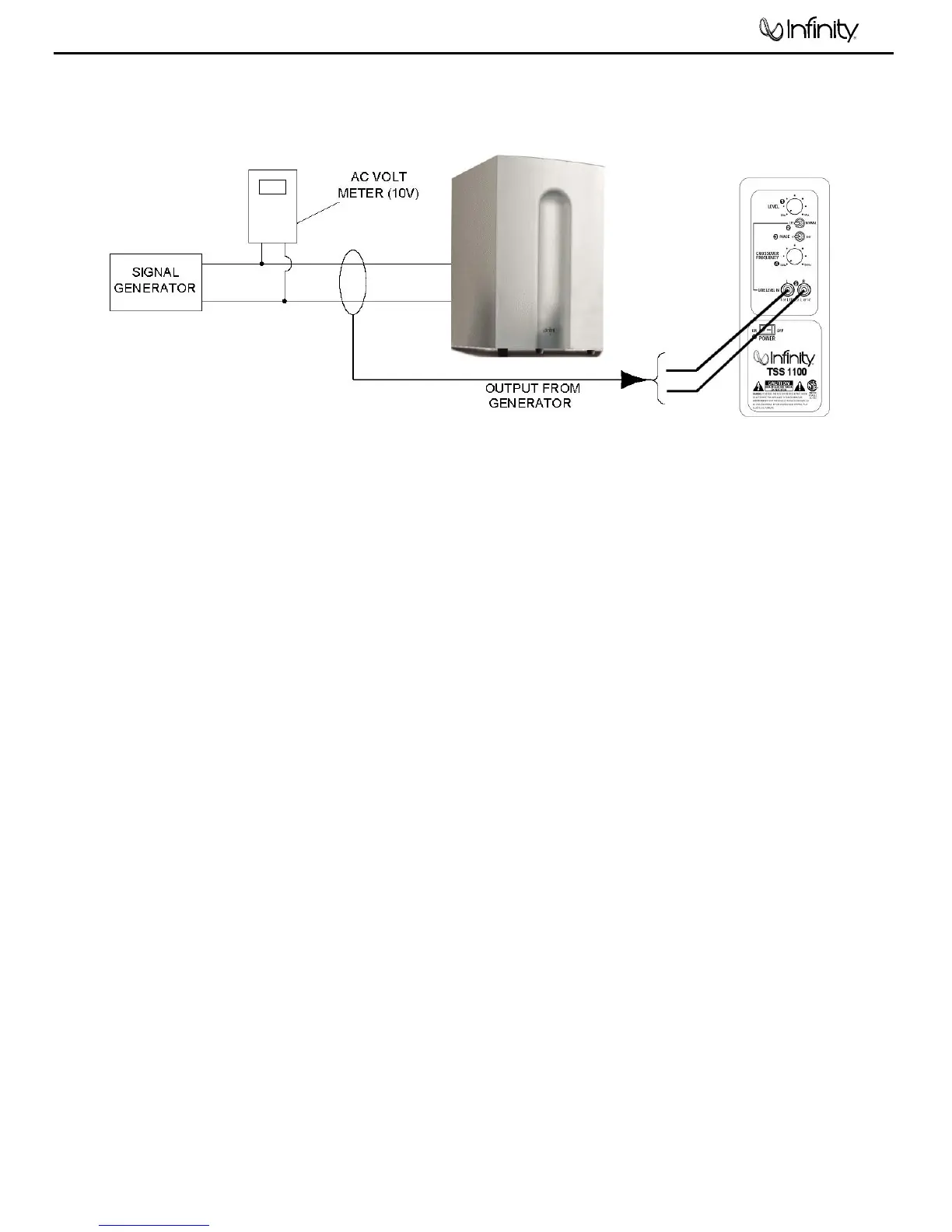
1. From the signal generator, Connect both right and left line level inputs (RCA jacks) – to signal generator and
UUT. Use Y-cable if necessary from mono source.
2. On the amplifier, turn the LEVEL control full Counterclockwise (Min).
3. Turn on generator, adjust to 150mV, 50 Hz.
4. Plug in UUT; turn the power switch ON. Turn LEVEL control full Clockwise (Max).
5. LED (on front panel) should now be Green; immediate bass response should be heard and felt from rear port
tube opening.
Sweep Function
1. Follow steps 1-5 above, using a sweep generator as a signal source.
2. Sweep generator from 20Hz to 1kHz. Listen to the cabinet and drivers for any rattles, clicks, buzzes or
any other noises. If any unusual noises are heard, remove woofer and test.
Driver Function (Woofer)
1. Remove woofer from cabinet (follow steps on exploded view page); detach + and - wire clips.
2. Check DC resistance of woofer; it should be 3.3 ohms±10%.
3. Connect a pair of speaker cables to driver terminals. Cables should be connected to an integrated
amplifier fed by a signal generator. Turn on generator and adjust so that speaker level output is 5.0V.
4. Sweep generator from 20Hz to 1kHz. Listen to driver for any rubbing, buzzing, or other unusual noises.
TSS-1100


 To Next Page