⚫ The amplification factor appears in the mid of bottom on the screen, disappears in 2s,
meanwhile the top status bar updates with current amplification factor;
⚫ The knob rotates once, the image zooms in/out 0.3 times.
12.Photography & Video recording
Tube series have built-in 16GB storage for photography and video record. Graph and video
files are named with time, suggest synchronize time and date in App settings before taking
photograph and recording video. Refer to instructions on official website to download App.
Photography
⚫ In home screen, short press photography button (3) to take photos, the image freezes
0.5 seconds, icon of camera appears on the top right corner of screen;
⚫ Photos are stored in built-in storage.
Video Recording
⚫ In home screen, long press photography
button (3) to start recording;
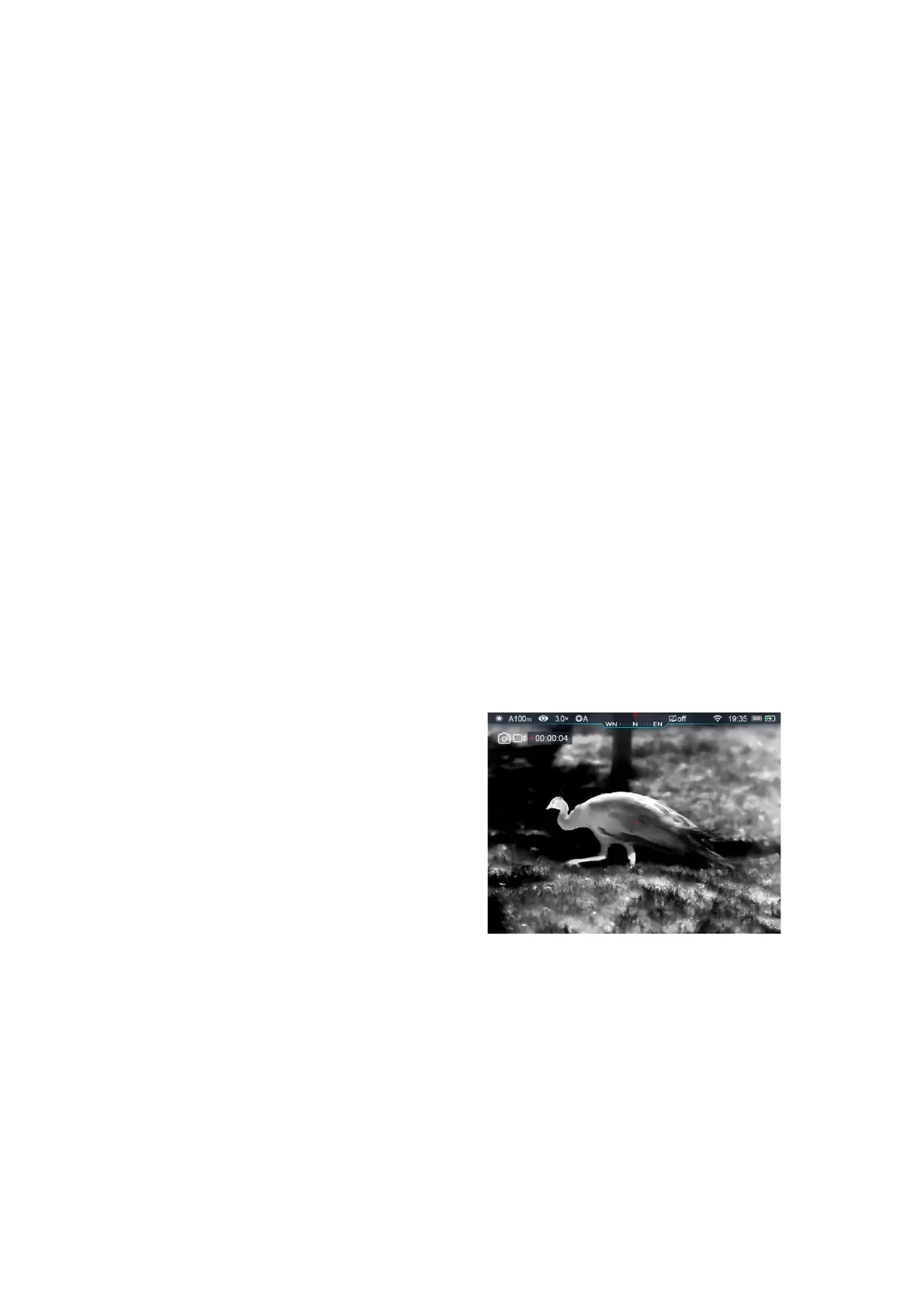
⚫ Recording icon and time prompt appear
on the top right of screen, time format:
00:00:00(Hour: Minute: Second);
⚫ When recording, short press photography
button (3) to take photographs;
⚫ Long press photography button (3) to stop and save recording;
⚫ All videos and photos will be saved in built-in storage.
Tips:
- You can still manipulate menu while video recording;
- Photos and videos will be saved in the format as IMG_HHMMSS_XXX.jpg (photo),



 To Next Page