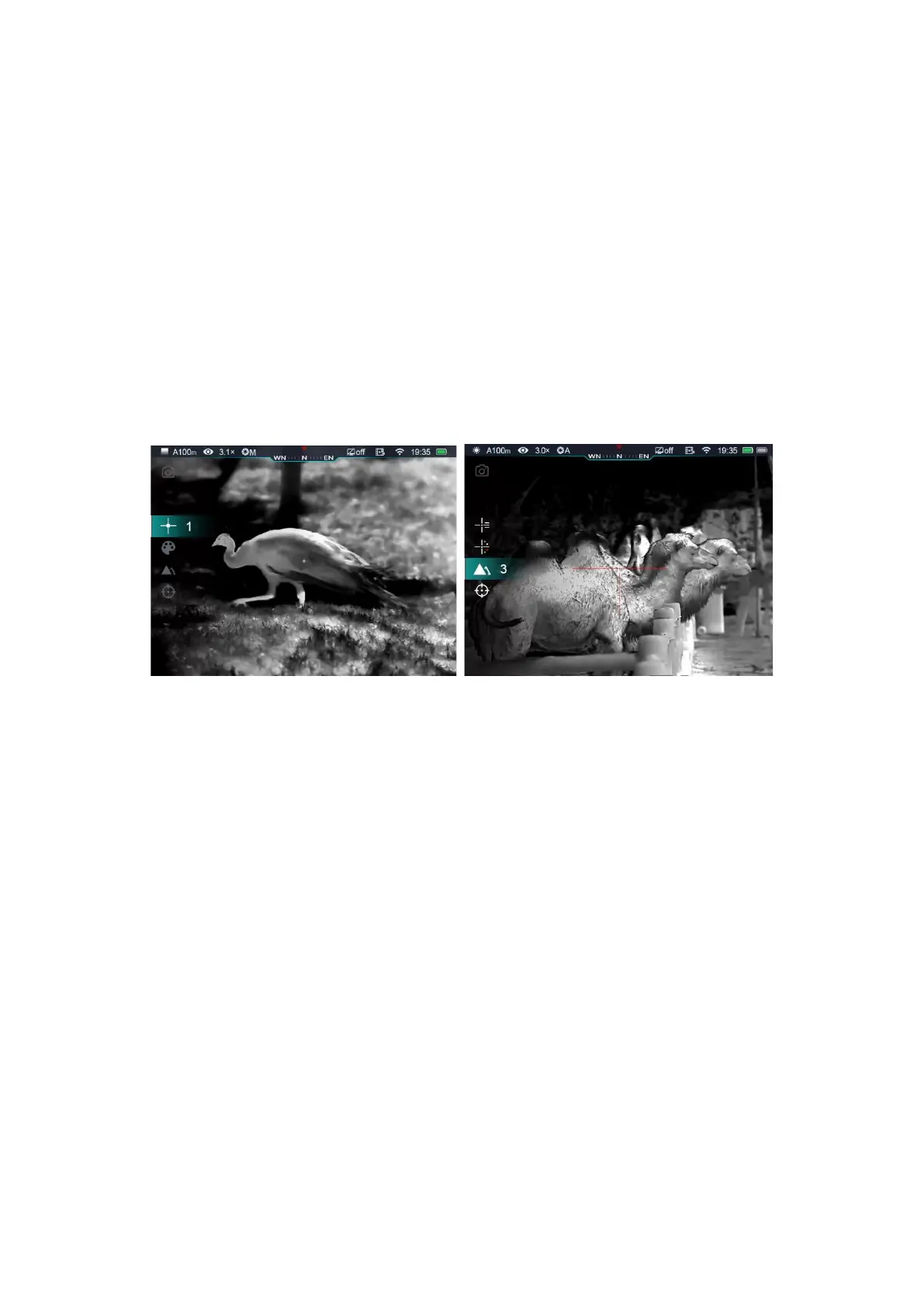
- Reticle Color: rotate rotary encoder knob (7) to select this option, short press knob
to select reticle color as white, black, red, green;
- Image Sharpness: rotate rotary encoder knob (7) to select this option, short press
encode knob to select image sharpness 1-2-3-4-5;
- Zeroing range: rotate rotary encoder knob (7) to select this option, short press knob
to select default zeroing range;
⚫ Long press rotary encoder knob (7) to save modifications and exit to main screen.
Tips: In shortcut menu, without any operations in 5s, the device will save current modification
and exit to home screen.
15. Advance Menu:
⚫ In Main Menu, long press rotary encoder knob for 3 seconds to enter main menu,
options including: Ultra-clear mode, Wi-Fi, Analog video output, Manual/Automatic
shutter calibration, compass, gravity sensor, reticle, zeroing range, standby etc.
⚫ Rotate rotary encoder knob (7) to switch main menu options, rotate clockwise to move
down and counter clockwise to move up;
⚫ The function options on main menu are in cycle: when cursor> located in the last option
of first page, rotate knob clockwise, it will move to the first option on second page.
When cursor> located in the first option of first page, rotate it counter clockwise, it will
move to the last option on second page;
⚫ Short press rotary encoder knob (7) to modify current parameters or enter next level of
menu;



 To Next Page