36 / 108
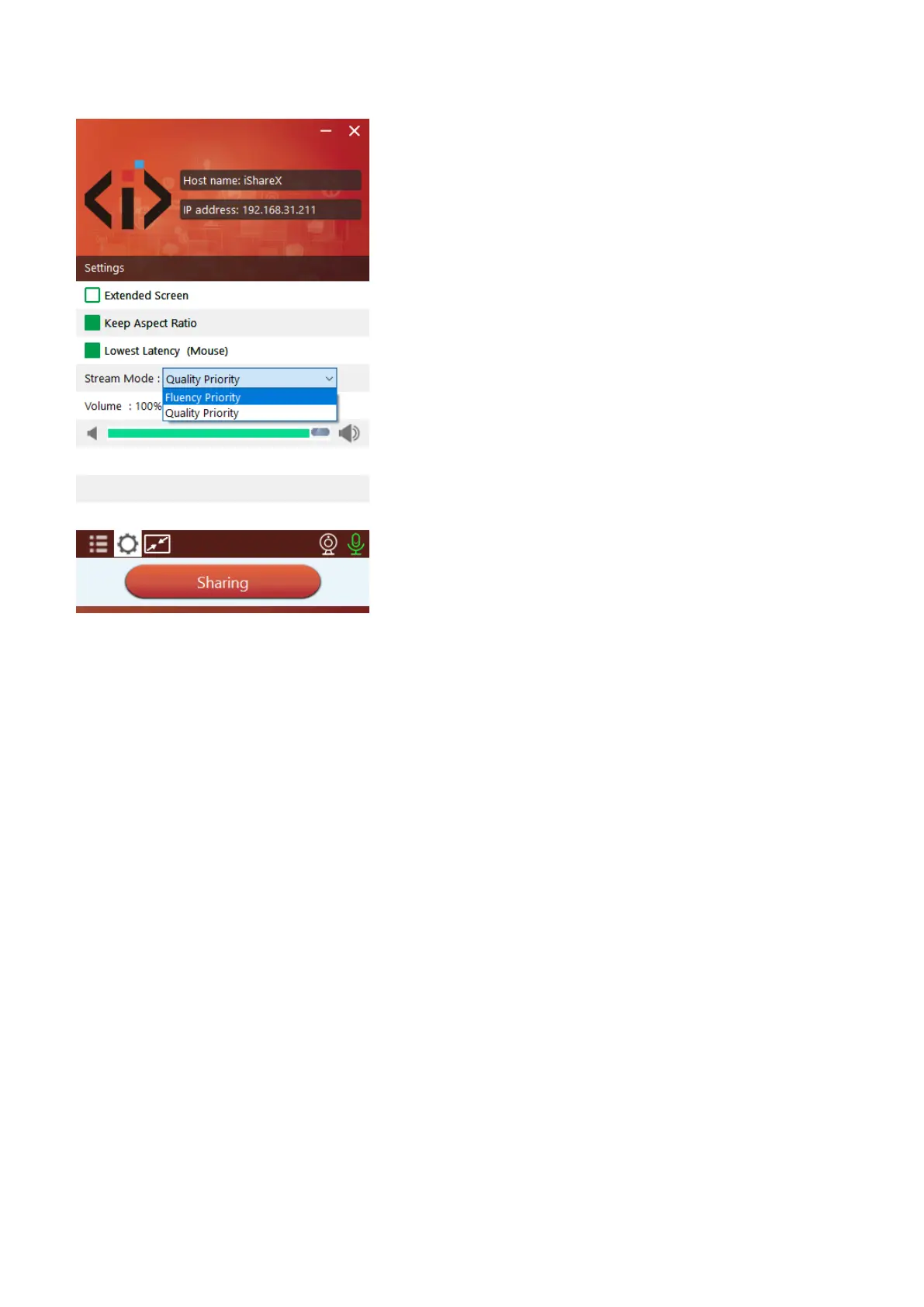
“Options”:
⚫ Extended Screen:
Transfers extended desktop of active source. (depending on your operating system, may require the installation of the
virtual driver “ExtendedDisplay“ for function with Windows 10).
The primary screen (1) is displayed on the laptop and the virtually extended screen (2) is displayed on the main screen.
If the PC has already connected an extended screen (3), the extended screen (2) will always be displayed on the main
screen.
For the first time use of function “Extended Screen”, click the “Extended Screen”, will pop out a message to indicate
the installation of the “ExtendedDisplay” driver. Click “yes” to continue, once installed, the “Extended screen” function
is ready to use.


 To Next Page