85 / 108
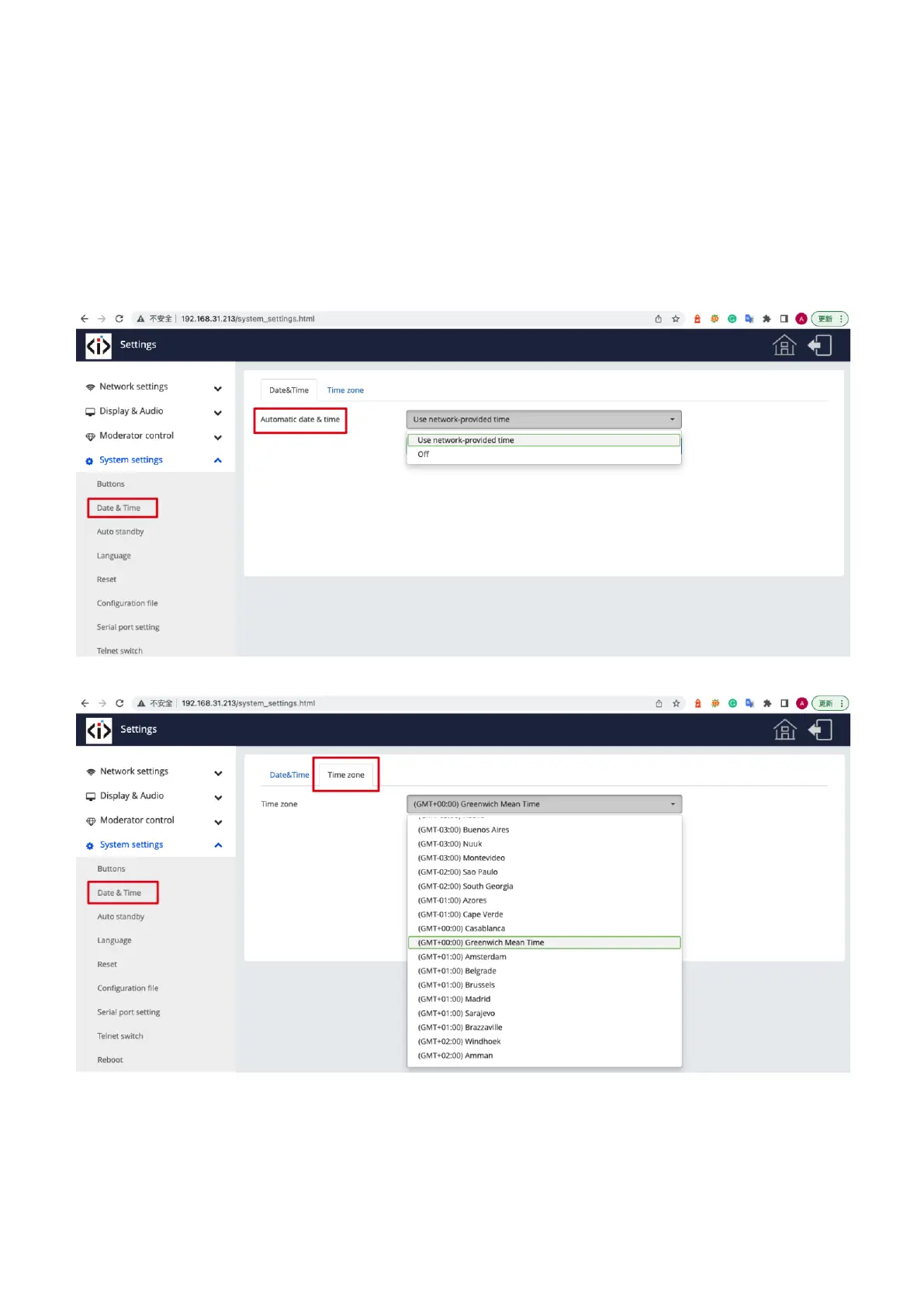
7.4.2 Date & Time
Includes Automatic date & time, Set date, Set time, Select time zone.
⚫ Automatic date & time: Check to use a NTP time server to provide time as system time.
⚫ Set date: Click in the input filed to fill out the appropriate date.
⚫ Set time: Click in the input filed to fill out the appropriate time manually. The setting is not saved, when power is off.
⚫ Select time zone: Click in the input filed to fill out the appropriate time zone.
7.4.3 Auto standby
If the Auto Standby mode is activated, iShare X will automatically switch to power saving mode, a selectable time after the


 To Next Page