50 / 108
g
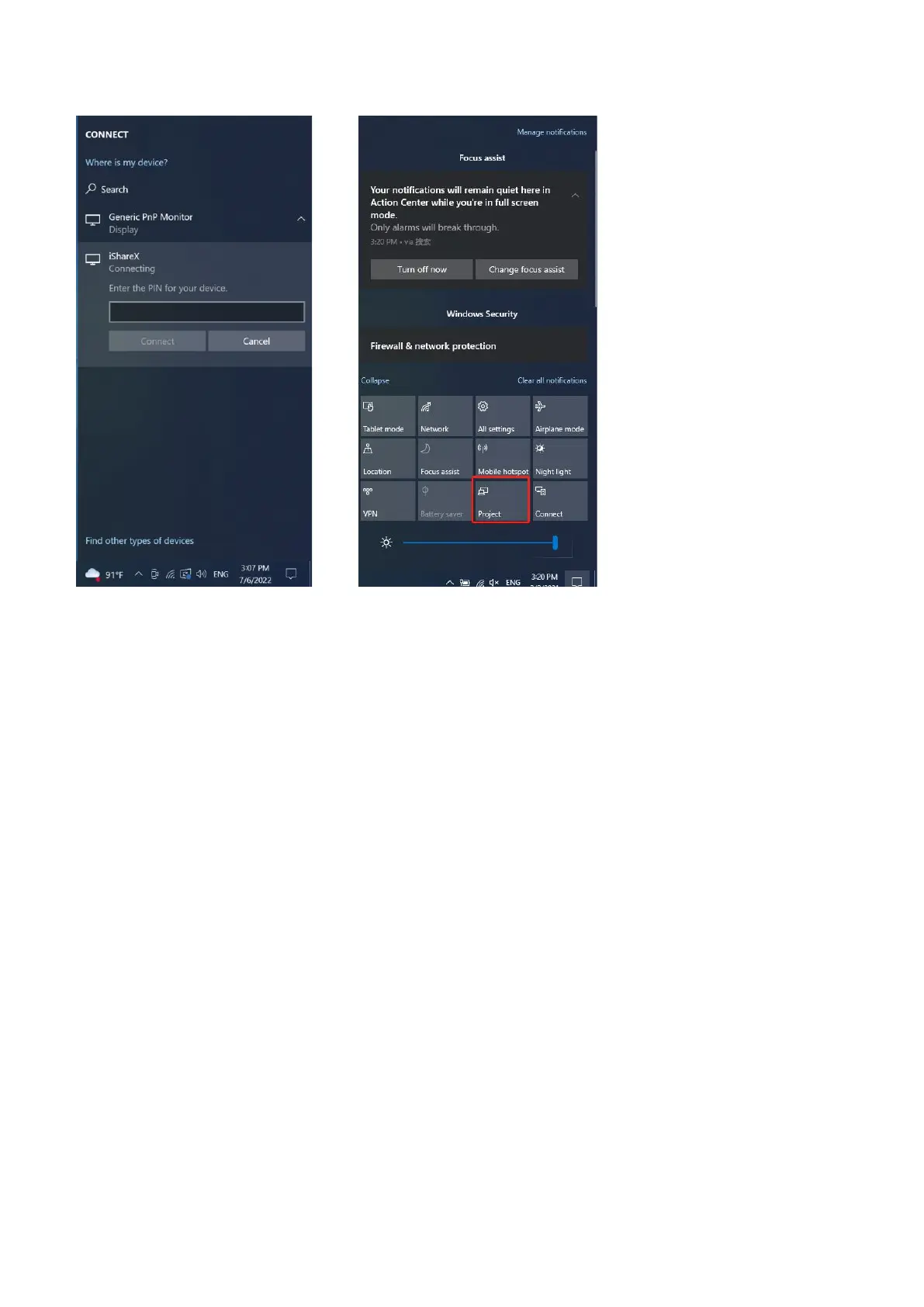
4. After entering password, it will show your mobile content on display.
5. Click the “project” icon again, disconnect to stop mirroring.
5.3.10 Chromecast on PC
iShare X400 support Chromecast function on WIN 7 and WIN 10 PC.
PC and iShare X400 base unit need to be in the same LAN network to start cast content onto screen via Chromecast.
1. Open Chromecast browser, connect your PC with same network of iShare X400 as below pic.


 To Next Page