49 / 108
WIN10 PC Miracast
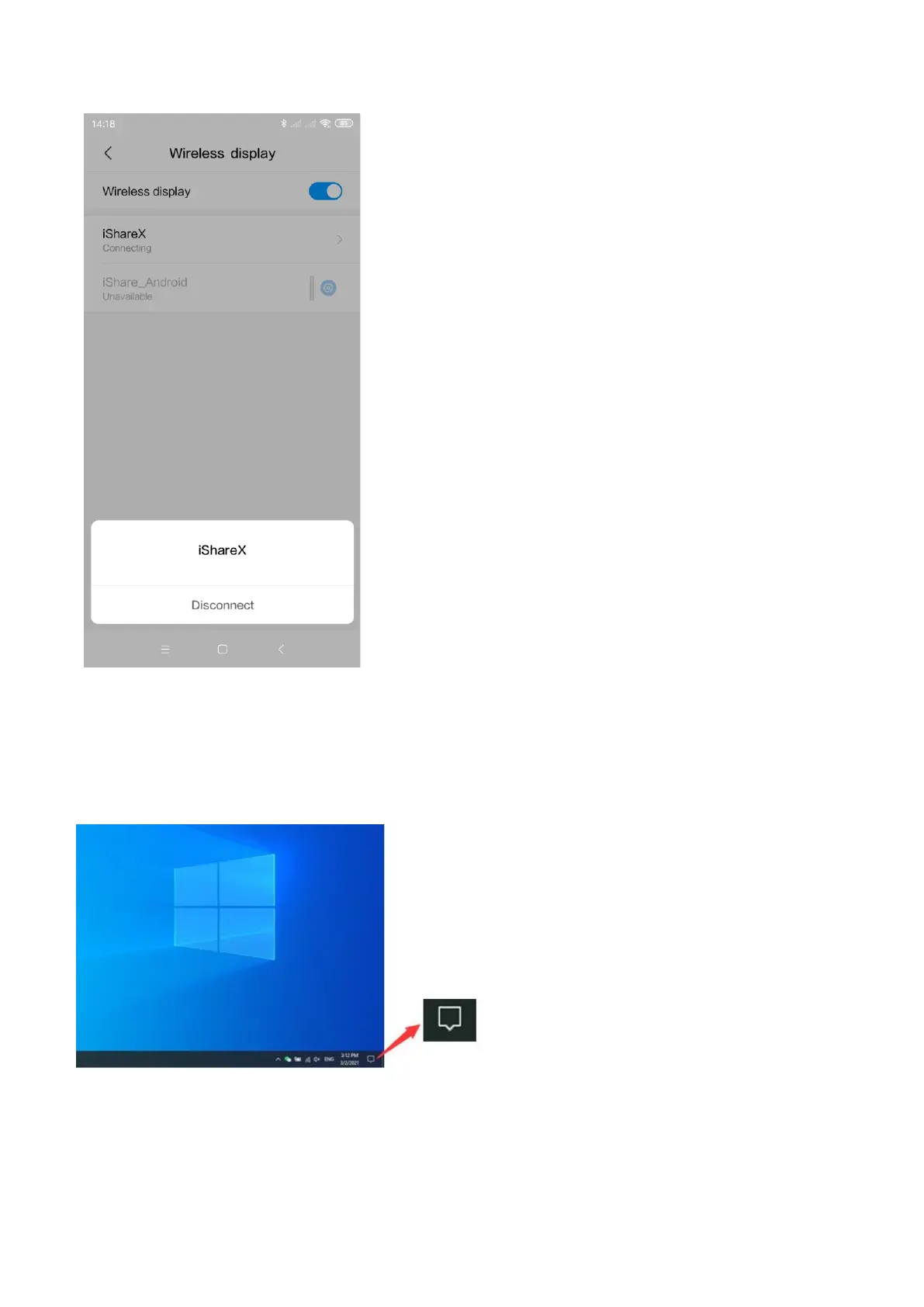
1. Make sure the Wi-Fi or WLAN is enabled.
2. Click the PC bottom right corner operation zone icon as below.
3. Click “project” icon to enter password on home screen to connect and mirror.
Note: under Security Level 1 mode, there is no need to enter password to connect. Under Security level 2 and Security level
3 mode, it will need to enter password on iShare X400 home screen to connect and mirror.


 To Next Page