48 / 108
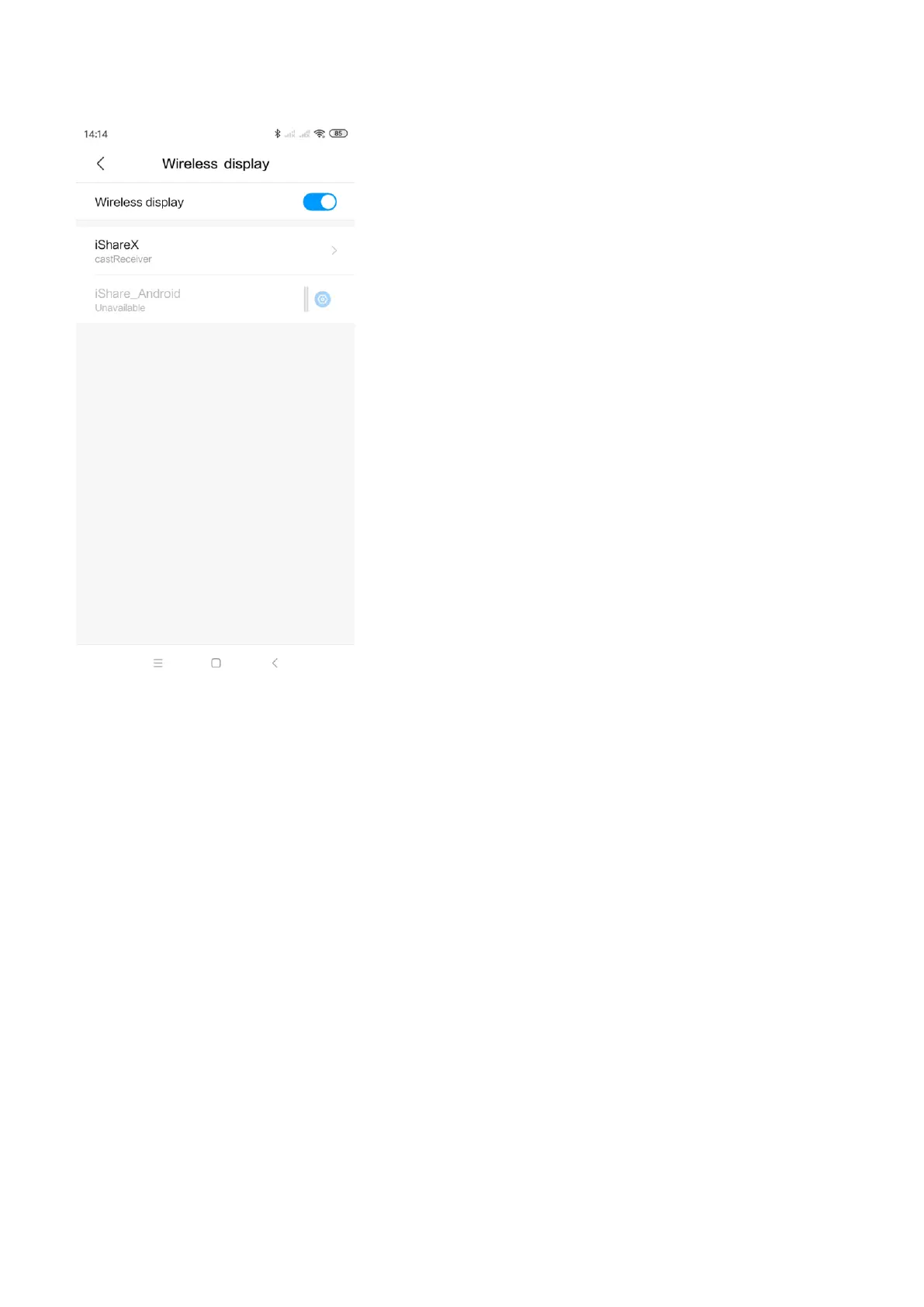
3. It will pop out the wireless display window, find the proper base unit iShare X400 in the available list to connect.
Note: under Security Level 1 mode, there is no need to enter password to connect. Under Security level 2 and Security level
3 mode, it will need to enter password on iShare X400 home screen to connect and mirror.
4. After entering password, it will show your mobile content on display.
5. Click the “wireless display” icon again, disconnect to stop mirroring.


 To Next Page