38
EZ Display
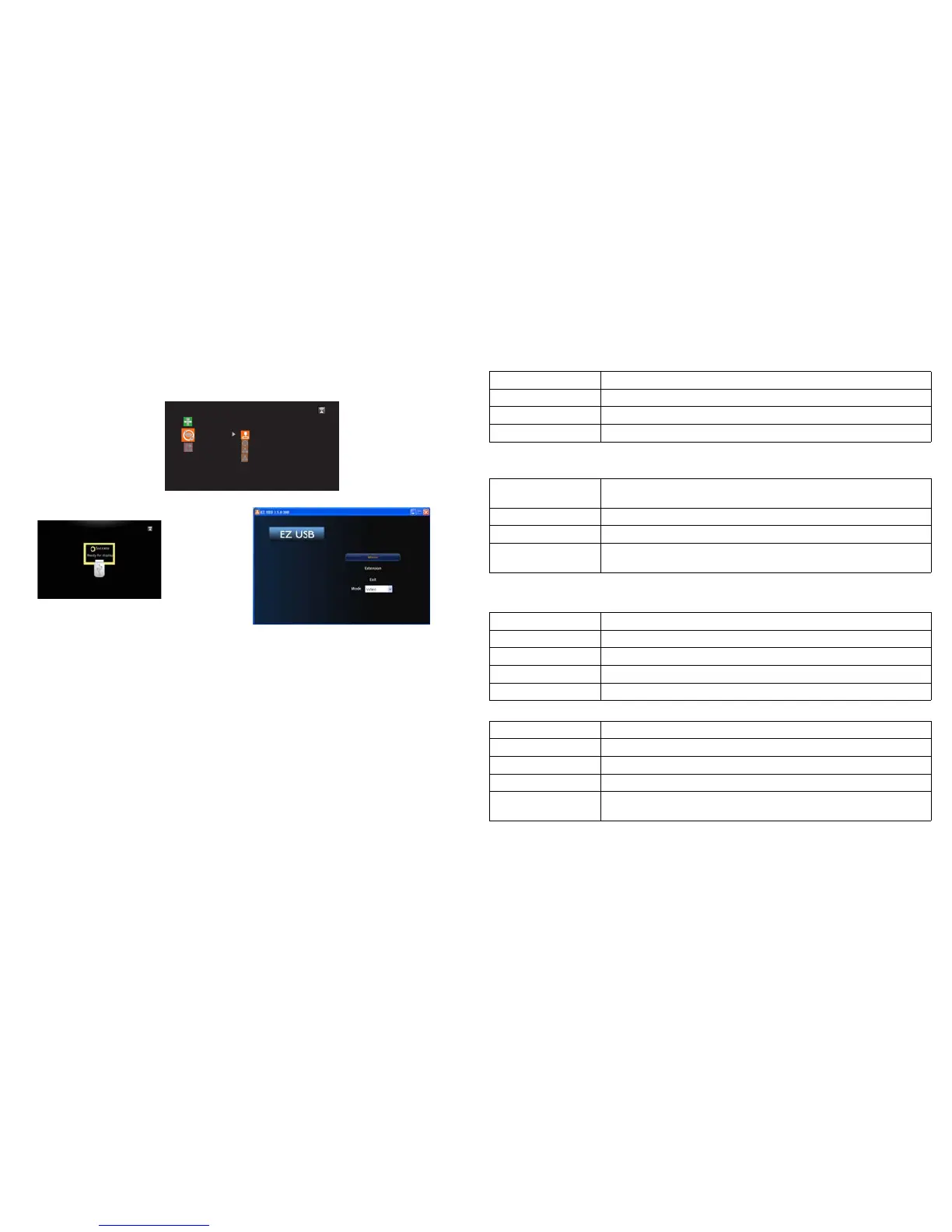
EZ USB
The EZ USB allows you to project using EZ USB application from a Windows or Macintosh
operating system through a USB mini-B connection.
EZ Display
EZ Suite
EZ Media
EZ Display
Settings
EZ USB
EZ Mobile
Miracast
1 Connect one end of the USB cable to the USB Mini-B connector on the
projector and the other to the USB Type-A connector on your computer.
2 Go to Multimedia > EZ Display > EZ USB to connect your device.
3 If your computer doesn’t support auto play, go to "My Computer", you will
find a removable disk and EZ_USB disk drive, then double click it to install the
USB driver and EZ USB application.
4 Launch EZ USB to project the contents on your computer.
Features
• Full Screen Mirror Display and Extended Display
• USB2.0 High Speed Transfer
• OS support: Windows XP 32/64bit SP3 (Professional or above), Windows
Vista 32/64bit SP2 (Home premium and above), Windows 7 32/64bit SP1
(Home premium and above) and Windows 8, Mac OS 10.7 and later
NOTE: Win8 doesn't support extension mode.
System Requirements
CPU Dual Core 2 GHz or higher (ATOM not supported)
Graphic card Intel, nVIDIA or ATI graphic card with 64MB VRAM or above
Operating System Windows XP SP3, Vista SP2, Windows 7 SP1, Windows 8
USB USB 2.0 High Speed
Windows OS:
NOTE: Audio is not supported on XP.
CPU Dual Core Intel Core i 1.4 GHz or higher
(PowerPC not supported)
Graphic card Intel, nVIDIA or ATI graphic card with 64MB VRAM or above
Operating System Mac OS X 10.7 and above
Recommended
Models
Mac Book series and iMac series after E/2011
Mac OS:
Recommended System Configuration
CPU Dual Core Intel Core i5 2.4Ghz
Memory DDR 4GB
Graphic card 256MB VRAM or above
Operating System Windows XP SP3, Win 7 SP1 or Win 8
USB USB 2.0 High Speed
Windows OS:
CPU Dual Core Intel Core i5 2Ghz
Memory DDR 4GB
Graphic card 256MB VRAM or above
Operating System Mac OS X 10.8
Recommended
Models
Mac Book series and iMac series after E/2011
Mac OS:
For information about this, refer to the EZ USB Display Manual at www.infocus.com/
support.
EZ Display
EZ Display allows you to project using the EZ Display application from a Windows PC,
Android, Macintosh or iOS device either wirelessly using the optional SP-WIFIUSB-2 adapter
or using the LAN connection.



 To Next Page