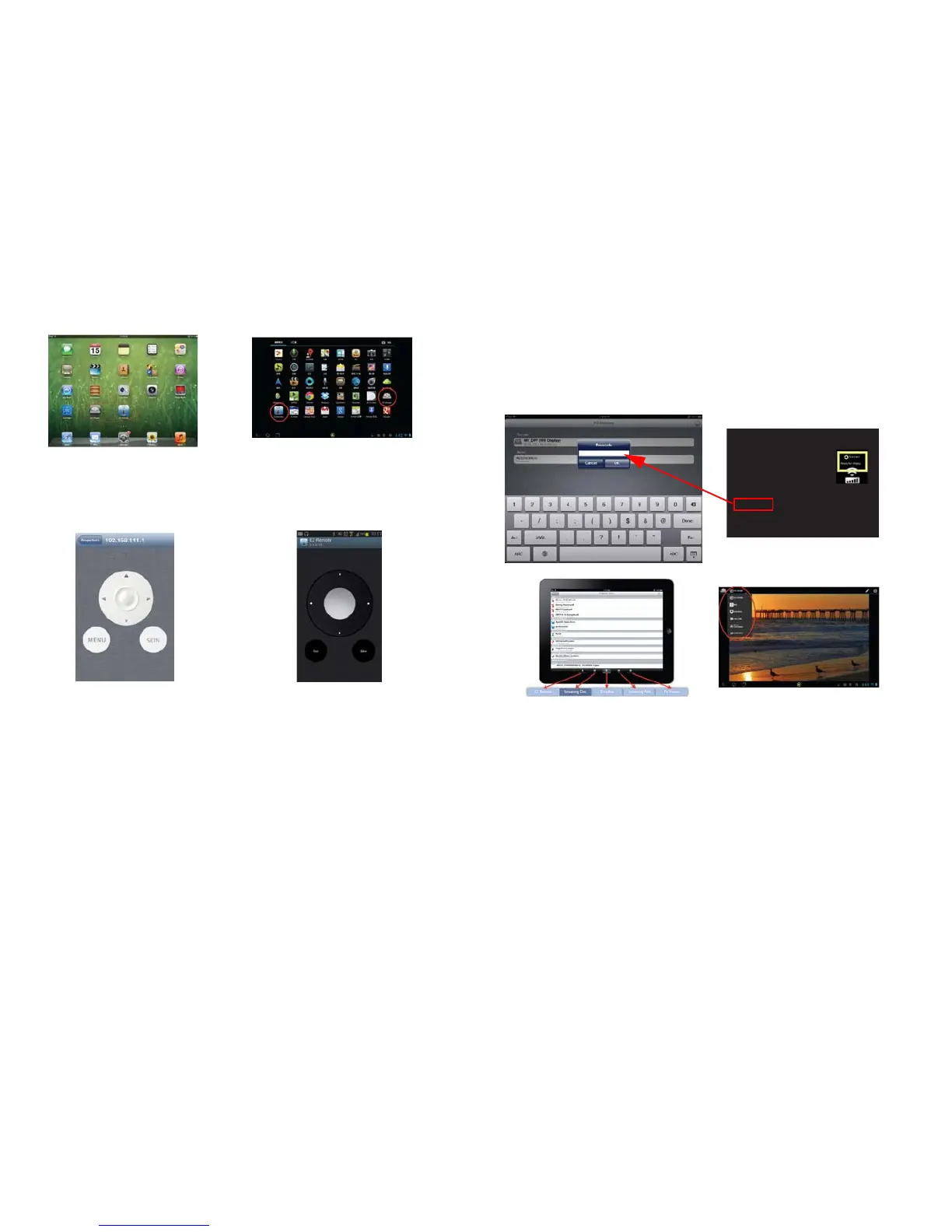
iOS screen
Android screen
48
EZ Remote
Launch EZ Remote. You will see the connected device shown on the device list.
Click it to enable Remote control.
iOS screen
Android screen
*Skin button is reserved for future feature.
EZ Display
Launch EZ Display and it will scan for and list the device's IP address. When you
click the device, a passcode is required. Enter the 4 digit number shown on your
projector. After entering the correct passcode on the Multimedia > EZ Display >
EZ Display page, EZ Display will display and allow you to select the different
feature options.
Passcode: 5774
iOS screen
Android screen



 To Next Page