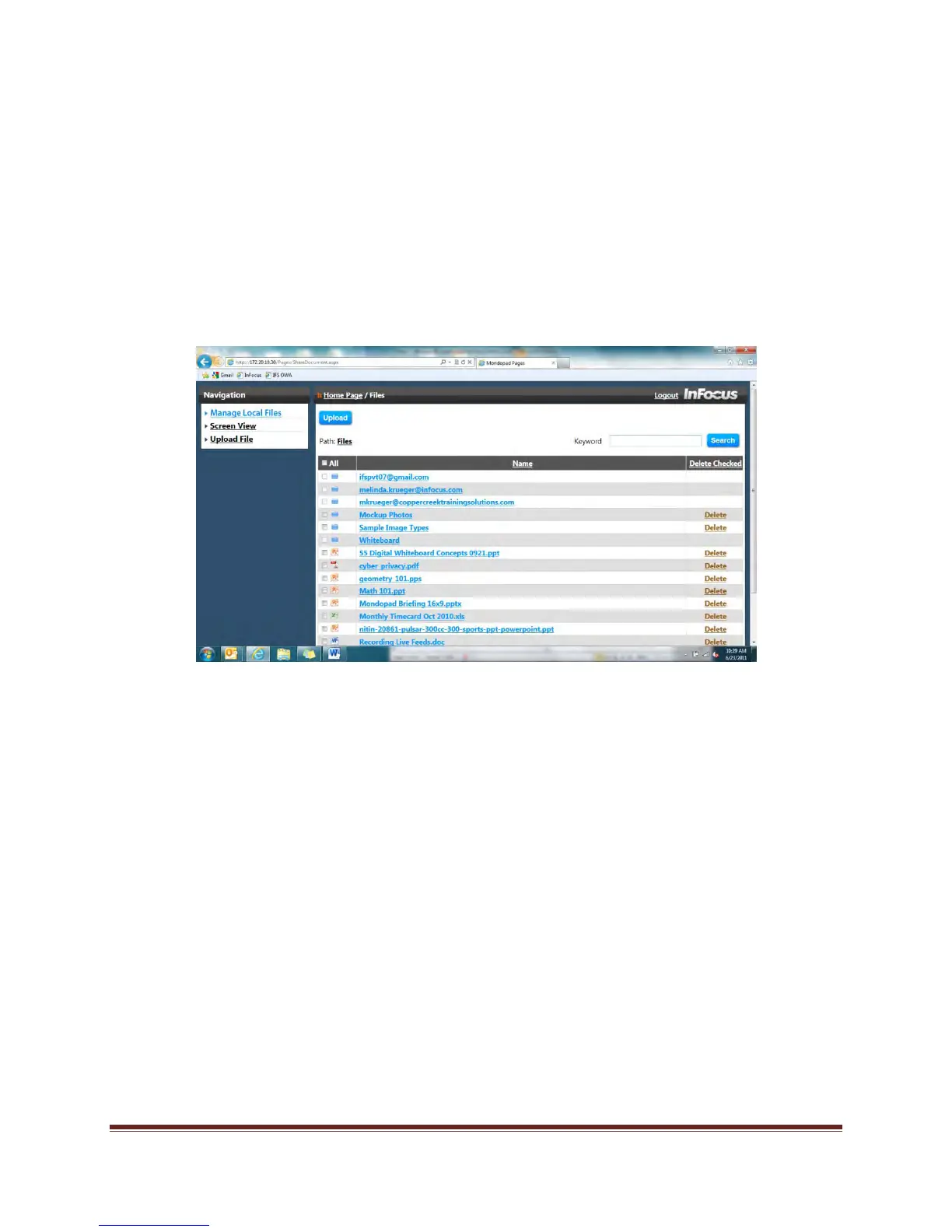
Page 26 View & Share File Management
d. Locate the desired file on your computer (or smart device) and click the Open
button.
e. Click Upload.
f. When completed, click Manage Local Files.
g. Locate the folder with your email address, and click to open.
h. Select the desired document and click to open.
6. To upload without emailing:
a. Click Manage Local Files.
b. Click Upload.
c. Click Browse.
d. Locate the desired file on your computer (or smart device) and click the Open
button.
e. Click Upload.
f. Locate the document and click to open.


 To Next Page