EasyManua.ls Logo

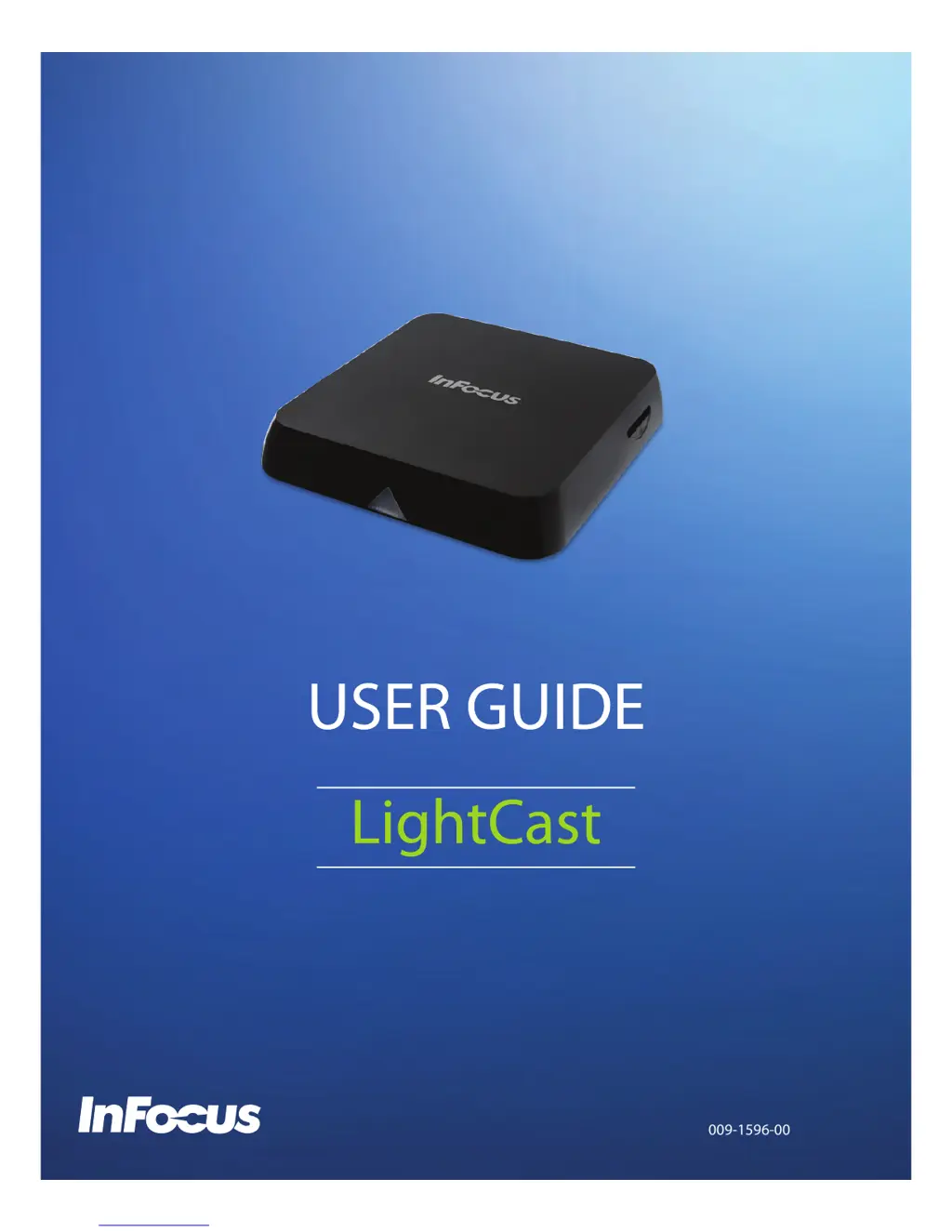
InFocus LightCast - User Manual

InFocus LightCast
30 pages
Print Icon
To Next Page IconTo Next Page
Loading...
009-1596-00

Questions and Answers

  • R
    Regina ThompsonAug 13, 2025
    What to do if there is no image on InFocus Media Player?
    • M
      Mathew HopkinsAug 13, 2025
      If your InFocus Media Player isn't displaying an image, first, try reconnecting the HDMI or AV cable. If that doesn't work, make sure that your InFocus display is actually turned on.
  • J
    jonesmarkAug 17, 2025
    How to fix no power on InFocus Media Player?
    • H
      Heather RobertsAug 17, 2025
      If your InFocus Media Player has no power, check that the power adapter is properly connected both to a working power outlet and to the LightCast module.
  • R
    Rebecca GarciaAug 20, 2025
    Why is there no sound or distorted sound on my InFocus LightCast?
    • J
      Jon YoungAug 21, 2025
      If you're experiencing no sound or distorted sound with your InFocus Media Player, first, adjust the volume. Then, verify that the HDMI cable or audio cable is properly connected to both the LightCast module and the InFocus display.
  • A
    alison79Aug 25, 2025
    How to restore sound during movie playback on InFocus Media Player?
    • T
      Terry LiAug 25, 2025
      If you're not getting any sound during movie playback on your InFocus Media Player, try these steps: * Adjust the volume. * Change the audio codec, as the current one may not be supported by the LightCast module.
  • M
    Matthew LucasAug 28, 2025
    What to do if InFocus display screen is blank and the LightCast module LED is blinking?
    • S
      Scott JonesAug 28, 2025
      If your InFocus display screen is blank and the LightCast module LED is blinking, try the following: 1. Turn off the LightCast module, wait 30 seconds, and then turn it back on. 2. Verify that the HDMI cable or audio cable is properly connected to the LightCast module and to the InFocus display. 3. Change the resolution output of the LightCast module to 720p.
  • D
    Dr. Linda Lawrence DDSAug 31, 2025
    How to troubleshoot no audio or digital output on InFocus Media Player?
    • J
      Jon JohnsonSep 1, 2025
      If you're experiencing no audio or digital output from your InFocus Media Player, check the digital connections. Also, verify that your amplifier is set correctly.
  • M
    Michael HughesSep 4, 2025
    What to do if InFocus LightCast Media Player cannot read USB flash drive?
    • A
      Amanda NortonSep 4, 2025
      If your InFocus Media Player can't read the contents of your USB flash drive, it might be due to an incompatible format. Try turning off the LightCast module, waiting 30 seconds, and then turning it back on.
  • K
    kevin64Sep 8, 2025
    Why is the USB flash drive operating slowly on my InFocus Media Player?
    • M
      Michelle HernandezSep 8, 2025
      If your USB flash drive is operating slowly with the InFocus Media Player, try reducing the file size or resolution of the images on the USB flash drive.

Summary

Overview

Key Features

Lists the main technical specifications and capabilities of the InFocus LightCast module.

Accessories

Lists the included accessories provided with the InFocus LightCast module.

Hardware Setup

Provides step-by-step instructions for connecting and setting up the hardware components of the LightCast module.

First Time Use

Welcome and Network Setup

Guides users through the initial welcome screen and network configuration for the LightCast device.

Enter Registration Information

Details how to enter personal and organizational information for product updates and newsletters.

LightCast Home Page Overview

Explains the main interface screen showing Cast, BigNote, and Browser options after setup.

LightCast Features

Connect with LightCast App

Instructions on how to connect your device using the dedicated LightCast application.

AirPlay

AirPlay for iOS Devices

Step-by-step guide for mirroring an iOS device screen using AirPlay.

AirPlay for OS X Devices

Instructions for connecting an OS X device via AirPlay from the menu bar.

Miracast

Miracast for Android Tablets

Guide to wirelessly mirroring an Android tablet screen using Miracast.

Miracast for Windows PCs

Steps to mirror a Windows PC screen using Miracast via the Charms menu.

BigNote Functionality

Create Drawing Objects

Instructions on how to create and manipulate drawing objects with various tools and colors.

Add Text Objects

Details on adding, formatting, and positioning text boxes within the BigNote interface.

Import and Adjust Images

Explains how to import images and adjust their size, rotation, and zoom on the BigNote canvas.

Adjust BigNote Canvas Size

Describes how to add or navigate pages within the BigNote canvas using the Canvas Tool.

Navigate BigNote Pages

Guides users on navigating between different pages using the Canvas Tool and thumbnail view.

Modify BigNote Objects

Instructions for copying, moving, resizing, and deleting objects within the BigNote canvas.

Add Background Image

Steps to select and apply an image as a background for the BigNote canvas.

Save BigNote Files

Explains how to save BigNote files in various formats like MWBX, JPG, or PDF.

Email and Print BigNote

Instructions for sharing BigNote files via email and printing to a network printer.

Browser Functions

Internet Browsing Capabilities

Explains how to use the built-in browser to access the internet.

Browser Navigation Tools

Describes the functions of browser navigation buttons like Home, Favorite, Back, Forward, and Refresh.

Settings and Configuration

Connect using WiFi Network

Step-by-step guide for connecting the LightCast module to a wireless network.

Set up Bluetooth Connectivity

Instructions for pairing and connecting Bluetooth devices to the LightCast module.

Change Device Name

Guide on how to rename the LightCast module for easier identification.

Update Device Firmware

Procedures for updating the device's firmware via network or USB.

Reboot and Reset Device

Instructions on how to restart the LightCast module and reset registration parameters.

Resize Display Image

How to digitally zoom the LightCast display window to adjust its size.

Software Version Information

Information on where to find the current software version of the device.

Troubleshooting

Limited Warranty

InFocus Hardware Warranty Terms

Details the warranty terms for InFocus branded hardware products against defects.

Warranty Exclusions and Limitations

Lists conditions and situations not covered by the InFocus Limited Warranty.

Additional Warranty Limitations

Further specifies limitations and exclusions to the hardware product warranty.

Warranty Disclaimer and Legal

States that express warranties are exclusive and disclaims implied warranties.

Obtaining Warranty Service

Guide on how to access online resources and contact InFocus for warranty support.

Customer Self Repair Program

Information on InFocus's Customer Self Repair program for parts replacement.

CSR Part Return and Privacy Policy

Details on returning CSR parts, privacy policy, and data backup before service.

Warranty Service Resources

Information on where to find support and service locations for InFocus products.

Product Specifications

InFocus LightCast Specifications

General IconGeneral
Video OutputHDMI
Resolution1920x1080 (Full HD)
ConnectivityWireless
Wireless TechnologyWiFi (802.11 b/g/n)
ConnectorsHDMI, USB
ModelLightCast Key LCKEY-01