Need help?
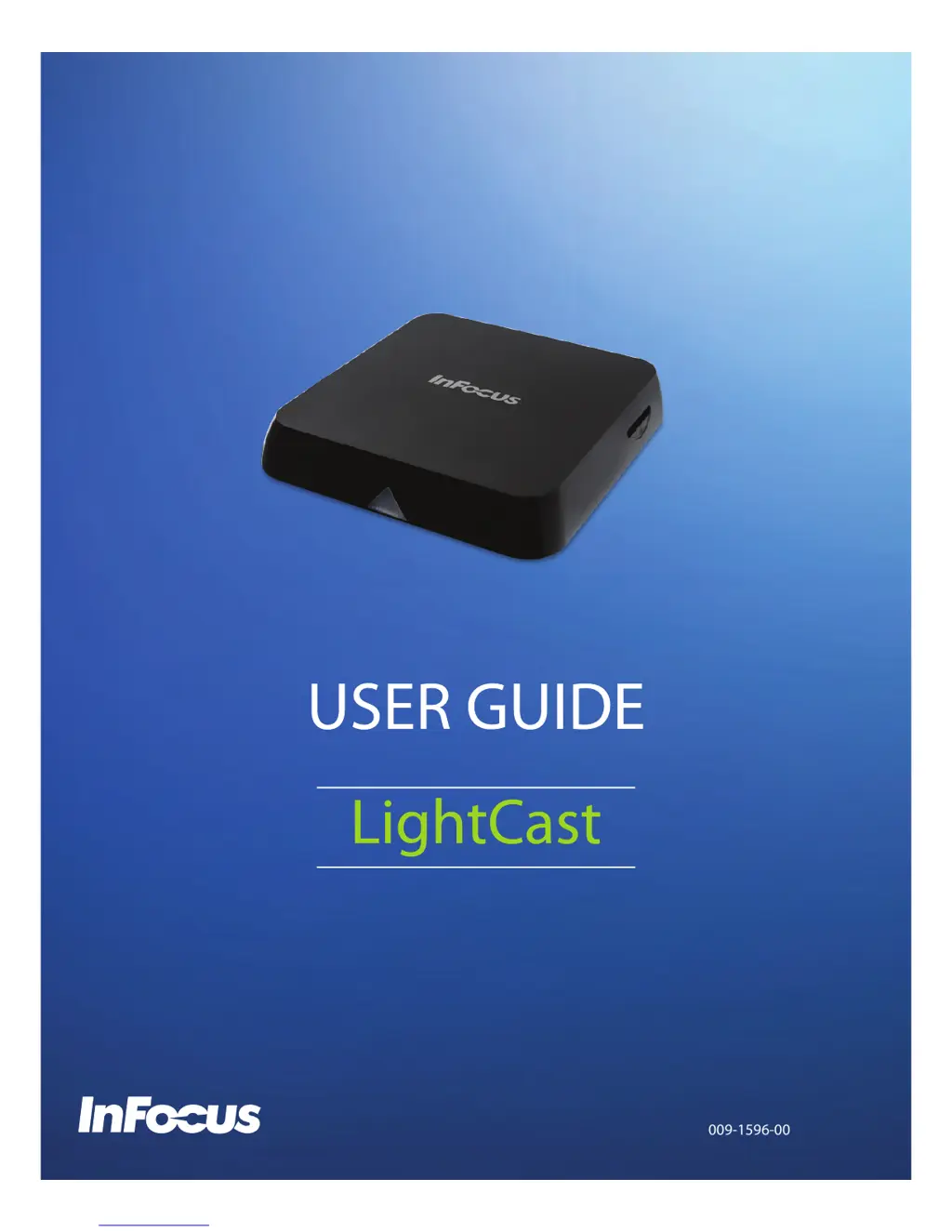
Do you have a question about the InFocus LightCast and is the answer not in the manual?
Lists the main technical specifications and capabilities of the InFocus LightCast module.
Lists the included accessories provided with the InFocus LightCast module.
Provides step-by-step instructions for connecting and setting up the hardware components of the LightCast module.
Guides users through the initial welcome screen and network configuration for the LightCast device.
Details how to enter personal and organizational information for product updates and newsletters.
Explains the main interface screen showing Cast, BigNote, and Browser options after setup.
Instructions on how to connect your device using the dedicated LightCast application.
Step-by-step guide for mirroring an iOS device screen using AirPlay.
Instructions for connecting an OS X device via AirPlay from the menu bar.
Guide to wirelessly mirroring an Android tablet screen using Miracast.
Steps to mirror a Windows PC screen using Miracast via the Charms menu.
Instructions on how to create and manipulate drawing objects with various tools and colors.
Details on adding, formatting, and positioning text boxes within the BigNote interface.
Explains how to import images and adjust their size, rotation, and zoom on the BigNote canvas.
Describes how to add or navigate pages within the BigNote canvas using the Canvas Tool.
Guides users on navigating between different pages using the Canvas Tool and thumbnail view.
Instructions for copying, moving, resizing, and deleting objects within the BigNote canvas.
Steps to select and apply an image as a background for the BigNote canvas.
Explains how to save BigNote files in various formats like MWBX, JPG, or PDF.
Instructions for sharing BigNote files via email and printing to a network printer.
Explains how to use the built-in browser to access the internet.
Describes the functions of browser navigation buttons like Home, Favorite, Back, Forward, and Refresh.
Step-by-step guide for connecting the LightCast module to a wireless network.
Instructions for pairing and connecting Bluetooth devices to the LightCast module.
Guide on how to rename the LightCast module for easier identification.
Procedures for updating the device's firmware via network or USB.
Instructions on how to restart the LightCast module and reset registration parameters.
How to digitally zoom the LightCast display window to adjust its size.
Information on where to find the current software version of the device.
Details the warranty terms for InFocus branded hardware products against defects.
Lists conditions and situations not covered by the InFocus Limited Warranty.
Further specifies limitations and exclusions to the hardware product warranty.
States that express warranties are exclusive and disclaims implied warranties.
Guide on how to access online resources and contact InFocus for warranty support.
Information on InFocus's Customer Self Repair program for parts replacement.
Details on returning CSR parts, privacy policy, and data backup before service.
Information on where to find support and service locations for InFocus products.
Lists the main technical specifications and capabilities of the InFocus LightCast module.
Lists the included accessories provided with the InFocus LightCast module.
Provides step-by-step instructions for connecting and setting up the hardware components of the LightCast module.
Guides users through the initial welcome screen and network configuration for the LightCast device.
Details how to enter personal and organizational information for product updates and newsletters.
Explains the main interface screen showing Cast, BigNote, and Browser options after setup.
Instructions on how to connect your device using the dedicated LightCast application.
Step-by-step guide for mirroring an iOS device screen using AirPlay.
Instructions for connecting an OS X device via AirPlay from the menu bar.
Guide to wirelessly mirroring an Android tablet screen using Miracast.
Steps to mirror a Windows PC screen using Miracast via the Charms menu.
Instructions on how to create and manipulate drawing objects with various tools and colors.
Details on adding, formatting, and positioning text boxes within the BigNote interface.
Explains how to import images and adjust their size, rotation, and zoom on the BigNote canvas.
Describes how to add or navigate pages within the BigNote canvas using the Canvas Tool.
Guides users on navigating between different pages using the Canvas Tool and thumbnail view.
Instructions for copying, moving, resizing, and deleting objects within the BigNote canvas.
Steps to select and apply an image as a background for the BigNote canvas.
Explains how to save BigNote files in various formats like MWBX, JPG, or PDF.
Instructions for sharing BigNote files via email and printing to a network printer.
Explains how to use the built-in browser to access the internet.
Describes the functions of browser navigation buttons like Home, Favorite, Back, Forward, and Refresh.
Step-by-step guide for connecting the LightCast module to a wireless network.
Instructions for pairing and connecting Bluetooth devices to the LightCast module.
Guide on how to rename the LightCast module for easier identification.
Procedures for updating the device's firmware via network or USB.
Instructions on how to restart the LightCast module and reset registration parameters.
How to digitally zoom the LightCast display window to adjust its size.
Information on where to find the current software version of the device.
Details the warranty terms for InFocus branded hardware products against defects.
Lists conditions and situations not covered by the InFocus Limited Warranty.
Further specifies limitations and exclusions to the hardware product warranty.
States that express warranties are exclusive and disclaims implied warranties.
Guide on how to access online resources and contact InFocus for warranty support.
Information on InFocus's Customer Self Repair program for parts replacement.
Details on returning CSR parts, privacy policy, and data backup before service.
Information on where to find support and service locations for InFocus products.
 General
| Brand | InFocus |
|---|---|
| Model | LightCast |
| Category | Media Player |
| Language | English |

 To Next Page