6
Setting up the Projector
NOTE: Before you continue,
make sure the projector and all
other equipment is turned off. If
you’re connecting a computer,
make sure the distance between it
and the projector is 6 feet or less.
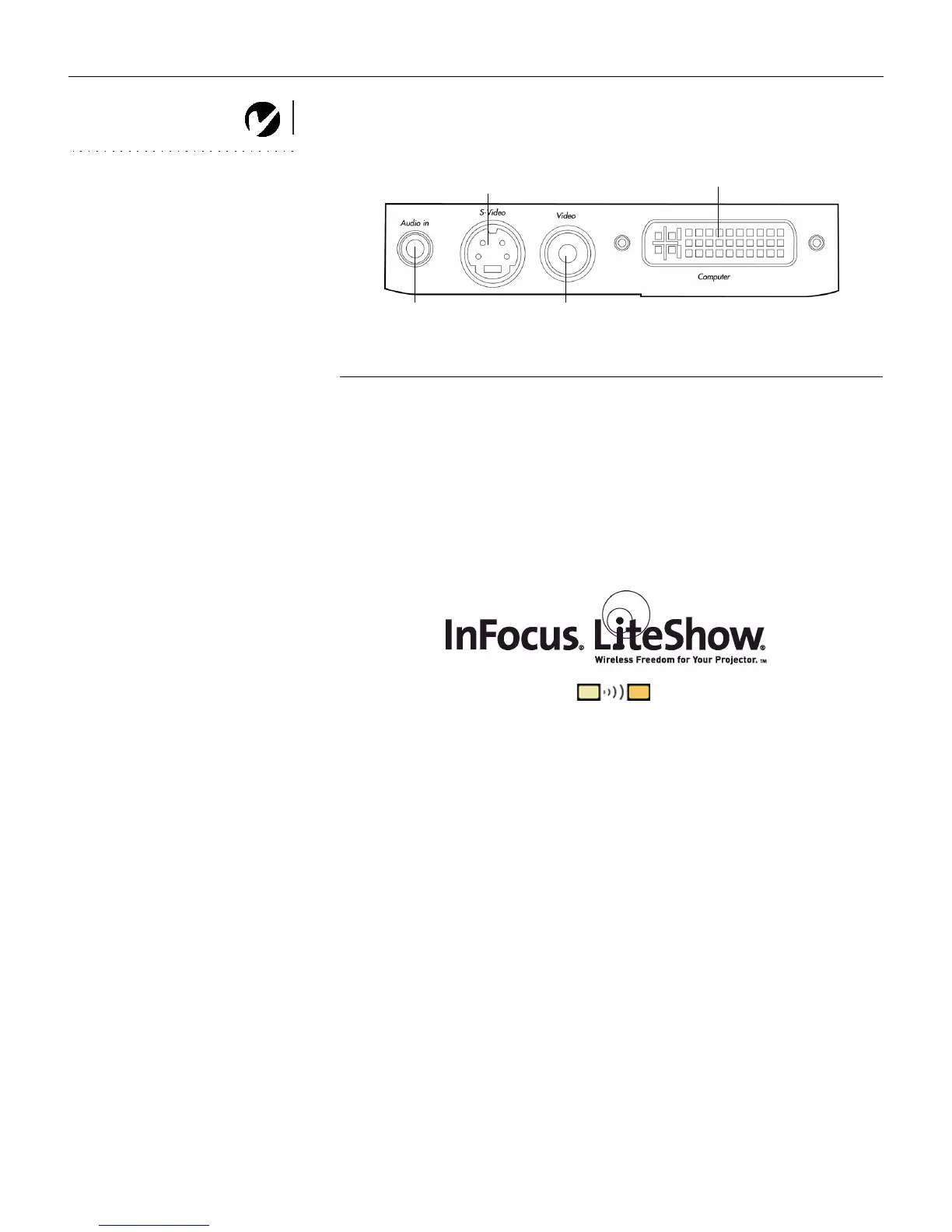
F
IGURE 6
Connector panel
Wireless Projection
You can use the projector’s Computer connector along with the I
nFocus LiteShow wireless adapter and software for cable-free digital
projection. Contact an authorized InFocus dealer or visit our website at
www.infocus.com for more information.
Audio in
S-video
Composite video
Computer
LP70.book Page 6 Friday, February 13, 2004 7:39 AM



 To Next Page