32
Maintenance & Troubleshooting
Replacing the Batteries in the Remote Control
The life of the batteries depends on how often and how long you
use the remote. Symptoms of low battery charge include erratic
responses when using the remote and a reduced range of opera-
tion.
1 Turn the remote face down in your hand.
2 Slide the door off the end of the remote.
3 Remove the old batteries and dispose of them in an environ-
mentally proper manner.
4 Install two new AA alkaline batteries. Make sure you install
each in the correct direction.
5 Re-install the door.
Using the Security Lock
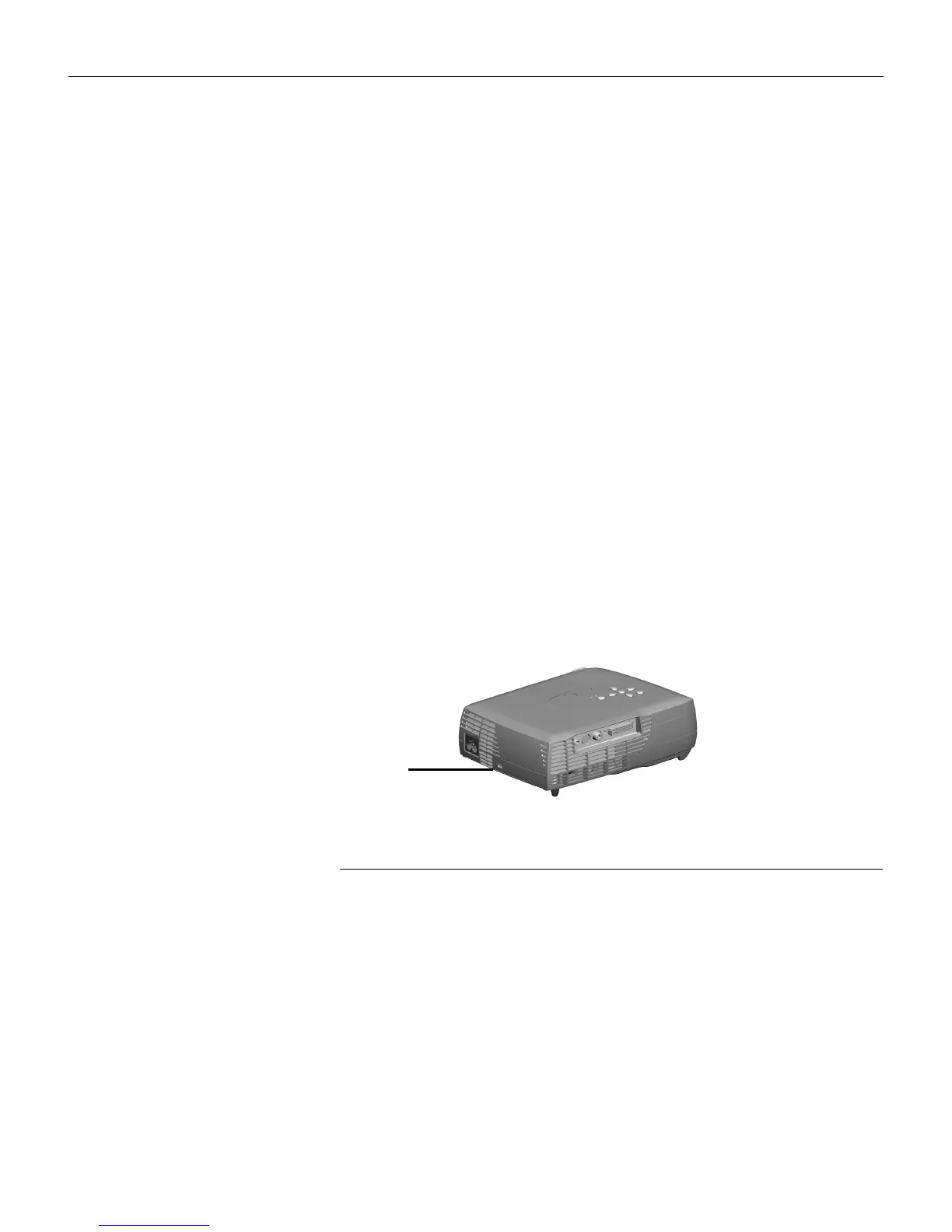
The projector has a security connector for use with a PC Guard-
ian Cable Lock System (Figure 27). See “Accessories” on page 37
for ordering information. Refer to the information that came with
the lock for instructions on how to use it.
FIGURE 27
The security lock
Security
lock
LP70.book Page 32 Friday, February 13, 2004 7:39 AM



 To Next Page