36
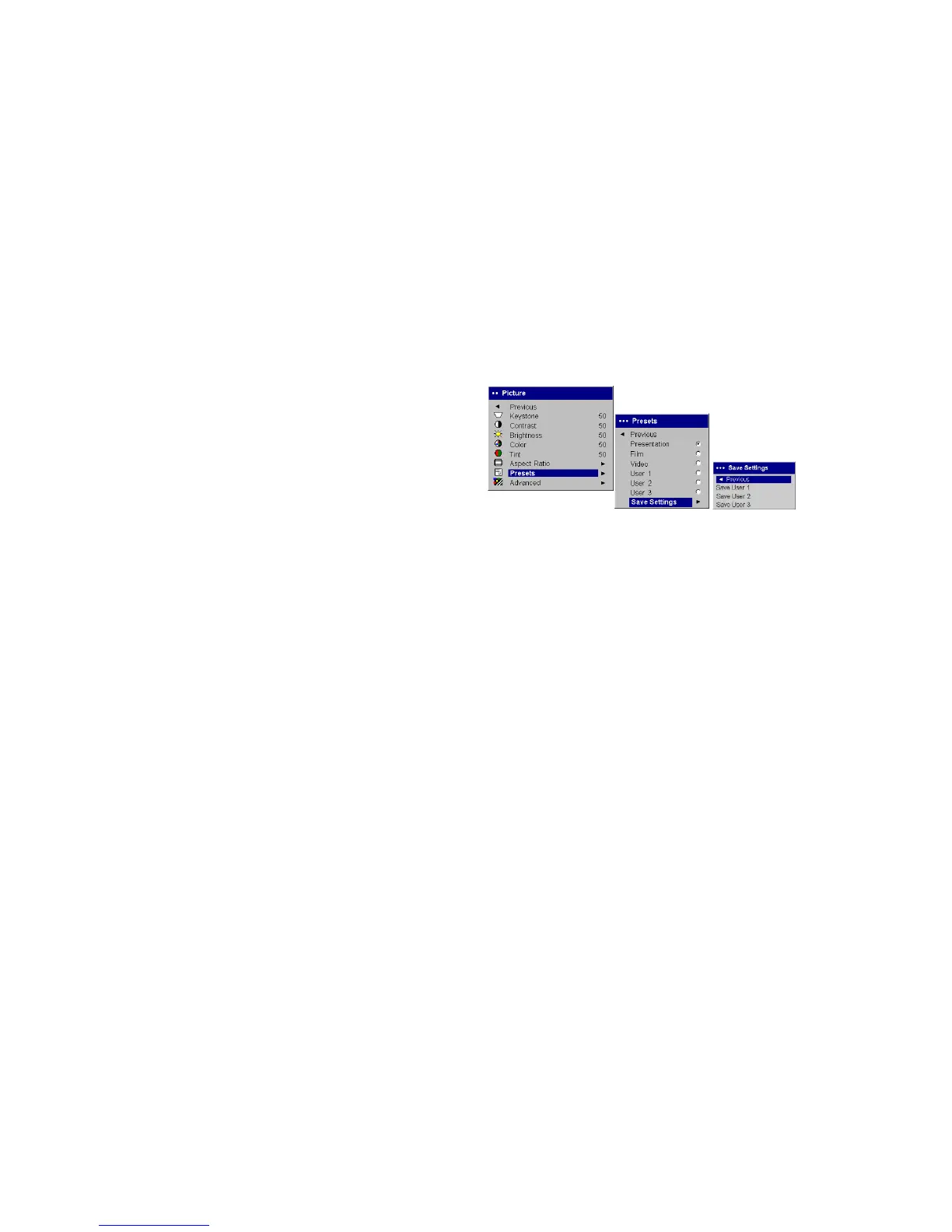
Presets: Presets are provided that optimize the projector for displaying
computer presentations, photographs, film images, and video images. Film
input is material originally captured on a film camera, like a movie; video
input is material originally captured on a video camera, like a TV show or
sporting event. You can use the preset as a starting point, then further cus-
tomize the settings for each source. The settings you customize are saved in
the preset for each source. To restore the factory default settings, choose Fac-
tory Reset in the Settings>Service menu (page 40).
There is also a user-definable preset. To set a preset for the current source,
adjust the image, select Save User in the Presets menu, then select Yes. You
can recall these settings in the future by selecting the User 1 preset.
Presets
Save
User
Settings



 To Next Page