43
ENGLISH
Quick Reference
This is intended only for quick reference!
Before using the
Finetest Auto-coding Premium
Blood Glucose Monitoring
System, read all of the operating instructions in this Operation Manual.
1
1
2
2
3
3
4
4
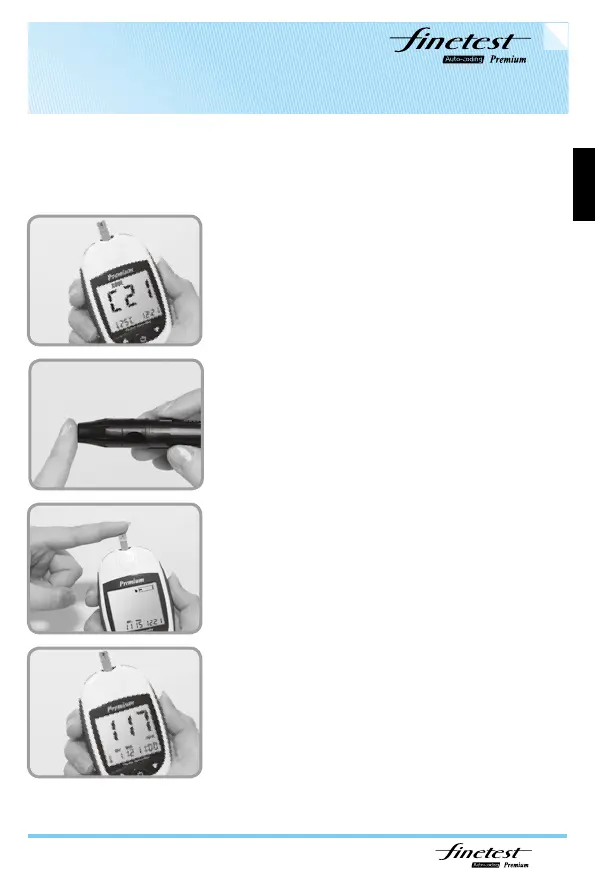
Insert the
Finetest Auto-coding Premium
test strip while the meter is switched off. Code
number is automatically displayed. Compare with
code number printed on test strip vial. If not
identical discard the test strip and restart!
Apply blood sample until confirmation window is
completely filled. Meter automatically begins to
countdown. If the countdown does not start, do
not add more blood to the test strip! Discard the
test strip and restart testing.
Test results appear in 9 seconds.
Collect blood sample.



 To Next Page