51
ENGLISH
The
Finetest Auto-coding Premium
has a variety of excellent functional
modes and options:
Up to 5 alarms at planned testing times, unique User ID option, ability to designate activities
related to the test result, and the ability to designate three different numbers of days for average
calculation.
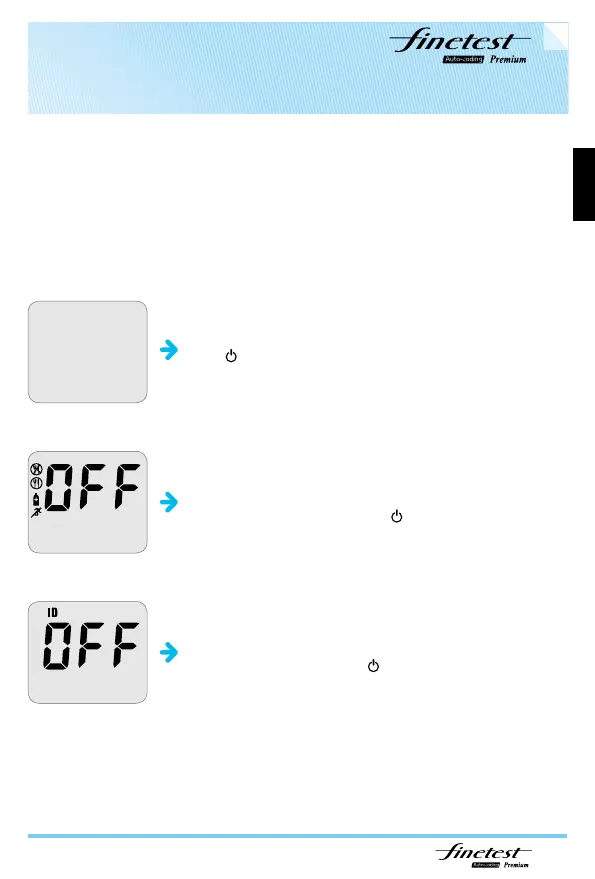
power on
Press for 5 seconds at least.
User Activity option
After pressing and releasing either
▲
or
▼
buttons to turn the
user Activity option on/off, confirm with
.
User ID option
After pressing and releasing either
▲
or
▼
buttons to turn
User ID option on/off, confirm with
.
Before Testing - Setting the Meter



 To Next Page