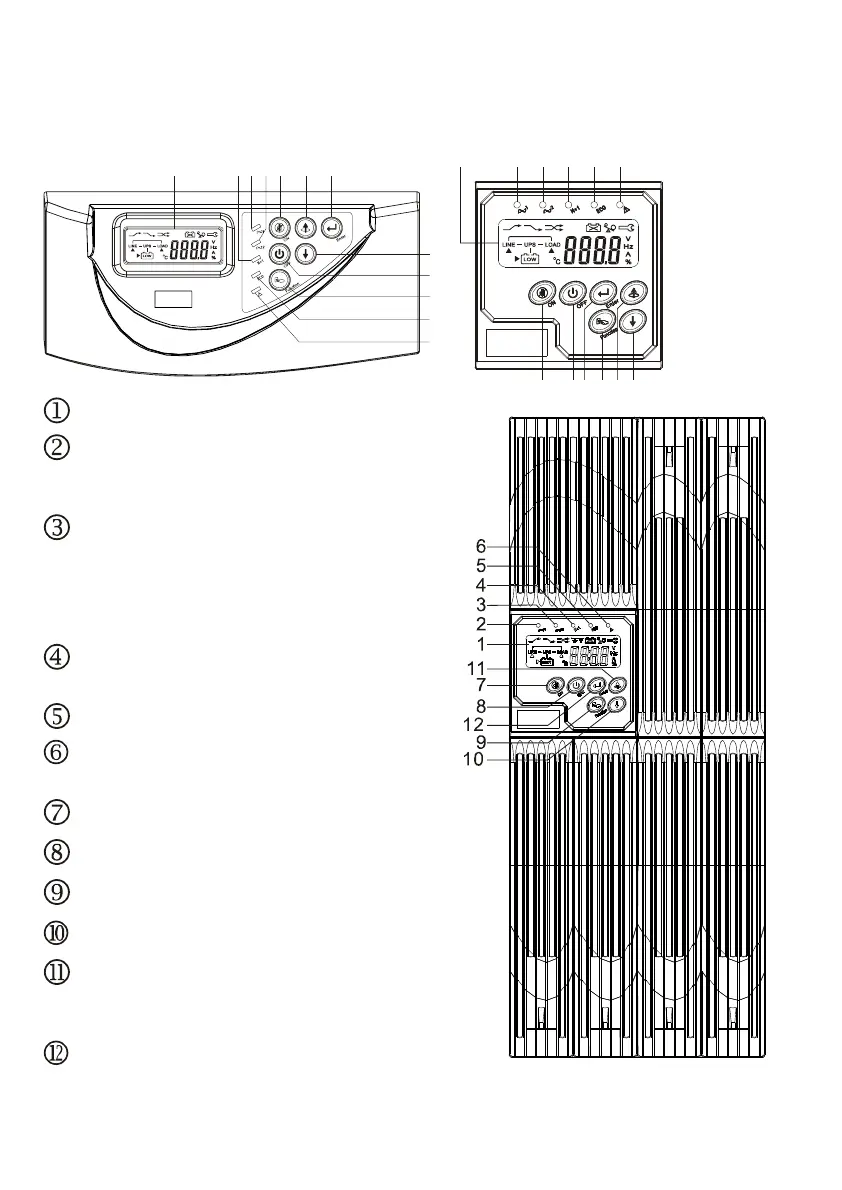
2.3. Panel explanation
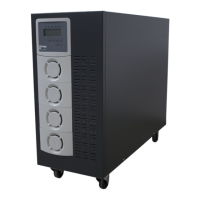
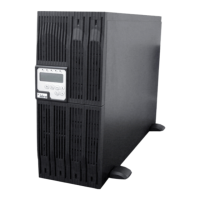
2.3.1 Front Panel Function Explanations
LCD Display
Green LED lights up to indicate the UPS
has the capability to run under
redundancy mode
. Green LED steadily lights up to indicate
that the Utility input voltage is within the
window; the LED flashes flickeringly to
indicate that the Utility input voltage is
within the acceptable window.
Green LED lights up to indicate Bypass
Input is normal.
UPS ON/Alarm Silence
Go to previous page or change the
setting of the UPS
To re-confirm the change of UPS Setting
Go to next page
UPS OFF Switch
Special functions log in/out
UPS is working under ECO(Economic)
mode
UPS Fault or Abnormal



 To Next Page