P
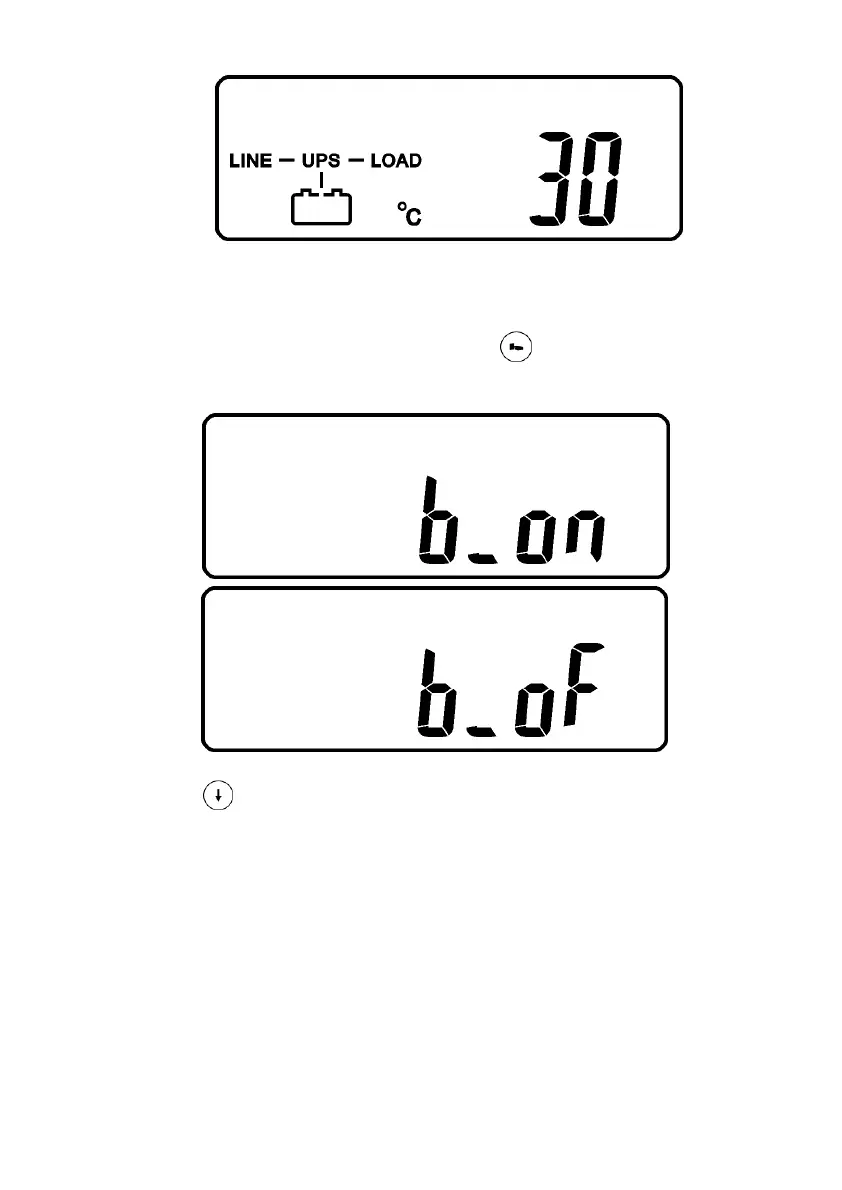
* It shows UPS Inner Temperature
3.13.4 UPS Default Data and Special Function Execution
3.13.4.1 After UPS completely starts up, press key pad to change the LCD
display screen to drawing Q1.
Q1
* It shows buzzer “On”.
Q2
* It shows buzzer “Off”.
3.13.4.2 Press key pad to scroll down the screen and check the UPS settings.
The LCD display will show in consequence between Drawing Q1(buzzer) →
Drawing R1(Self-test) →Drawing S1(Bypass Voltage Windows) → Drawing
T(Output Frequency Synchronization Window) →Drawing U(Inverter Output
Voltage) →Drawing V1(UPS Operation Mode) →Drawing W(Output Voltage
Micro Tune Value) →Drawing X(UPS Id) →Drawing Y(Parallel function status).



 To Next Page