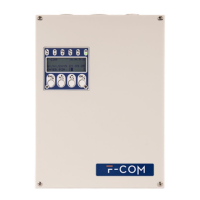
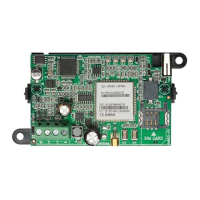
Nexus
8 Technical description
BUTTON P1
By pressing button P1 (description of the parts, [C]) it is possible to find out the
wireless signal reception level by the number of LEDs that light up. Visualization lasts
for 5 seconds
• 1 LED (DL1) flashing - insufficient cover
• 1 LED (DL1) on steady - weak signal
• 2 LEDs (DL1 and DL2) - good signal
• LED (DL1, DL2 and DL3) - excellent signal
BUTTON P2
Following the lighting up of the LED DL3, indicating the presence of a fault, it is possible
to find out the cause by pressing button P2 (description of the parts, [D]). The
successive lighting up of LEDs DL1, DL2 and DL3 signals the following:
EN50131
STANDARD
REQUIREMENTS
In compliance with the requirements of EN50131 Grade 3, during stand-by mode, all
the device LEDs must be off at all times ("hidden" standby mode).
To activate this mode with the Nexus/3GU and Nexus/3GP models, it is necessary to put
the connected anti-intrusion control panel in "service" mode, to do so you must hold
down simultaneously buttons P1 and P2 for at least 5 seconds. The 4 LEDs will flash to
signal the successful activation of the required mode, at which point you can release the
buttons.
The same procedure must be used to deactivate the "hidden" standby mode.
BATTERY LEVEL
By simultaneously pressing buttons P1 and P2 of the Nexus/3GP it is possible to find out
the battery charge level indicated by the number of LEDs that light up. Visualization
lasts for 5 seconds
• 1 LED (DL1) flashing - insufficient charge
• 1 LED (DL1) on steady - low charge
• 2 LEDs (DL1 and DL2) - good charge
• 3 LEDs (DL1, DL2 and DL3) - excellent charge
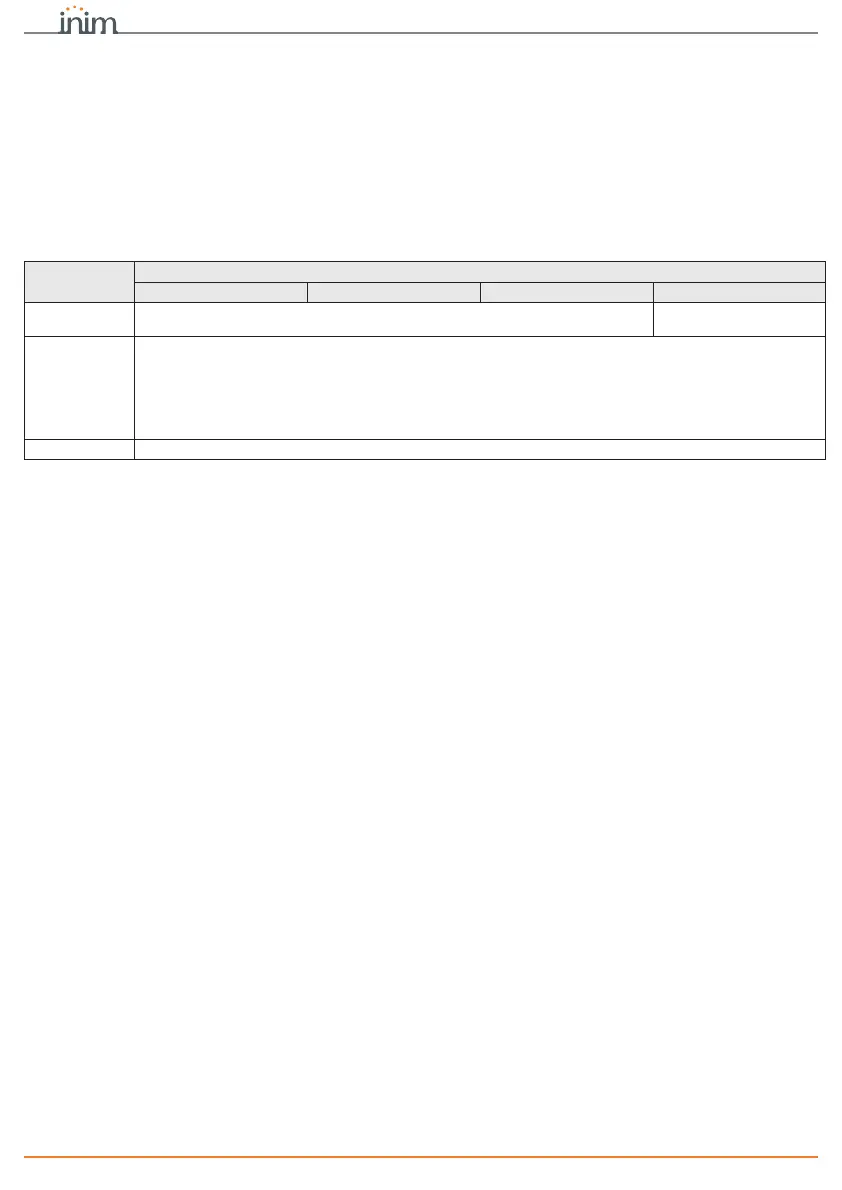
LED on/flash-
ing
Fault
Nexus Nexus/G Nexus/3GU Nexus/3GP
DL1
Low credit
Low credit
Battery down
DL2
Faults related to the SIM card or to the cover:
- PIN of the SIM card not unlocked
-No SIM
- insufficient cover
- not registered with the mobile network operator
Details can be viewed via the control panel keypad
DL3
Communication problems with the wireless module


 To Next Page