Promi SD™ User Manual ver 1.7
www.initium.co.kr
31
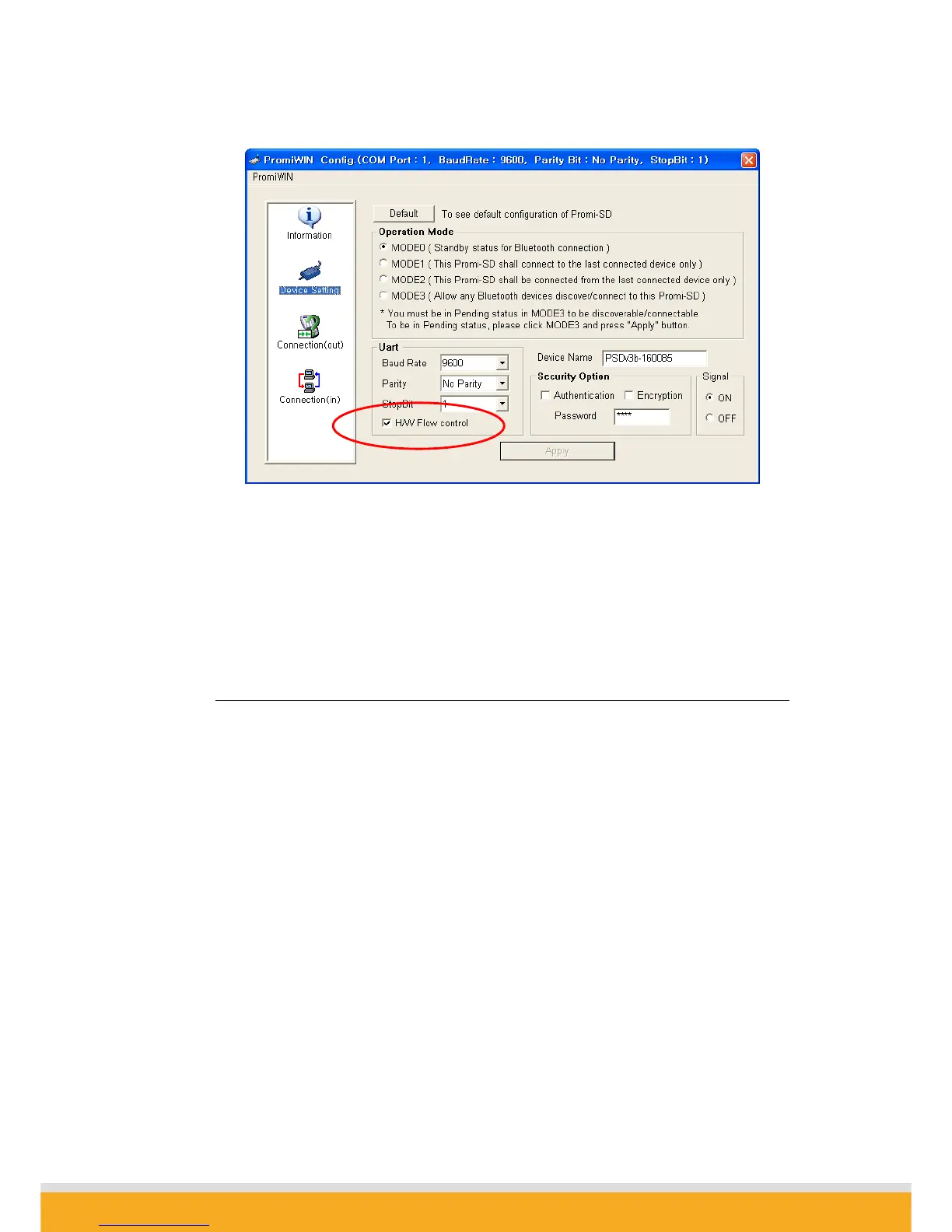
If checked, Promi SD will use hardware flow control. If you do not want to use the
function, please uncheck and press Apply button.
4.2 Enabling/Disabling of Response Signals
-OK, CONNECT, DISCONNECT & ERROR
Promi SD™ will respond to users on the current status, success & failure of connections,
and error mode. Both PromiWIN™ and Terminal Programs will receive related
response signals from Promi SD™.
In some cases, various equipment may regard these four response signals incorrectly
and react inappropriately. To avoid these possible errors, users may disable the
response signals via PromiWIN™ or AT commands at Terminal.
1) By Promi-WIN™, check OFF at Signal pane at Device Setting panel to disable 4
response signals from Promi SD™.



 To Next Page