Promi SD™ User Manual ver 1.7
www.initium.co.kr
17
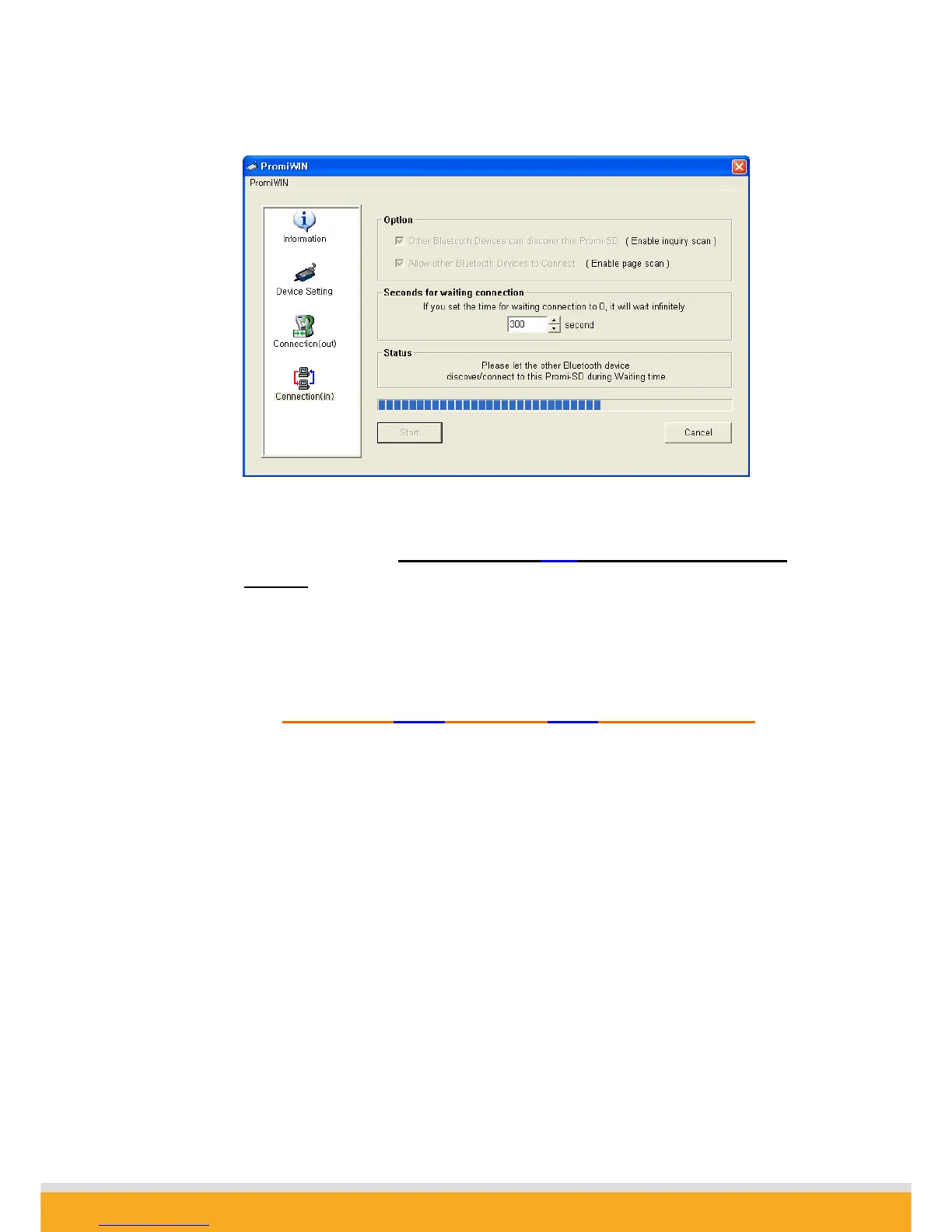
<Fig. 1.5>
1-9. SD01 now became ‘Discoverable/Connectable’ so it can receive Bluetooth
connection from SD02. The STATUS LED of SD01 will blink green, twice every 3
seconds.
1-10. Detach SD01 from your computer, making sure its status LED is blinking green.
1-11. Close Promi-WIN™.
2.1.2 Let’s make SD02 to search SD01 and connect to.
2-1. Attach SD02 to your PC, and start Promi-WIN™.
2-2. Select the number of the Serial port where SD02.
2-3. Users need to select exactly same Baud/Parity/StopBit as the setting of attached
SD02. 9600/No/OneStopBit is default setting of all of Promi SDs.
2-4. Press OK button.
2-5. Select the ‘Connection(out)’ icon in the list control box and click the SEARCH
button.



 To Next Page