Promi SD™ User Manual ver 1.7
www.initium.co.kr
32
2) By AT commands at your Terminal program.
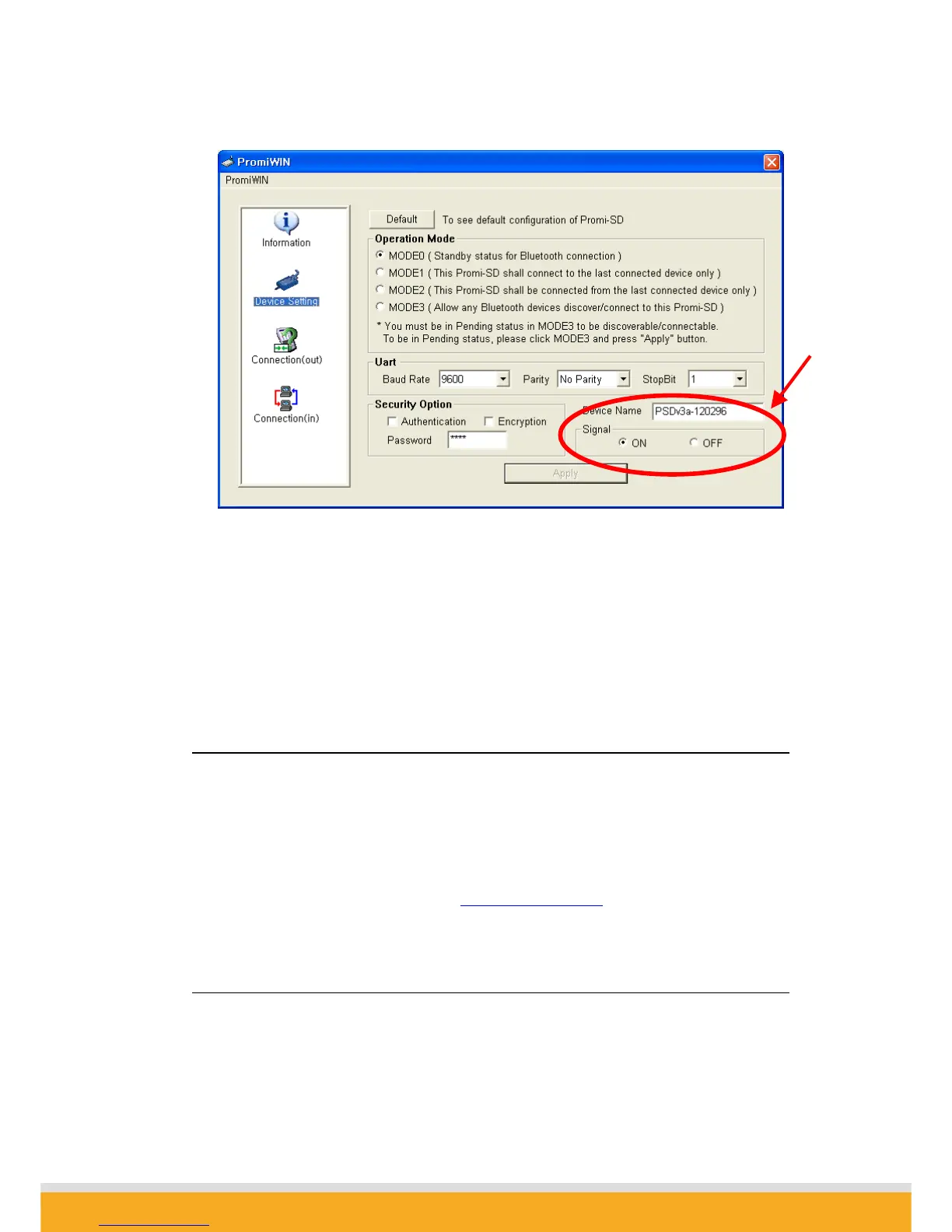
ATS10=1 : Enabling/ON 4 signals
ATS10=0 : Disabling/OFF 4 signals
ATS10? : To see current status
4.3 For DCE connection
Promi SD™ is twisted Rx/Tx-ready for direct DTE connection. For connection to DCE
equipment such as modem etc., customers need to use a gender changer which twisted
Tx/Rx, CTS/RTS, DTR/DSR for right operation.
For more information, please contact support@initium.co.kr
4.4 Hardware Reset
For Hardware reset, press the button on the right side of the Promi SD™ unit with a
narrow tool such as a ball-point pen.



 To Next Page