Promi SD™ User Manual ver 1.7
www.initium.co.kr
9
1.3 LED Indicator
The Promi SD™ STATUS LED indicates the following:
Amber STATUS LED indicates standard mode on Promi SD™ power-up.
Green STATUS LED indicates Promi SD™ is connected to another Bluetooth device
Green flashing STATUS LED every second indicates Promi SD™ INQUIRY operation
Green flashing STATUS LED every 3 seconds indicates Promi SD™ INQUIRY SCAN
or PAGE SCAN operation
Amber POWER LED of Promi SD101 indicates battery is being charged.
Green POWER LED of Promi SD101 indicates battery is fully charged.
Green POWER LED of Promi SD202 indicates power is being supplied.
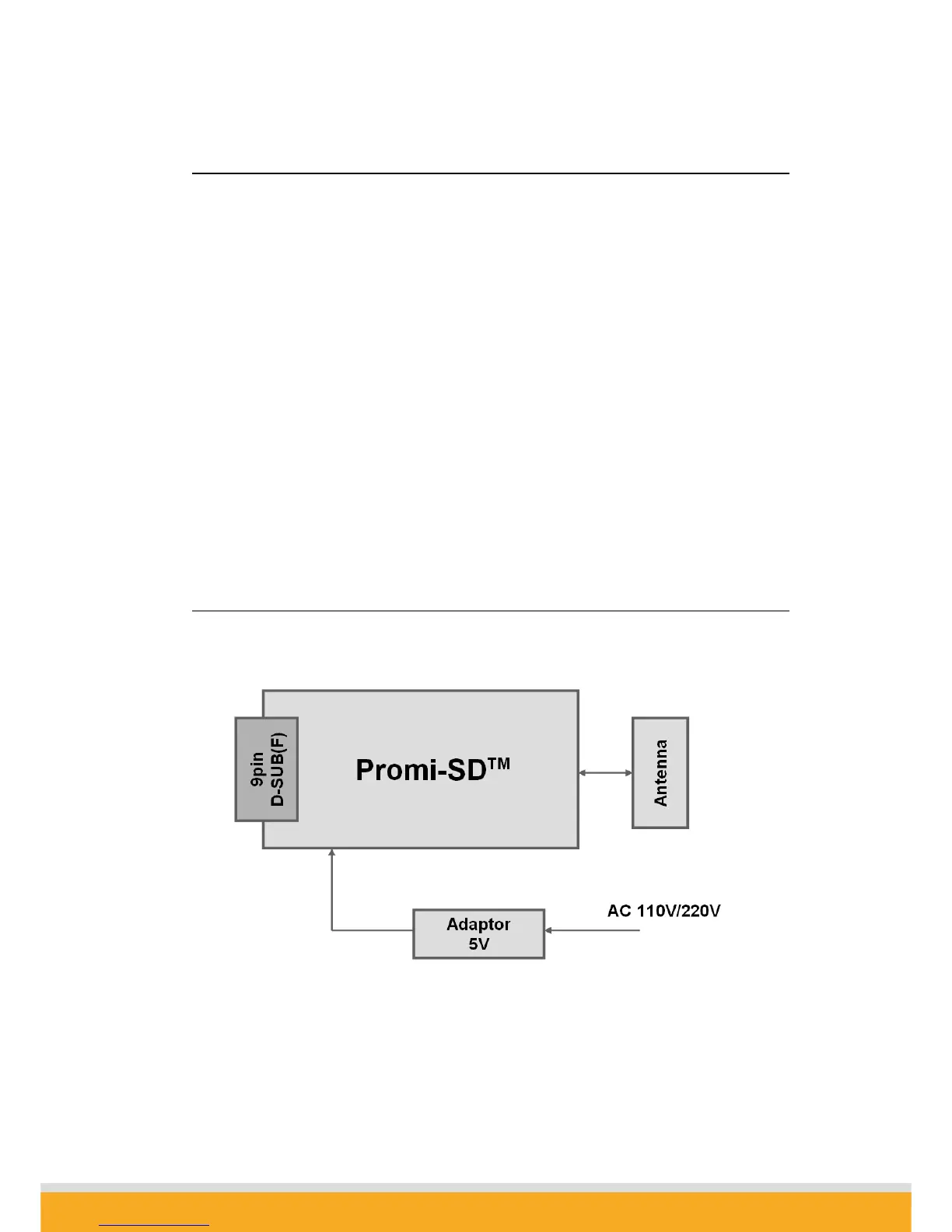
1.4 Block Diagram



 To Next Page