17/24
17
6 FORMING A HOMEPLUG AV LOGICAL NETWORK
This chapter describes how to form a HomePlug AV logical network (AVLN) using the Security/Reset pushbutton and
using the Utility.
Operation progress and outcome can be monitored by observing the behavior of the power LED.
6.1 Using the Security\Reset Pushbutton
Scenario:
Devices A and B with different NMK values are connected to the same powerline. Users want to use them to form a
logical network.
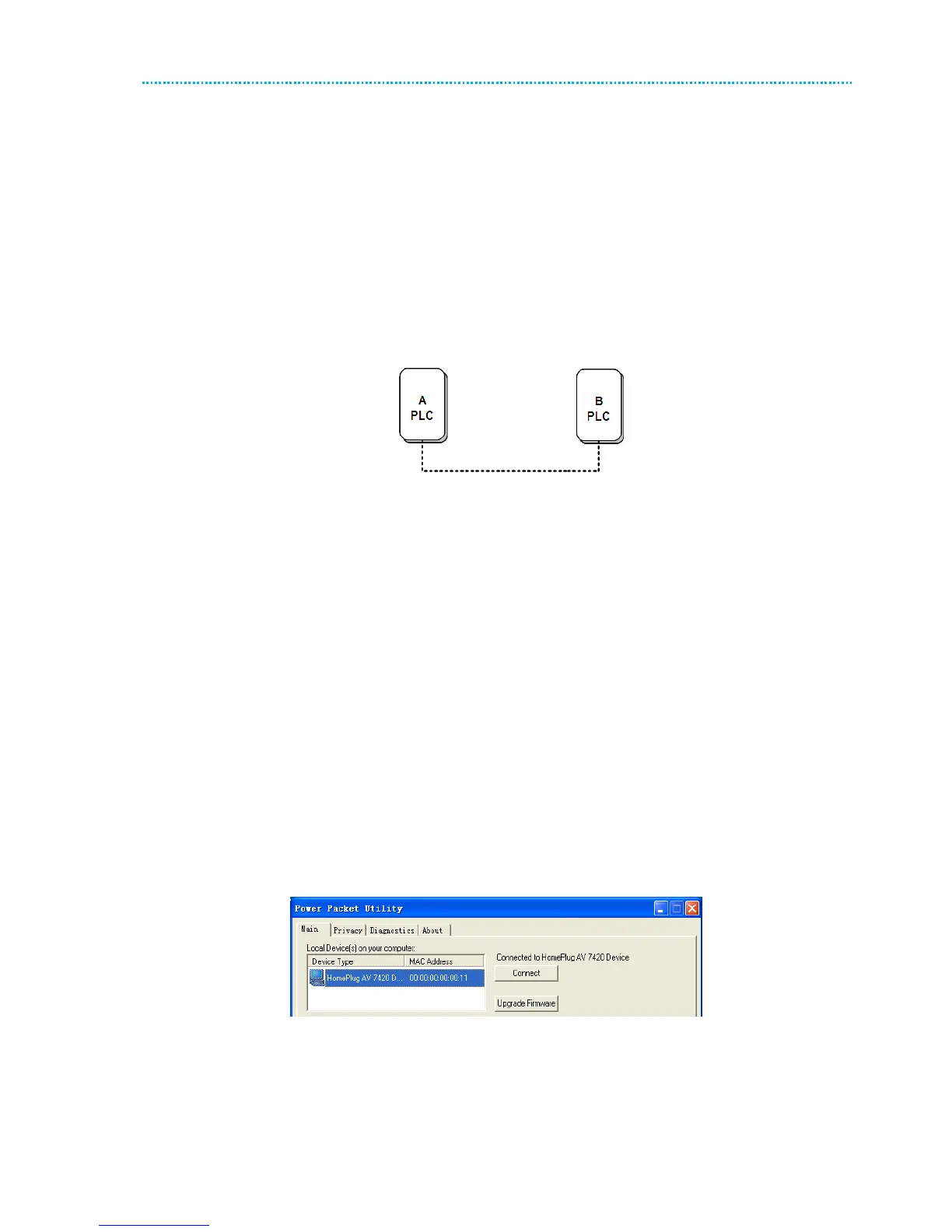
Figure 16 Forming a HomePlug AV logical network
Do as follows to form a logical network using the Security/Reset button:
STEP 1: Press the Security\Reset button on Device A for less than 3 seconds.
STEP 2: Press the Security\Reset button on Device B for less than 3 seconds. The button on B must be
pressed within 2 minutes
STEP 3: Wait for connection to complete.
The Power indicator on both devices will flash evenly at 1 second interval until the operation succeeds or fails. The
Power indicator will illuminate steadily on successful completion. If an error occurs, the Power indicator on both
devices will flash unevenly for 2 minutes.
6.2 Using the Utility
Scenario:
Devices A and B are located in different networks. Users want to use them to form a logical network.
In this case, using the Security/Reset pushbutton cannot pair Devices A and B. Users can only use the Utility to form a
logical network.
Do as follows to form a logical network using the Utility:
STEP 1: Connect Device A to the network card of a PC.
STEP 2: Open the Utility. The Main tab page displays information about Device A after connection succeeds.
Figure 17 Local device on your computer



 To Next Page