9/24
9
4 HOW TO INSTALL THE UTILITY
Note:
Before installing the PLC utility software, make sure that there is no any other powerline utility installed on your
computer. If there is another utility installed, please uninstall it and restart your computer.
Follow the steps below to install the utility. No password or CD-Key is needed.
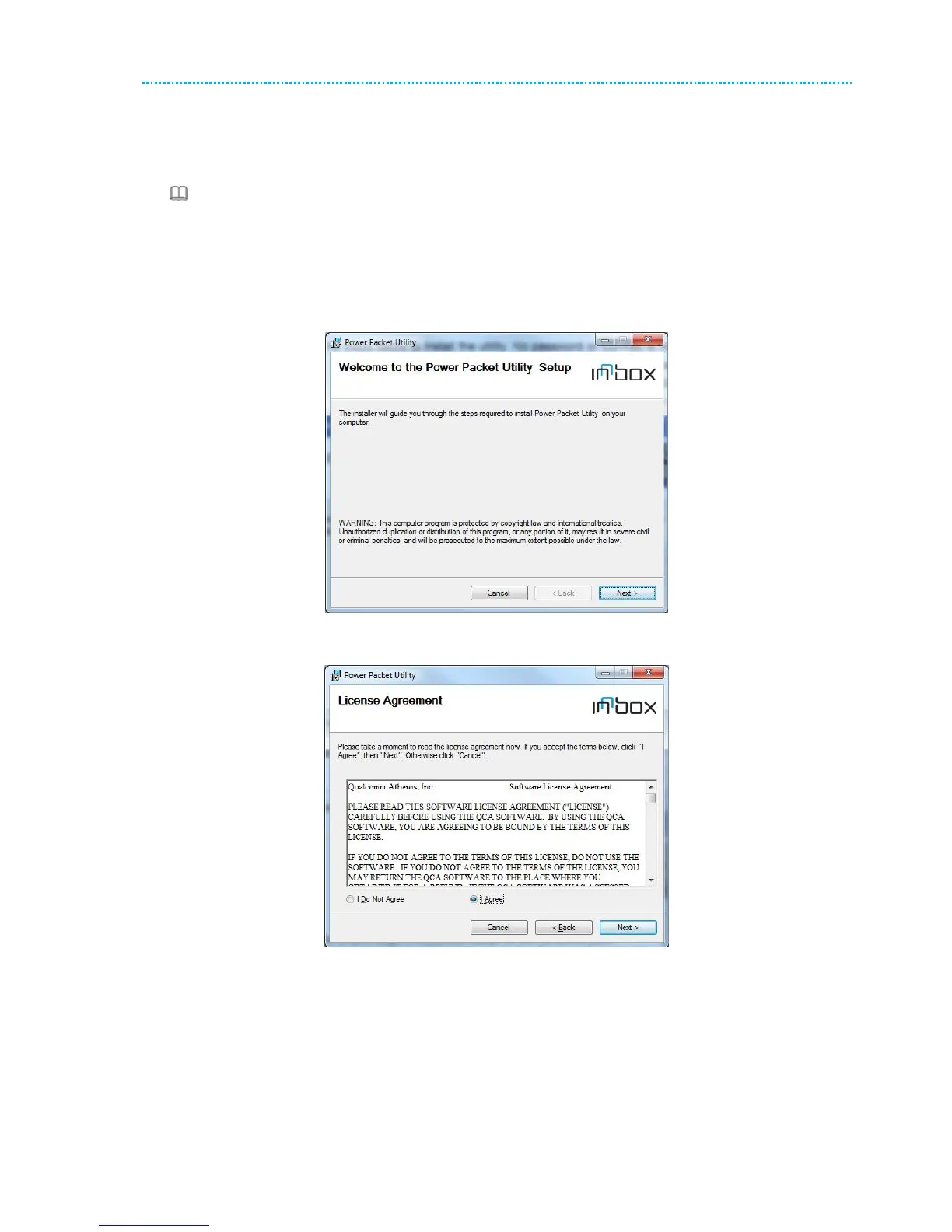
[R 1] Please insert the utility CD into the computer’s CD-ROM drive. Select the PLC 500AV Utility Installation
folder and then double-click the setup.exe. The page for installing the utility software is displayed.
Figure 4 Open the setup wizard
[R 2] Click Next to display the following page.
Figure 5 License agreement
[R 3] Select I Agree and click Next to display the following page.



 To Next Page