7/24
7
3 GETTING TO KNOW THE ADAPTER
3.1 The Ethernet Interface
Ethernet: The Ethernet port connects to an Ethernet network cable. The other end of the cable connects to your
computer or other Ethernet-enabled network device.
3.2 The Adapter's Buttons
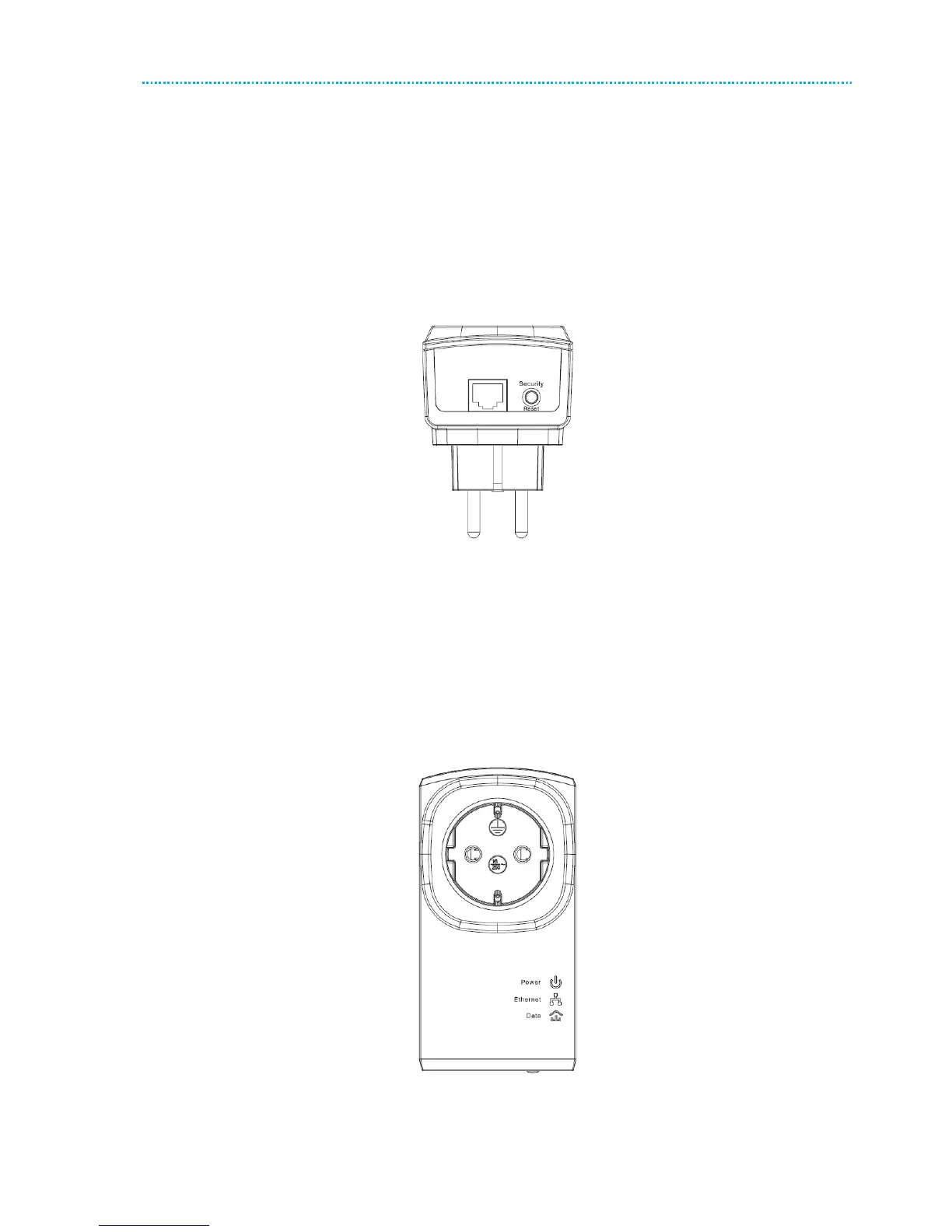
The following figure shows the adapter’s buttons.
Figure 2 Side panel of the device
Security\Reset: Set the status of the device members or restore the factory default settings.
Pressing and holding the Security\Reset button for less than 3 seconds makes the adapter a member of the
existing AV Logical Network (AVLN). Pressing and holding the Button for between 10 seconds and 15 seconds
makes the adapter restore the factory default settings.
3.3 The Adapter's LEDs
All adapters’ LEDs are located on the front panel. There are 3 LEDs to indicate the adapter’s status.
Figure 3 Top view
The following table describes the LEDs on the device.



 To Next Page