You Can Do It!
EASY TO USE – EASY TO VIEW – EASY TO DEFINE
2 CanOBD2&1
Easy To Use . . . .
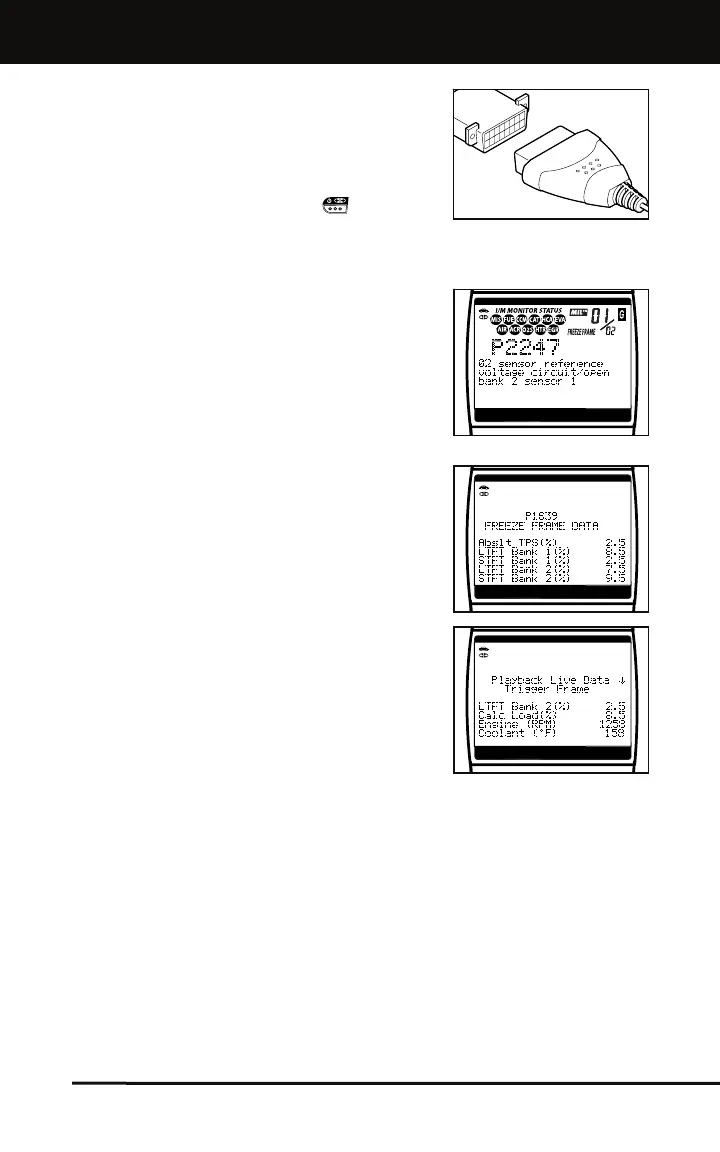
Connect the CanOBD2&1 Scan Tool to
the vehicle’s test connector.
Turn the ignition key "On.”
Press the POWER/LINK button.
Easy To View . . . .
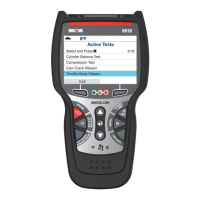
The CanOBD2&1 Scan Tool retrieves
stored codes, as well as Freeze Frame
data and I/M Readiness status (OBD2
systems only).
Codes, I/M Readiness status and
Freeze Frame data are displayed on the
CanOBD2&1 Scan Tool’s display
screen. System status is indicated by
LED indicators.
Easy To Define . . . .
Read code definitions from the
CanOBD2&1 Scan Tool’s display.
View Freeze Frame data (OBD2
systems only).
View, record and playback live data
(OBD2 systems only).



 To Next Page