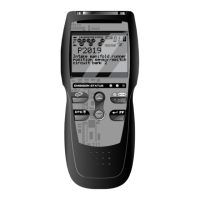
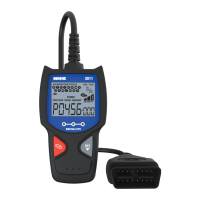
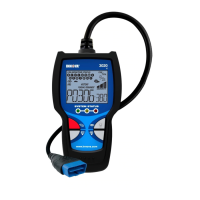
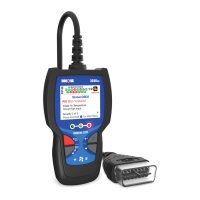
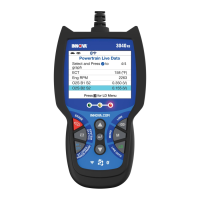
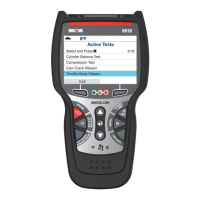
About the CanOBD2&1 Scan Tool
BATTERY INSTALL/REPLACEMENT - ADJUSTMENTS/SETTINGS & DTC LIBRARY
CanOBD2&1 5
BATTERY INSTALLATION / REPLACEMENT
Replace batteries when the battery symbol is visible on display
and/or the 3 LEDS are all lit and no other data is visible on screen.
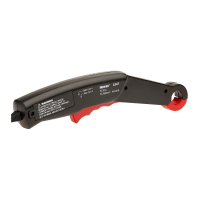
1. Locate the battery cover on the back of the CanOBD2&1 Scan Tool.
2. Slide the battery cover off (use your fingers).
3. Replace batteries with three AA-size batteries (for longer life, use
Alkaline-type batteries).
4. Reinstall the battery cover on the back of the CanOBD2&1 Scan Tool.
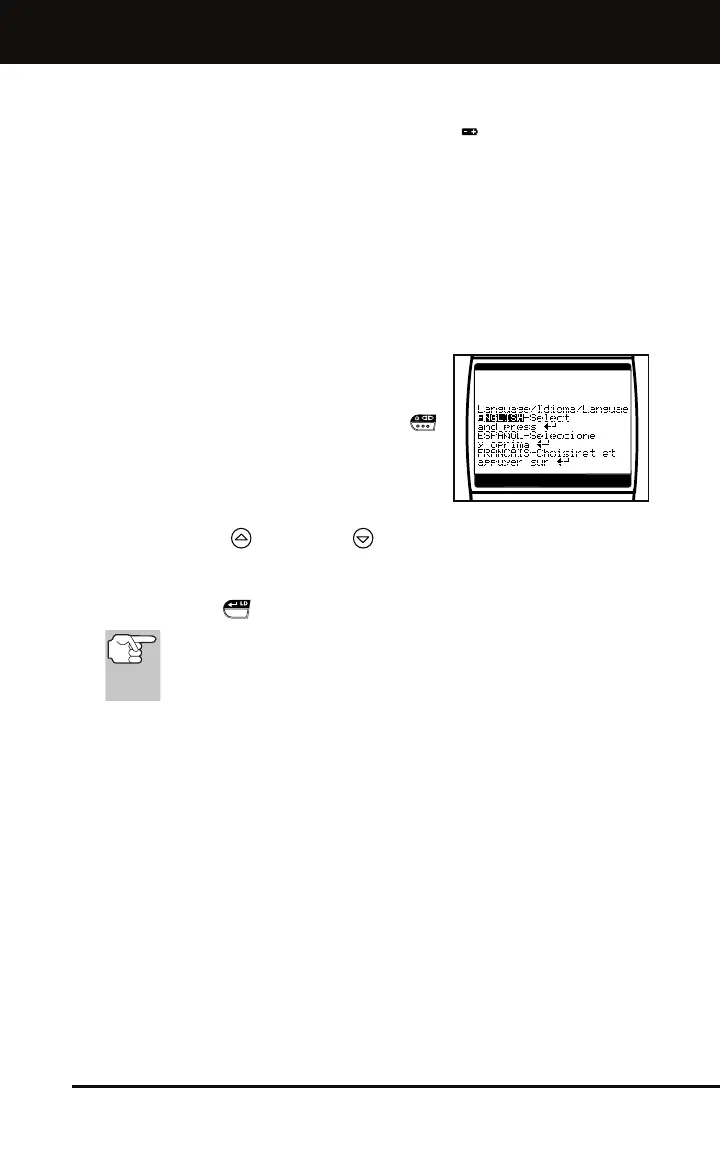
Language Selection After Battery Installation
The first time the unit is turned on, you must
select the desired display language (English,
French or Spanish) as follows:
1. Press and hold the POWER/LINK
button for approximately 3 seconds to
turn the CanOBD2&1 Scan Tool “ON.”
The Select Language screen dis-
plays.
2. Use the UP
and DOWN buttons, as necessary, to highlight
the desired display language.
3. When the desired display language is selected, press the
ENTER/LD
button to confirm your selection.
After the initial language selection is performed, it, as well as
other settings, can be changed as desired. Proceed to
“ADJUSTMENTS/SETTINGS AND DTC LIBRARY” below for
further instructions.
ADJUSTMENTS/SETTINGS AND DTC LIBRARY
The CanOBD2&1 Scan Tool lets you make several adjustments and
settings to configure the tool to your particular needs. It also contains an
OBD2 DTC Library that allows you to search for DTC definitions. The
following functions, adjustments and settings can be performed when
the CanOBD2&1 Scan Tool is in “MENU Mode”:
Adjust Brightness: Adjusts the brightness of the display screen.
Display Backlight: Turns the display backlight on and off.
DTC Library: Lets you search the library of OBD2 DTC definitions.
Select Language: Sets the display language for the CanOBD2&1
Scan Tool to English, French or Spanish.
Unit of Measurement: Sets the Unit of Measure for the
CanOBD2&1 Scan Tool’s display to USA or Metric.
Menu Exit: Exits “MENU Mode”.



 To Next Page